


Lorex Wi-Fi camera users with the Lorex Classic App may encounter the following error message when attempting to view live video: Play error, click to refresh.
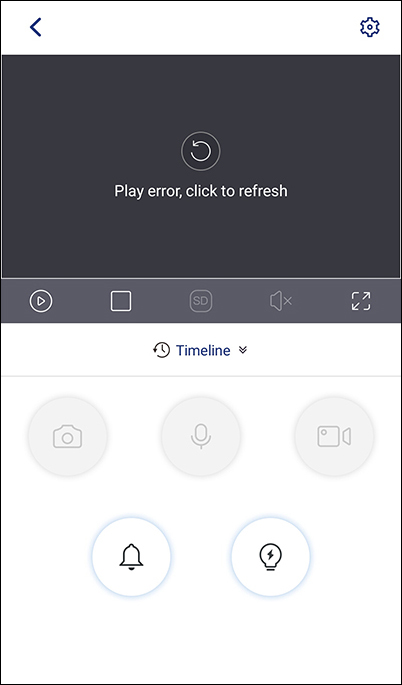
Please try tapping the refresh icon to reconnect to the camera before proceeding to more advanced troubleshooting.
If you continue to see this error message, please try the following:
- Force quit the Lorex Classic App application and launch again to see if the problem persists.
- Uninstall then reinstall the Lorex Classic App application.
- Unplug your modem and the router your Lorex device is connected to for 5 seconds. Plug the modem and router back in. Wait a few minutes, then try connecting to the camera again.
- There may be too many objects between the Lorex device and the router, which can impact signal quality. Try moving the Lorex device closer to your router to see if connectivity improves.