In order to use voice commands with your security system using Amazon Alexa or Google Home, you must enable voice assistance through the recorder.
To enable voice assistance:
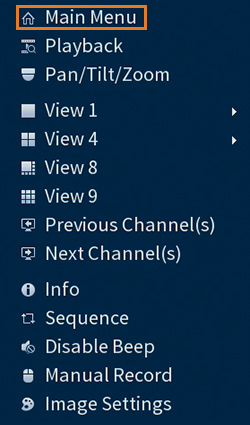
- From the Live View display, right-click to open the Quick Menu, then click Main Menu.
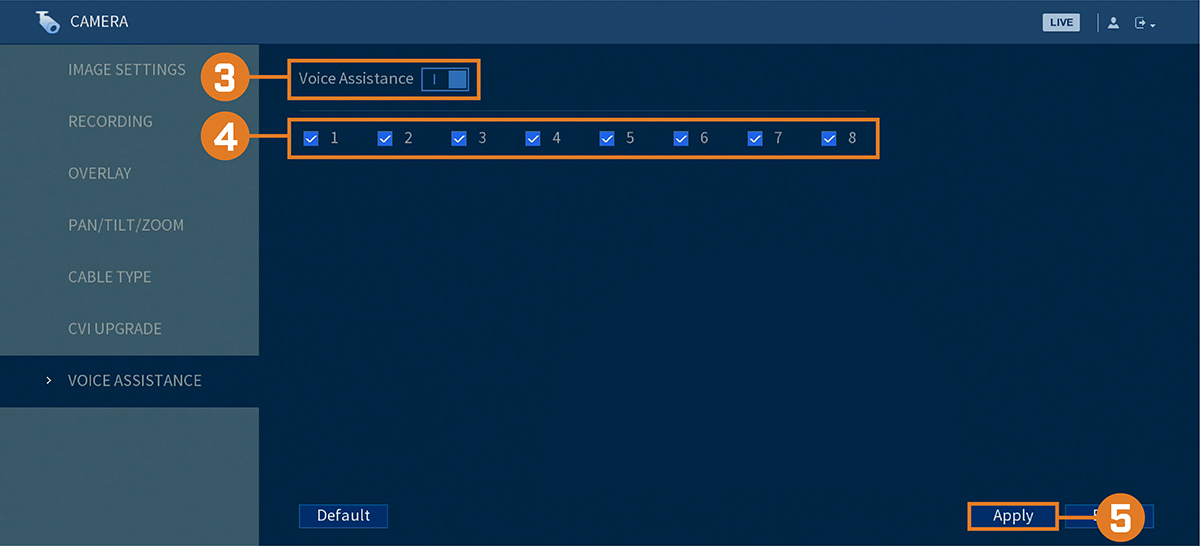
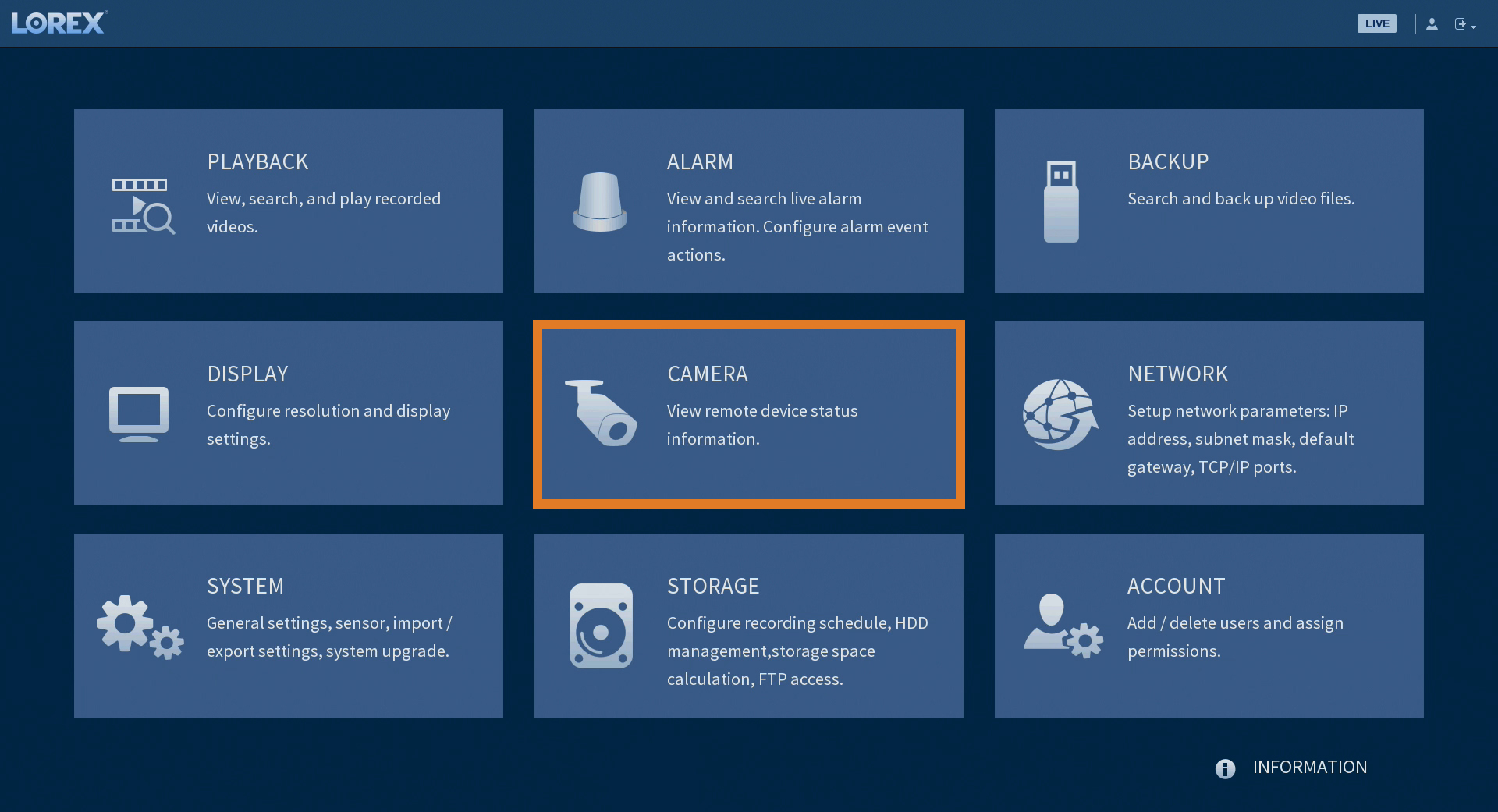
- Click CAMERA, then click the VOICE ASSISTANCE tab.
Click to enable / disable voice assistance.
Check channels you would like to enable for use with smart home services.
IMPORTANT: Channels enabled for use with smart home services will automatically enable the channel ’s audio functions, and will activate audio recording on audio-enabled cameras. Audio recording and / or use of listen-in audio without consent is illegal in certain jurisdictions. Lorex Corporation assumes no liability for use of its products that does not conform with local laws.
- Click Apply.