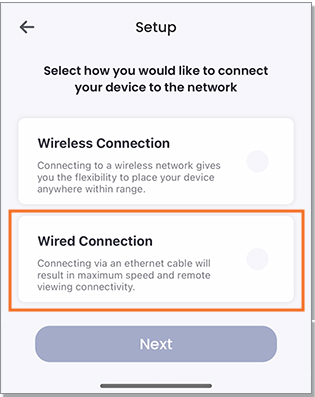
This article provides troubleshooting solutions if the Lorex Home Hub (H871T6D) cannot connect to the Lorex App as you may be experiencing connectivity issues.
Try the following:
- Reset the Hub by holding down the pairing button until you hear the chime and the status indicator turns solid red. Make sure the Hub has rebooted, as indicated by a second chime.
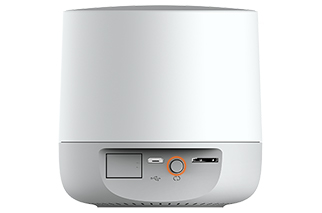
- When the Hub has reset, open the Lorex App and tap the + icon at the top-right of the screen to add the device.
- Follow the in-app instructions to complete the setup.
-
If you're experiencing issues with the wireless connection, connect your hub to your router using the included ethernet cable and follow the in-app setup for a Wired Connection.