


This article gives instructions on how to install your AWDGL - No-drill Mount Kit for Video Doorbell B463AJD Series.
Installing the No-Drill Mount Kit:
- Ensure the surface is smooth, clean, and dry.
- Peel off the protective film without touching the adhesive.
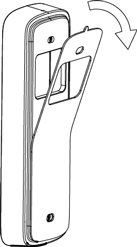
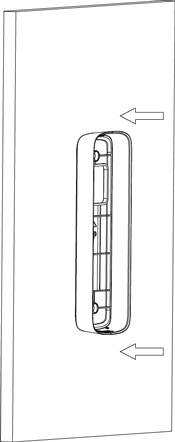
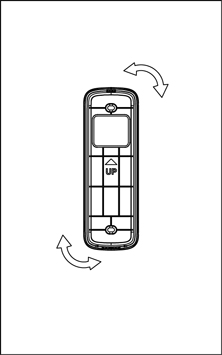
- Carefully attach the bracket to the surface.
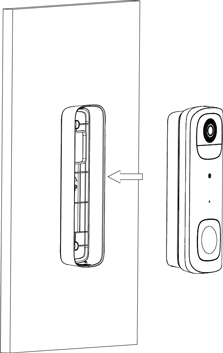
- Mount the Video Doorbell on the bracket.
Removing the No-Drill Mount Kit:
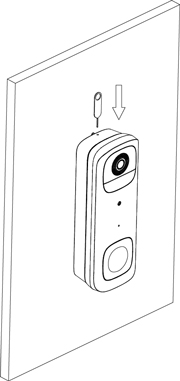
- Insert the Release Pin into the top hole of the bracket. Gently push until the Video Doorbell is released.
- Gently wiggle the bracket side to side to avoid damage to the wall. Then clean the wall to remove any leftover adhesive residue.
For information on reinstalling your No-Drill Mount Kit, or for other questions, please visit the No-Drill Mount Kit FAQ page.