


This article provides instructions to install and connect your Wi-Fi Chimebox (ACCHM1) to the 2K Wired Video Doorbell (B451AJD).
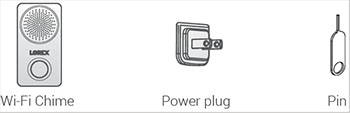
What's included in the box?
Step one: Install the Wi-Fi Chimebox
-
Attach the power plug by hooking the power plug's bottom tab into the chime slot and push in.
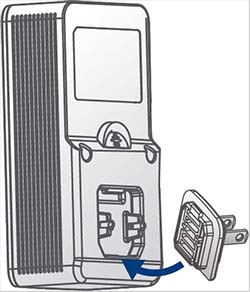
Note: To detach the power plug, hold onto the plug then push up on the detach switch.
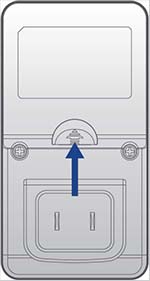
Plug the Wi-Fi Chime into an outlet.
Step two: Connect to the Lorex App
-
Download the Lorex App by scanning the QR Code.

Open the Lorex App, sign in or create an account.
- Once the status indicator flashes blue and the startup chime sounds, tap
 then follow the in-app instructions to complete the device setup.
Step three: Link to the 2K Video Doorbell
There are two ways to link the Chime to the doorbell: * During the doorbell setup: When the Chime Type screen appears, select your Chime and then tap Complete.
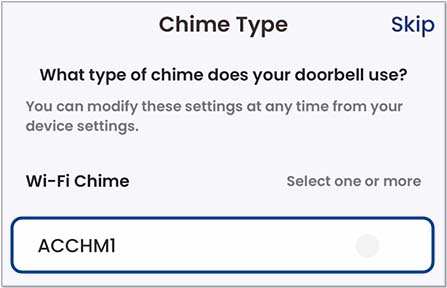
- After the doorbell setup:
-
Tap the
 for the doorbell.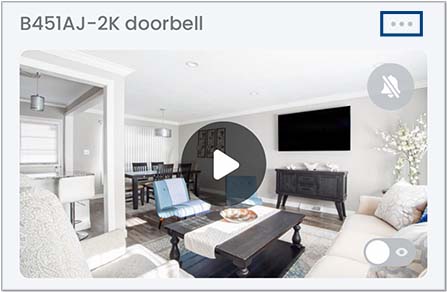
Tap Doorbell Chime then tap Wi-Fi Chime.
- Select your Chime, then tap Save.