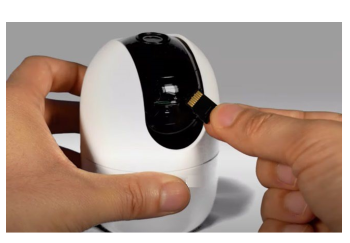
To view the contents of a MicroSD card on a laptop or computer, follow these steps: 1. Push gently against the MicroSD card to remove it from your device. Refer to the product documentation to find the MicroSD slot. Search for your product documentation by clicking here.
-
Insert the MicroSD card into the built-in MicroSD reader in your laptop or computer.
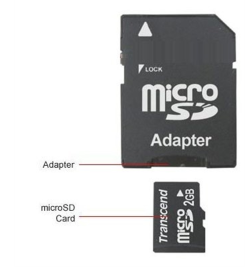
If your computer only has an SD reader, a MicroSD to SD adapter is required.
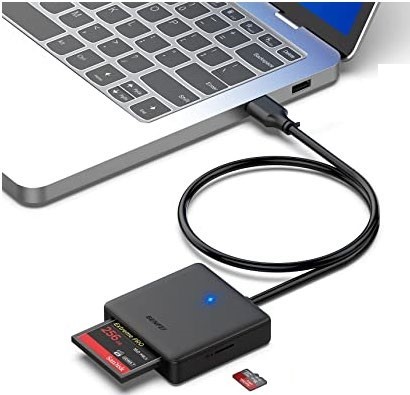
If your laptop or computer does not have an SD card reader built-in, you can purchase an external card reader that connects to your device via USB.
Open File Explorer (Windows) or Finder (Mac).
-
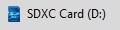
Locate the SD card under This PC (Windows) or Computer (Mac). It may also be listed as SDXC or similar.
-
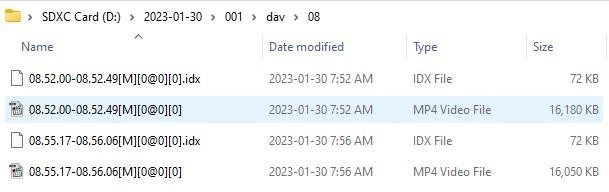
Click on the MicroSD card to access its contents and view the files and folders stored on it.
a. Select the day to play back:

b. Click on the available folder:

c. Within the folder, click either the day folder (Video files) or the jpg folder (Snapshots):

d. Click to select a video time from 00 - 23 hours:
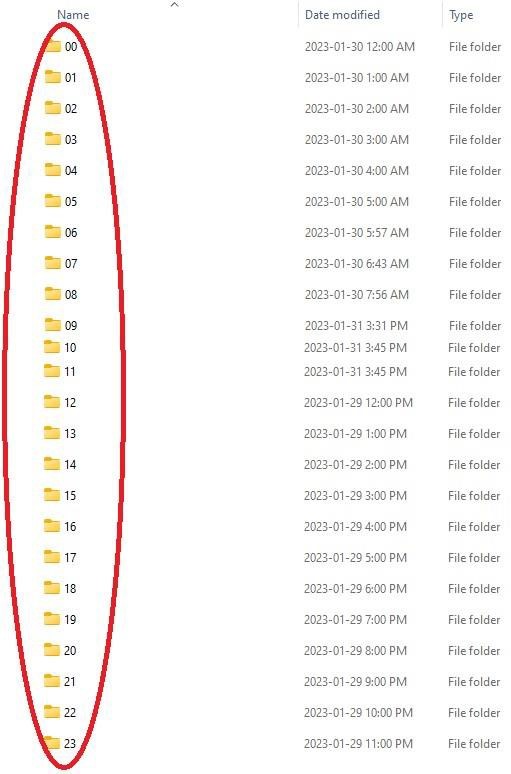
Click the MP4 video file to view the video.