


After the initial set up, you can pair your Lorex Smart Home Security Center (LSHSC [L871T8]) with the Lorex Classic App.
Connect your LSHSC to your network via Ethernet or Wi-Fi.
-
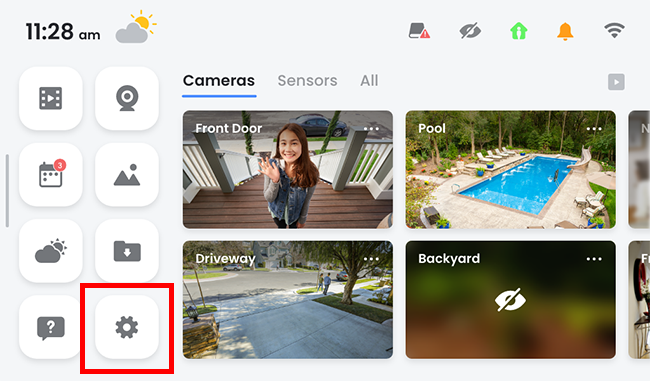
On the LSHSC, go to Home Screen > Device Settings.
-
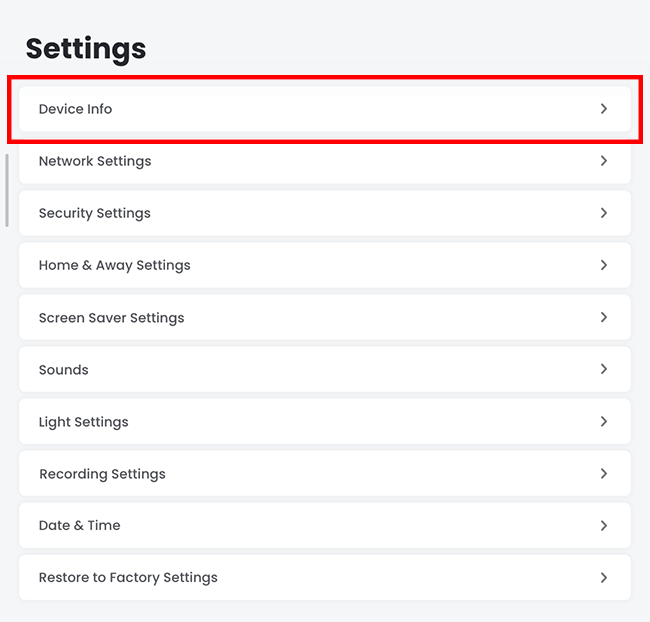
Under Device Settings, tap Device Info.
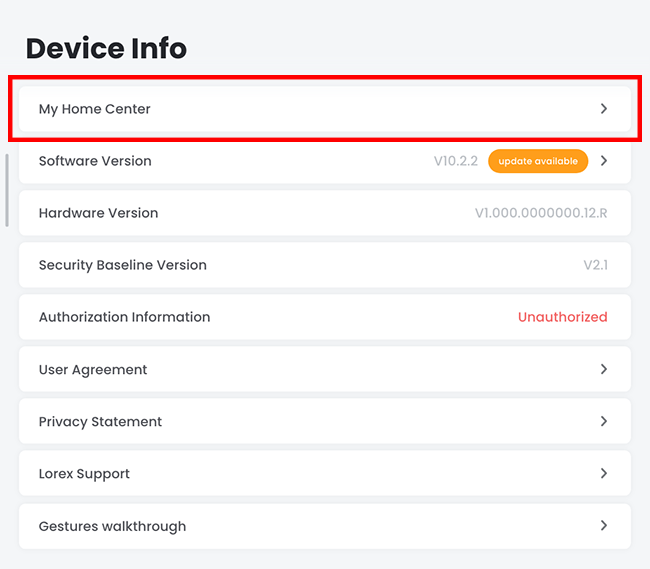
Then, tap My Home Center.
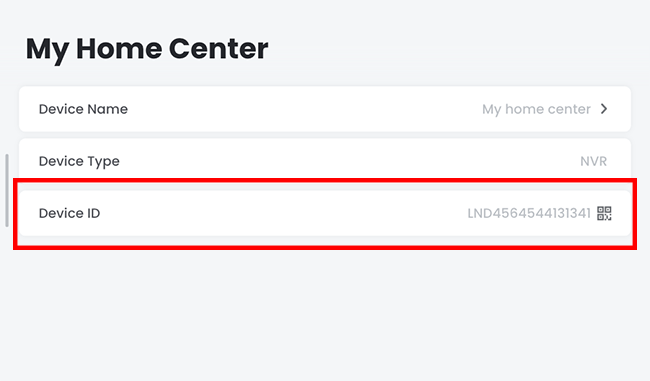
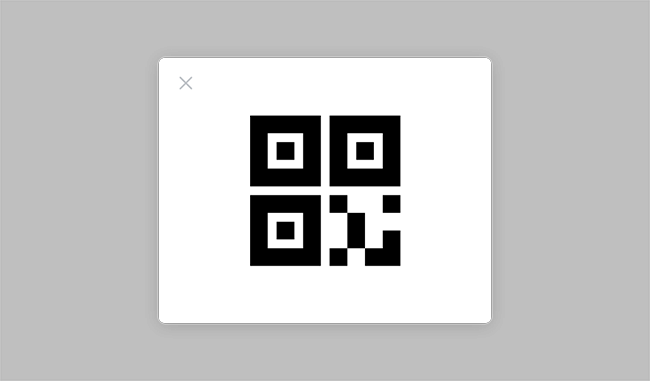
Next, tap Device ID to reveal the QR Code.
-
Now, get your smartphone and open the Lorex Classic App, then tap Add (+) at the topmost right corner of the screen, and scan the QR Code as displayed on your LSHSC.
Follow the on-screen instructions on your smartphone on adding your LSHSC to the Lorex Classic App.