


The following article provides instructions on deleting your Lorex Classic App account.
Whatever the reason, deleting your Lorex Classic App account is a simple process.
To delete your Lorex Classic App account:
- Open your Lorex Classic App and login.

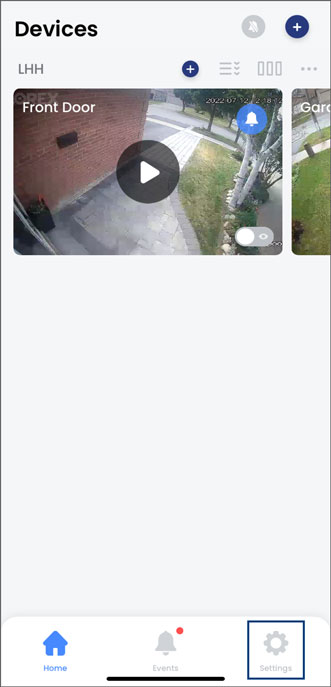
- Tap the Settings tab.
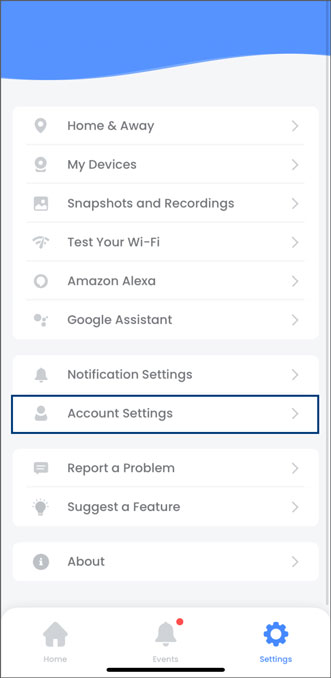
- Tap Account Settings.
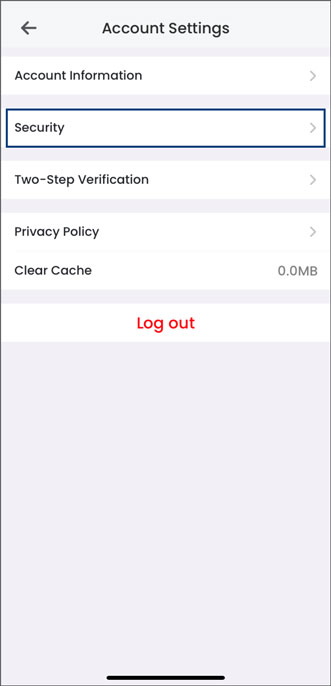
- Tap Security.
- Tap Delete Account.
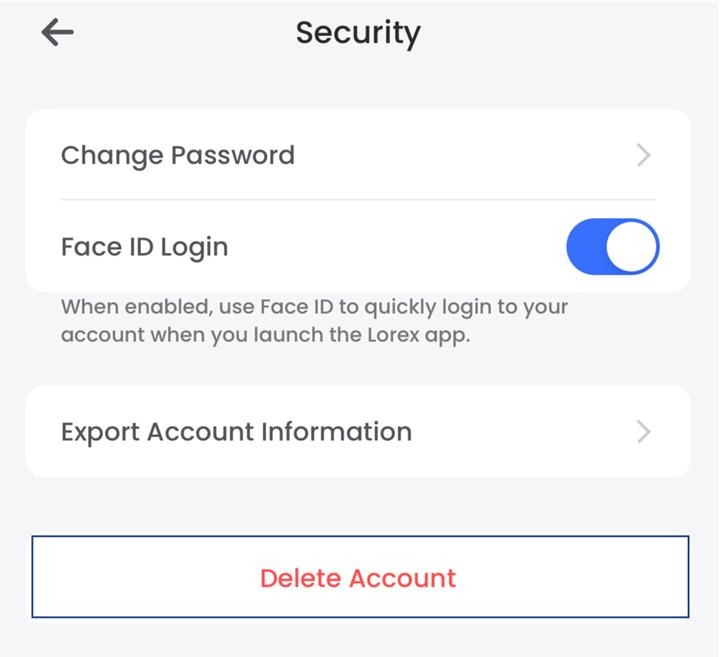
Note: This will permanently delete your Lorex Classic App account. This action cannot be undone.