


This article provides placement and setup instructions for your Range Extender (AX62TR) for the Lorex Smart Home Security Center (LSHSC).
To position and set up the Extender:
-
Place the Extender between the LSHSC and your other devices.
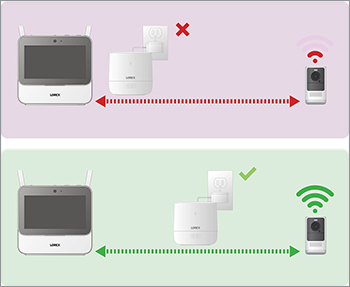
- Connect power to the Extender using a nearby outlet.
-
Pair your Extender to the LSHSC.
3a. On the LSHSC, at the Device Setup screen, select the Extender icon and tap Next.
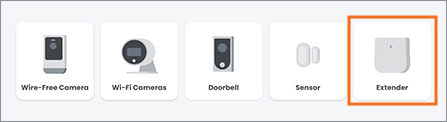
3b. Follow the on-screen instructions to complete the device setup.
Note: Reduce the number of obstructive materials, such as walls, between the extender and your other Lorex devices.