


If you need to reset your recorder password, you’ll be asked to provide the System Date displayed on your device. The location of the System Date can vary depending on the type of recorder you have.
Follow the guide below to find the System Date for your specific recorder.
For NVRs & DVRs
The System Date is typically displayed in the top-right corner of the screen once the recorder is powered on.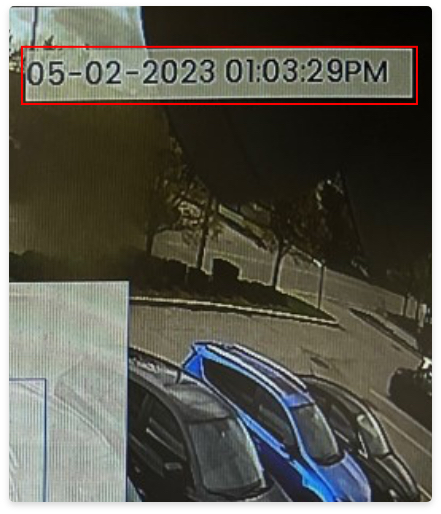
Tip: If you have disabled the System Date in the Display Settings, you can still find it. Simply go to the login screen and enter an incorrect password. After a failed login attempt, the System Date will appear on the screen.
For Wire-Free NVRs
For wire-free systems, the System Date is shown in the bottom-right corner of the screen when the recorder is powered on.