





Skip to product information
1 of 5
View full details

Key Features

  • 4K Pro 32 Channel NVR (@30 FPS)
  • Person and Vehicle Detection.
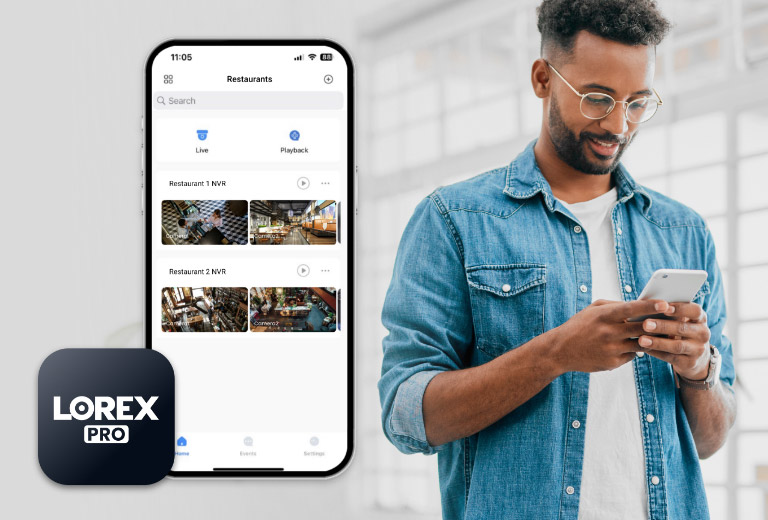
  • Remote viewing via Lorex Pro App
  • 8 TB Storage (Expandable up to 2 x 16TB)

Elite Series

Lorex 4K (32 Camera Capable) Elite Series 8TB NVR with 16 Channel PoE Switch

Lorex 4K (32 Camera Capable) Elite Series 8TB NVR with 16 Channel PoE Switch

SKU: SKU: N884A38B-W

This product is only available for purchase by contacting our team directly.
No Monthly Fees Own it. No subscriptions required.

Key Features

  • 4K Pro 32 Channel NVR (@30 FPS)
  • Person and Vehicle Detection.
  • Remote viewing via Lorex Pro App
  • 8 TB Storage (Expandable up to 2 x 16TB)

Record and view impressive 4K Ultra HD security cameras with Lorex’s Professional Series Network Video Recorder. Featuring advanced person and vehicle detection, large storage capacity (Expandable up to 2 × 16TB), and real-time (30 frames per second) 4K recording, this recorder's quality and performance provides the security you want and need.


N883A38B

32

CHANNELS

NVR supports up to 32 × 4K cameras (PoE Switch Included)

8TB

HARD DRIVE

Expandable up to 2 × 16TB


Ultra HD 4K resolution recording

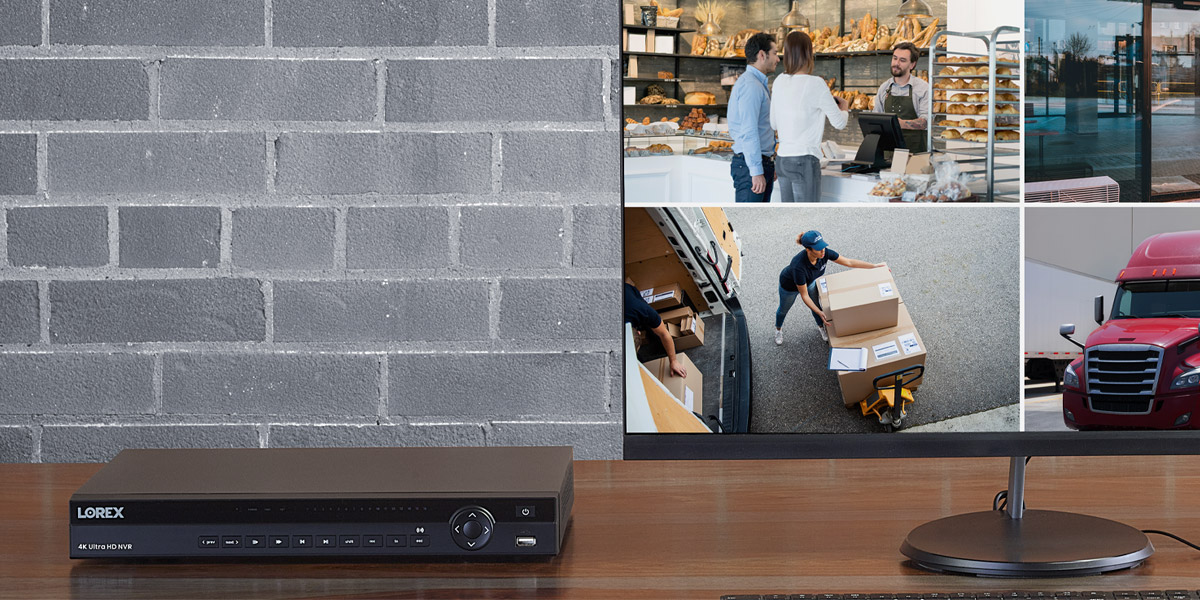
Record 4K resolution video up to 30fps. This provides extremely smooth “real-time” video footage so you don’t miss a moment.

Real-time 30FPS streaming rate

View live footage in up to 30fps and digitally zoom in on distant objects for better clarity


Local Storage - No Monthly Fees

  • 2 hard drive bays with up to 2 × 16TB of storage space

  • Security grade hard drive designed for advanced processing and the workload of 24/7 recording

  • Storage mirroring for continuous back-up of data from one hard drive to another


Advanced Person and Vehicle Detection

  • Receive push notifications when motion from a person/vehicle is detected

  • Reduce unnecessary alerts and false alarms with advanced motion detection

  • Use Smart Search to filter motion events for reviewing footage quickly and easily


Plug-and-play PoE Installation

Connect IP cameras to the integrated Power-over-Ethernet (PoE) ports for a truly plug-and-play surveillance experience. Thanks to PoE technology, each camera only requires a single ethernet cable to connect it to the NVR.


Secure access anytime, anywhere

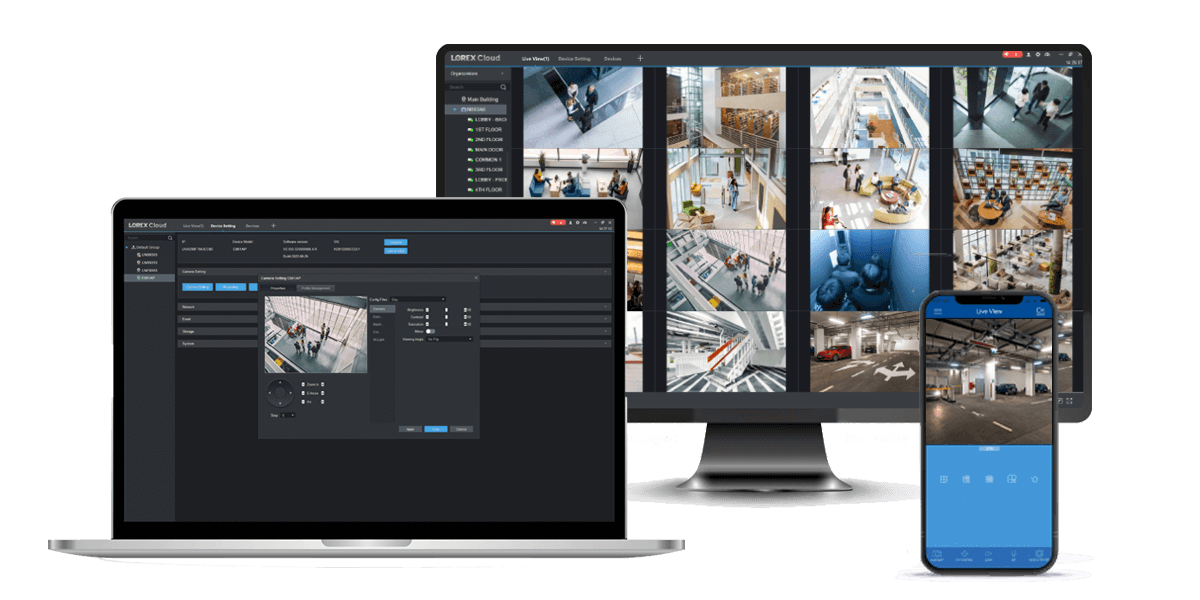
Always have your security system at your fingertips with the Lorex Cloud™ app for your mobile device or the Lorex Cloud client for your computer. See what your cameras see, watch recorded playback, and receive push notifications for motion-triggered events with the help of the Lorex Cloud.


Try our new Lorex Pro app

Enjoy an updated user experience with enhanced features and functionalities to maximize your security system control.


What's Included?

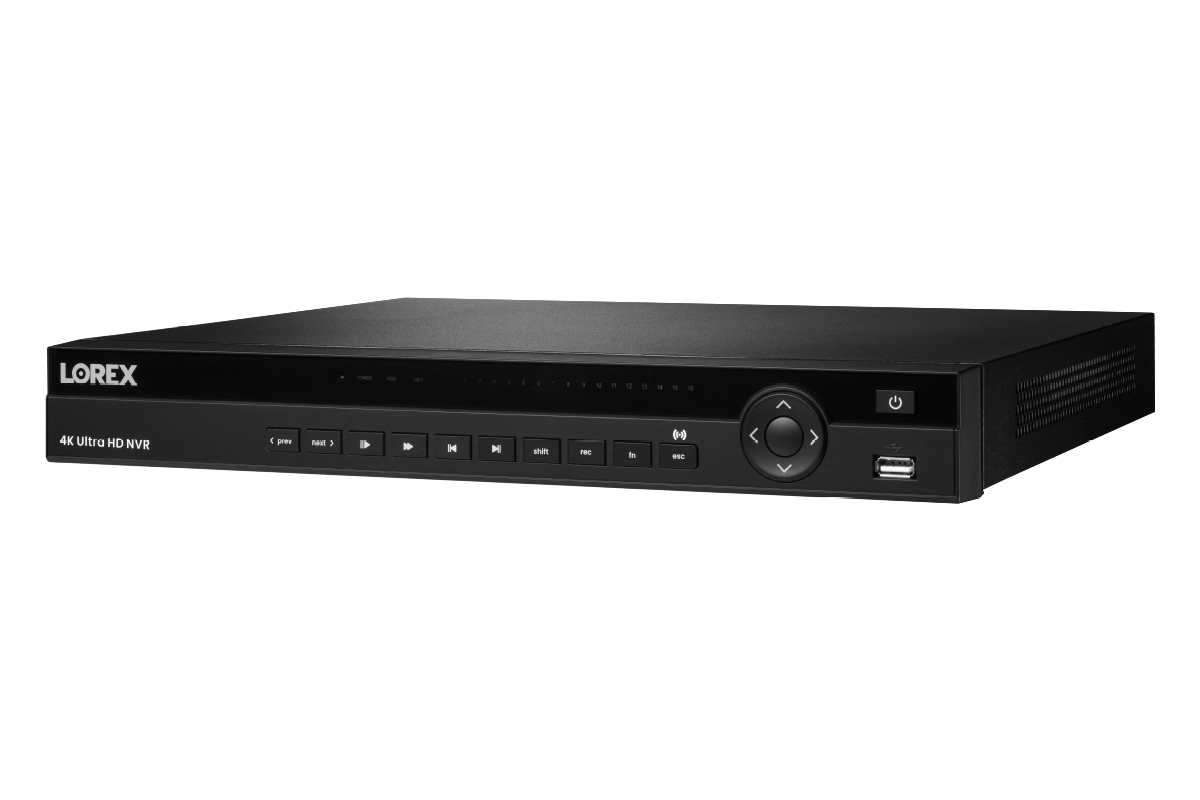
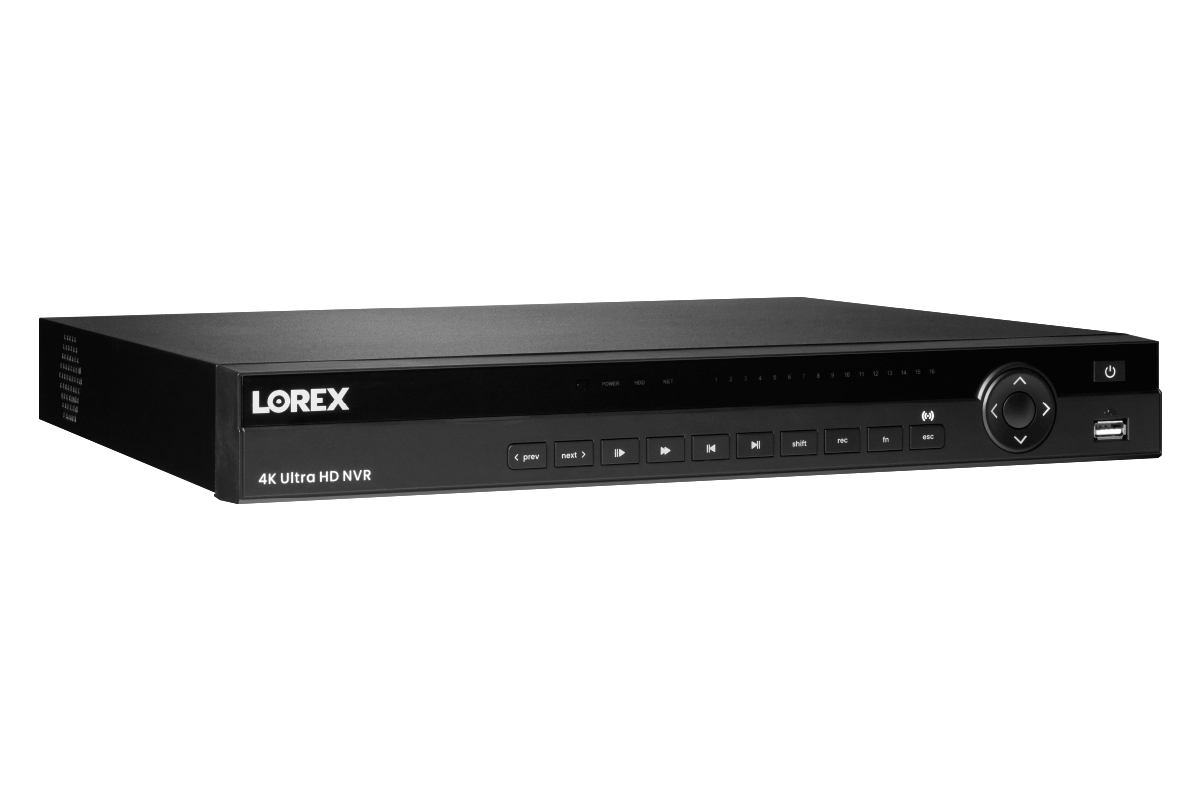
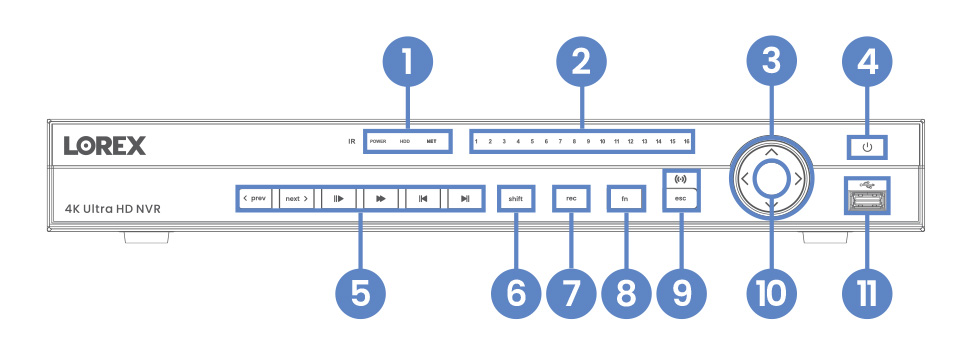
N884 Front Overview
  1. Power, Hard Drive & Network Statuses
  2. Channel Statuses
  3. Navigation Controls
  4. Power Button
  5. Playback Controls
  6. Switch Keyboards (shift)
  7. Start/Stop Recording (rec)
  8. Special Functions (fn)
  9. Back/Cancel (esc)
  10. Info Button
  11. USB Port
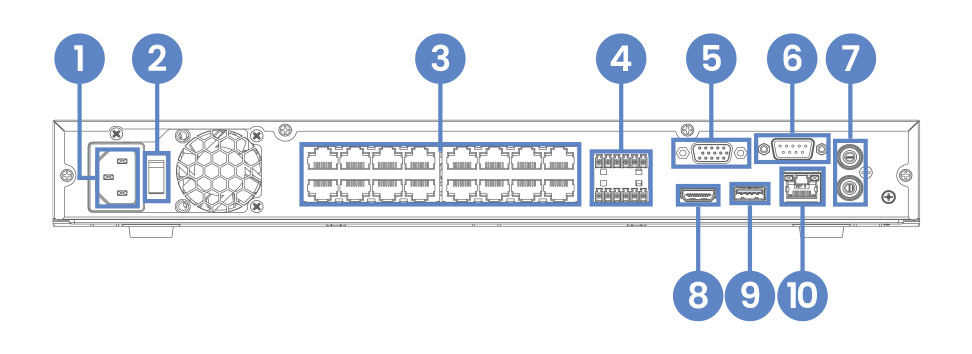
N884 Back Overview
  1. Power Connection
  2. Power Switch
  3. Camera Connection (PoE)
  4. RS485 Alarm
  5. Monitor Connection (VGA)
  6. RS232
  7. Audio In/Out
  8. Monitor Connection (HDMI)
  9. USB Port
  10. Network Connection (LAN)
 

Package Contents:

This 32-channel NVR has 16 ports. The other 16 channels can be utilized by adding a PoE switch (sold separately).

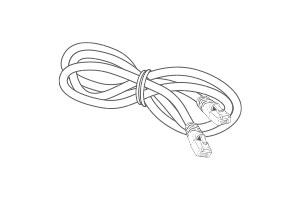
4K NVR

Ethernet Cable

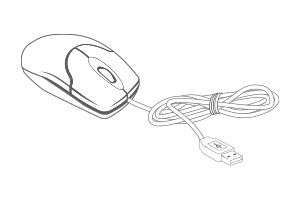
USB Mouse

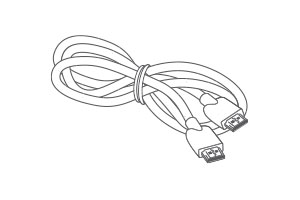
HDMI Cable

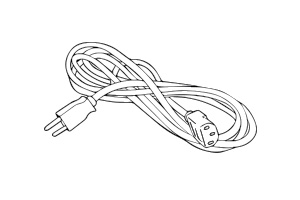
Power Cord

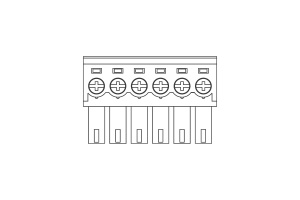
2 × 6-Pin Cable Adapter

AEX16 Front Overview
AEX16 Back Overview
 

Package Contents:

PoE Switch

Power Cord

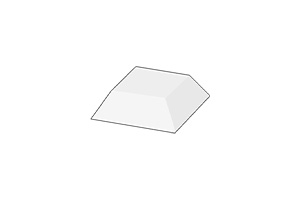
4 × Rubber Feet

2 × Rack Mount Brackets

8 × Screws

SFP Dust Cap

Product Reviews

Overall rating: 4.4375 / 5 from 16 reviews.

AI Generated Review Summary

Summary topics

Review topics: ["quality","software","system"].

Review highlights

Reviews

Nvr has Glitch in the

"Nvr has Glitch in the mouse. You scroll the mouse to the end of zoom or to the very beginning and start flashing. Flashing is damaging to the eyes. I hope lorex can fix this issue and will be a better product. Other then than is Ok."

Marcelino K. (4/5)

The system was great. The

"The system was great. The only thing was that I didn't need the switch because I already had a 32 camera setup. I was just trying to replace the nvr since it stopped working properly."

Jeffrey S. (5/5)

Unit does t send notifications

"Unit does t send notifications to phone, plus AI doesn't work unless it's AI cameras. ."

Caesar M. (1/5)

Consistently high quality

"I've used multiple Lorex systems over the years. This latest one was for a large church. The installer we used was impressed with the Lorex versatility. First thing I did was to add another 12TB hard drive to the recorder, so simple, took 10 minutes. Rather than bringing 25 Cat6 cables to the NVR at it's location in the office, he put the PoE switch in the attic, routed all cables to the switch and brought the video to the NVR via a single Cat6. They were additionally impressed with the video quality and the versatile user-friendly software. The Elite Series is professional quality all the way!"

b2c R. (5/5)

Works fine

"Works fine"

NADARAJAH R. (5/5)

Great Product.

"Really happy with product. Works well and very clear picture."

Warren R. (5/5)

I had a few problems

"I had a few problems starting up. Customer service was great and helped fix a bug in a camera. So far so good."

JENKINS J. (4/5)

It works. Not what I expected

"I was replacing a Lorex NR816 unit (which I really liked a lot, but alas, it died one day). This new one is NOT rack mountable. That was pretty disappointing. Attached is an image showing it resting on another device in the rack. It supports only two HDD internally. Really limits expansion. The old one had four slots for HDD. I was hoping to use a few of the newer drives from the old unit in this one. It is not backward compatible with some cameras. I have two black boxes on my live view. But i can at least view the camera as a single camera view. My default view is attached. I cannot really complain too much because it works, it fills a need, and was offered at a good (low) price. It is pretty disappointing that the ONVIF is not really ONVIF standard and the fact that it doesn't support older Lorex model cameras properly."

Middle J. (3/5)

Easy software

"easy to install and configure"

École D. (5/5)

Great, reliable system

"Great, reliable system"

Sama G. (5/5)

Q&A

Looking to replace an existing analog 32 channel DVR system that as 28 cameras. 8 outside cameras and 20 inside cameras.
Based on your request, please contact our Sales Team at 1-888-425-6739. They will assist you in selecting the most suitable security system.
I am looking at the n884-32channel-4k-pro-series-4k-nvr Can I use the application on a PC to monitor all of the cameras on one screen or do i need to use a monitor connected directly to the NVR?
For initial setup, you'll need to connect it to a monitor, but once you set a password locally, you can access it remotely via the Lorex Cloud Client software on a computer.
Am I able to connect 2 tv’s to operate independently to split up the cameras? Like TV #1 showing cameras 1–16, and TV #2 showing cameras 17–32
No, the setup you mentioned is not supported, meaning you cannot connect two monitors to share images.
Lorex 4K Pro Series 4TB NVR N884A64B can you use an Apple TV device to stream to a TV for viewing from a selected camera.
No, Lorex devices are not compatible with Apple TV.
How many TV's can you hook up to this? Want to have 4 different TV's with different views. Also is there a way to use a smart TV with an app or web login?
You can only connect one monitor via HDMI or VGA, and this device doesn't support Amazon Alexa or Google Assistant, so you can't remotely connect it to a smart TV using smart home apps.
>