









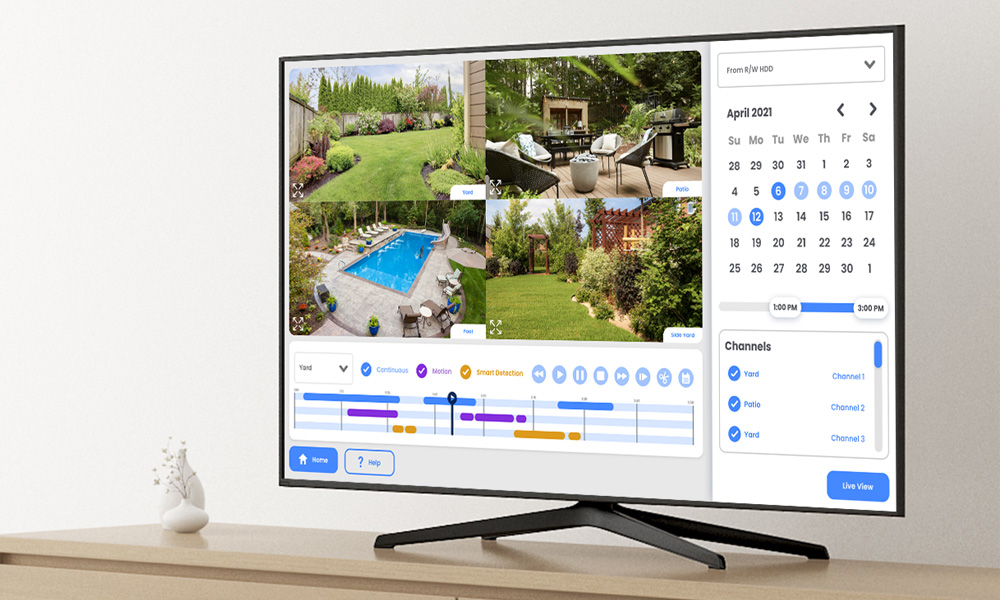
Pre-recording is available only when using Motion Detection and can be viewed exclusively during local playback. This feature is not supported for Smart Motion Detection (SMD), continuous recording, or through the Lorex app or cloud services. The duration of the pre-recorded footage may vary based on the recorder available cache memory at the time the event was detected, up to a maximum time set by the user.
All trademarks belong to their respective owners. No claim is made to the exclusive right to use the trademarks listed, other than the trademarks owned by Lorex Corporation. We reserve the right to change models, configurations or specifications without notice or liability. Product may not be exactly as shown.
Apple, the Apple logo and AppleTV are trademarks of Apple Inc., registered in the U.S. and other countries. App Store is a service mark of Apple Inc.
Google, Google Home, Google Play, Google Play logo, Google Assistant logo and Chromecast are trademarks of Google Inc.
Amazon, Alexa and all related logos are trademarks of Amazon.com, Inc. or its affiliates. 2-way communication is not available via Alexa.
Fusion Series
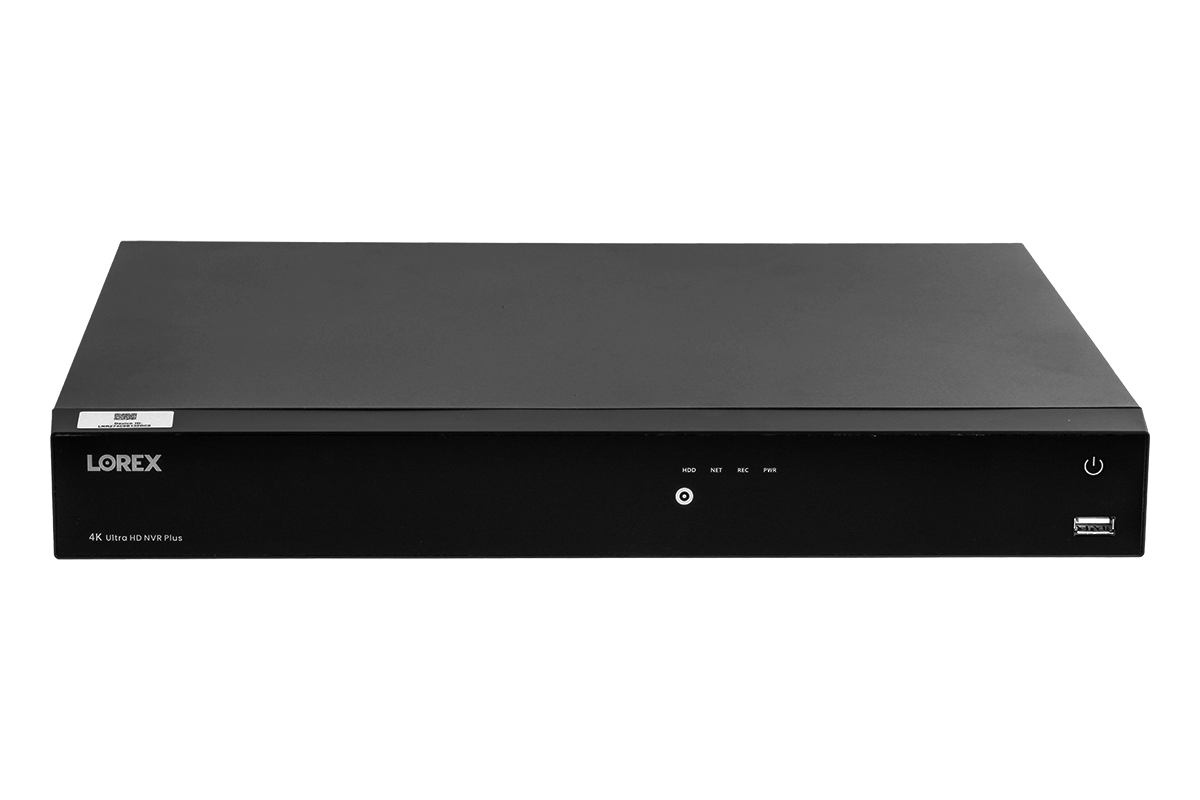
Lorex Fusion 4K 16 Camera Capable (8 Wired and 8 Wi-Fi ) Network Video Recorder
Lorex Fusion 4K 16 Camera Capable (8 Wired and 8 Wi-Fi ) Network Video Recorder
SKU: SKU: N847A62
Speak to a sales agent regarding this product.
Mon - Fri: 8:00 am - 8:00 pm EST
Sat - Sun: 9:00 am - 6:00 pm EST


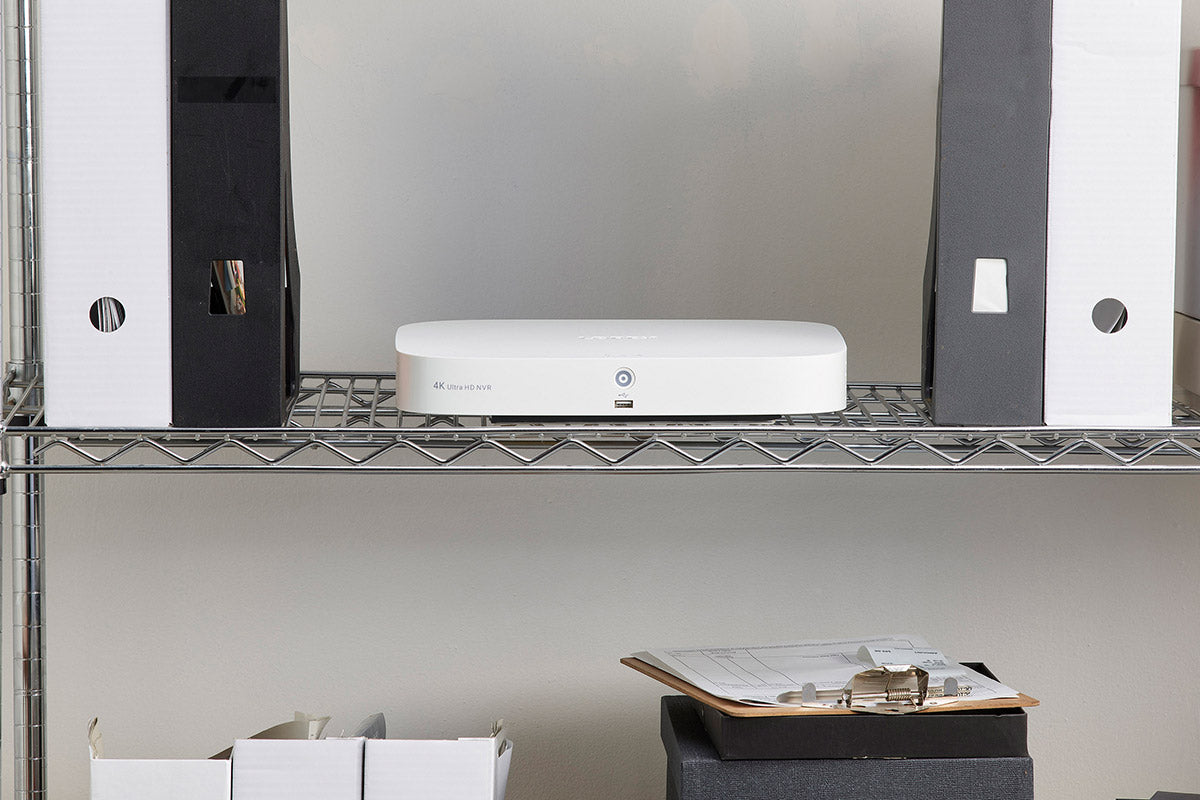
Create a tailored security system by combining both wired and Wi-Fi security cameras with this 16-channel (8 wired and 8 Wi-Fi) 4K Fusion Network Video Recorder (NVR). With support for all of the latest detection and deterrence camera features, you will always know what’s happening around your property and stop potential events before they happen. The 2TB local storage also means ample private storage with no monthly fees.
16
CHANNELS
8 × Wired + 8× Wi-Fi
4K
RESOLUTION
Supports 4K Ultra HD resolution
2TB
HARD DRIVE
Expandable up to 10TB HDD
See the Finest Detail
Record 4K video on every channel. 4K resolution provides the highest quality video and digital zooms, which gives you the best chance to decipher distant details.
*Detection types need to be supported by the camera.
Smart Home Compatibility
Get faster access to your security system by connecting it to other Smart Home devices; use simple voice commands to activate camera features with Amazon Alexa™ and Google Assistant™, use it with Chromecast or Firestick to monitor your security camera footage on a larger screen. For more information about current smart home integrations, visit our Smart Home Guide.


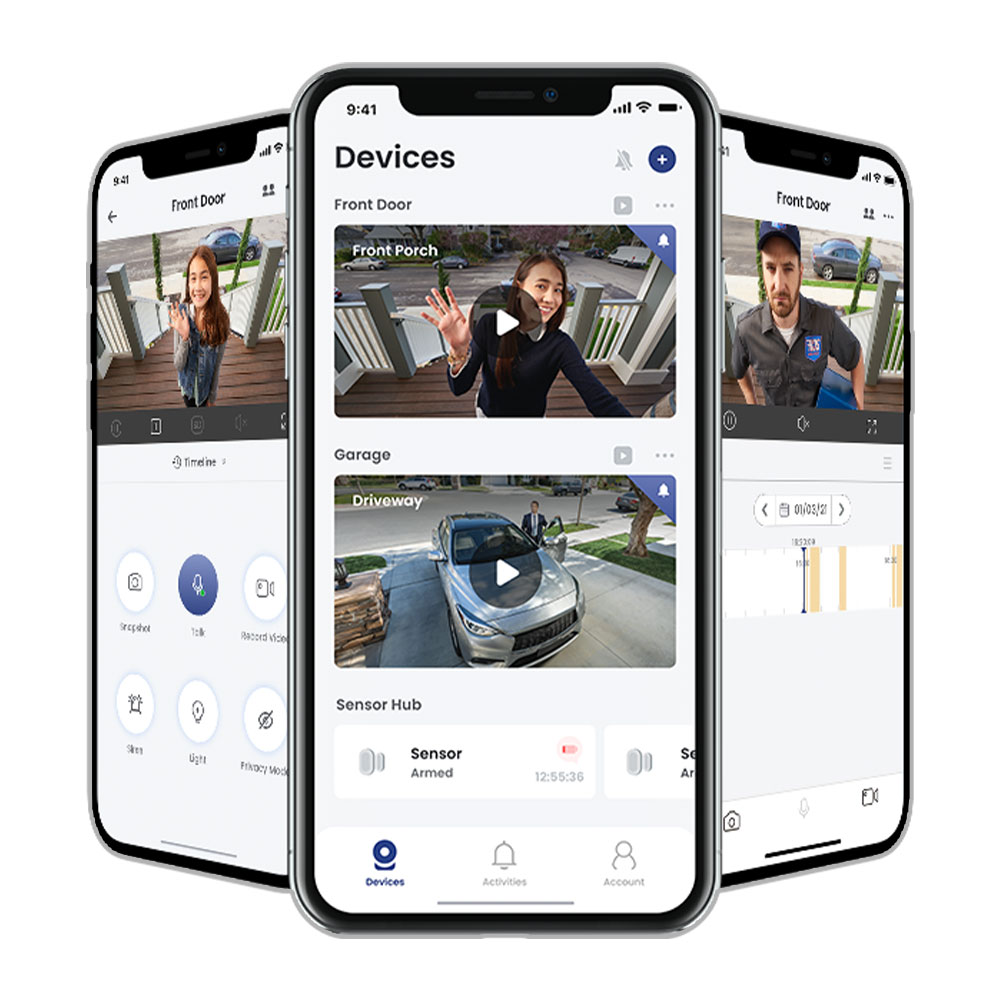
Remote viewing from your mobile with Lorex Classic App
Connect this NVR to our Lorex app to quickly view and control your security system from your smartphone. The app will also keep you connected to your property with detailed motion-activated push notifications.

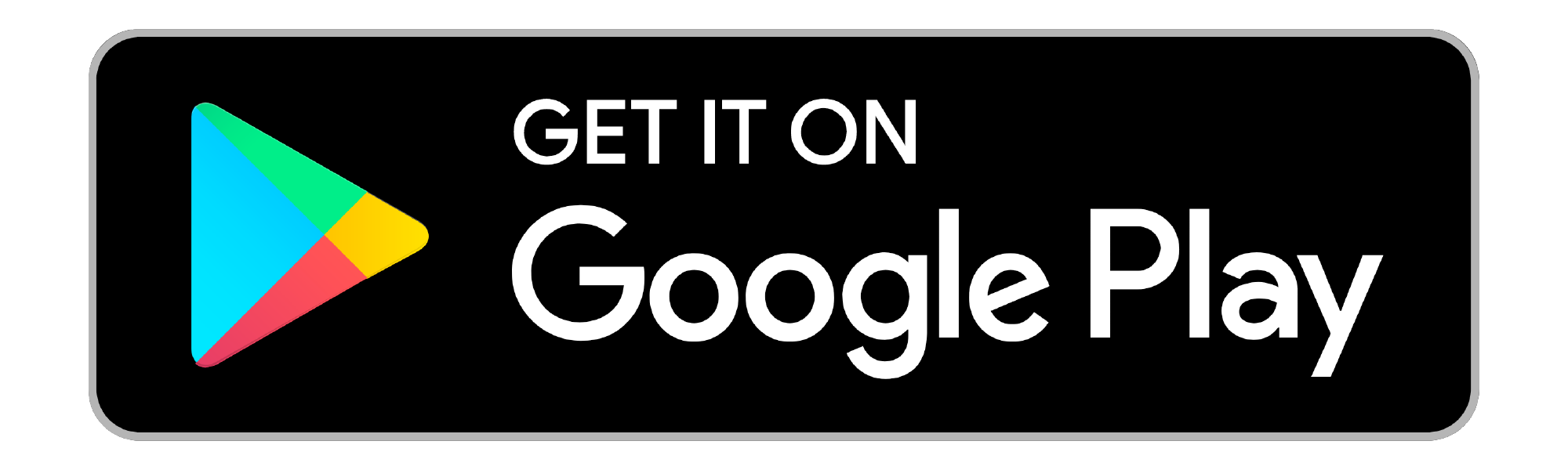
Customize Your Security With Fusion
Create a personalized Lorex Smart Home ecosystem by pairing your system with up to 8 wired and 8 Wi-Fi devices. This allows you to record continuous video from all Wired and Wi-Fi cameras to the recorder's hard drive. This can also provide invaluable back-up of events should a Wi-Fi camera's local storage become disabled.
All-In-One Security
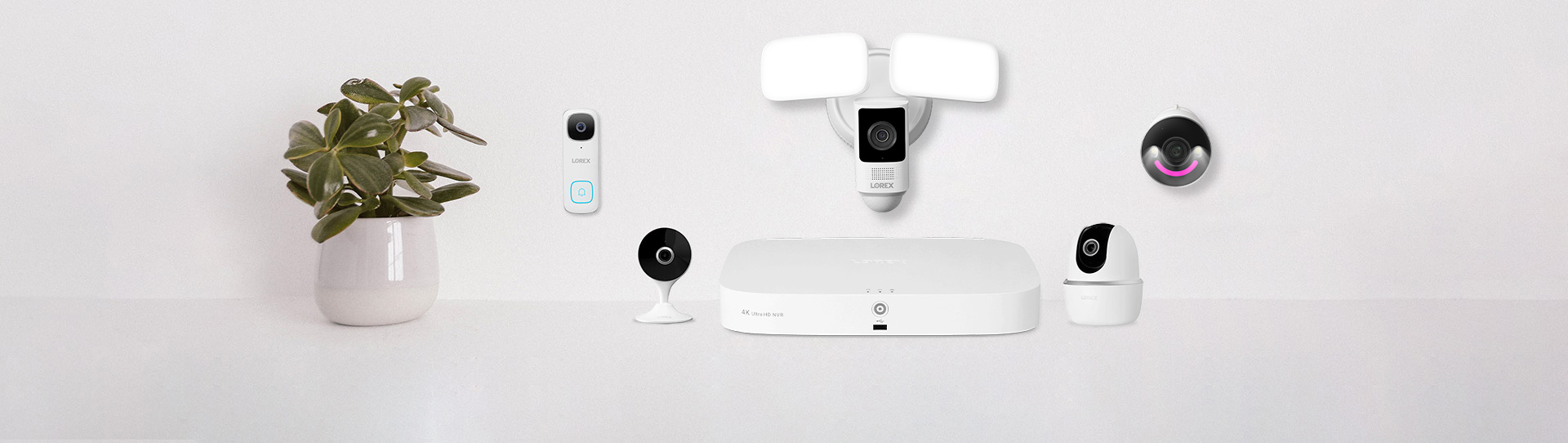
Get the most out of your system by connecting wired and wireless cameras, doorbells, and sensors to your recorder.
Continuous Recording
24/7 continuous recording directly to your hard drive with expandable storage and no monthly fees.*

Lorex Classic App
Access all of your Lorex devices from one place, allowing for easy control and monitoring of your property.
*To conserve battery life, Lorex Battery-Operated Doorbells and Cameras cannot record 24/7 continuously to the Fusion Recorder’s local hard drive.

Panic button
Stop events before they happen. An easy-to-use panic button located on the front of the recorder will activate all lights and sirens on your compatible Active Deterrence cameras.
Free Local Storage, No Monthly Fees
Local storage means no monthly fees and with the built-in 2TB hard drive, you will have ample storage, while your recordings stay safe and private.
Product Specifications
| Video Input | 8 x PoE, 8 x Wi-Fi Fusion |
|---|---|
| Output Resolution | Up to 4K UHD |
| Recording Frame Rate | 4K (8MP)@15fps/5MP@30fps/4MP@30fps/1080p@30fps/720p@30fps |
| Recording Resolution | 4K (8MP)/5MP/4MP/3MP/1080p/720p |
| Hard Drive Capacity | Up to 10TB (SATA) |
| Smart Motion Detection | Person/Face/Mask/Vehicle Detection |
| Streaming Options | Chromecast™, Apple TV™, Amazon Echo Show™, Google Home Hub™ |
| Voice Control | Amazon Alexa™, Google Assistant™ |
| Remote Viewing | Yes |
|---|---|
| DDNS | Yes (Optional) |
| FW Upgrade | USB/Network |
| Unit Dimensions (W × D × H) | 12.9 × 9.6 × 2.1" (328 × 245 × 53 mm) |
What's Included?
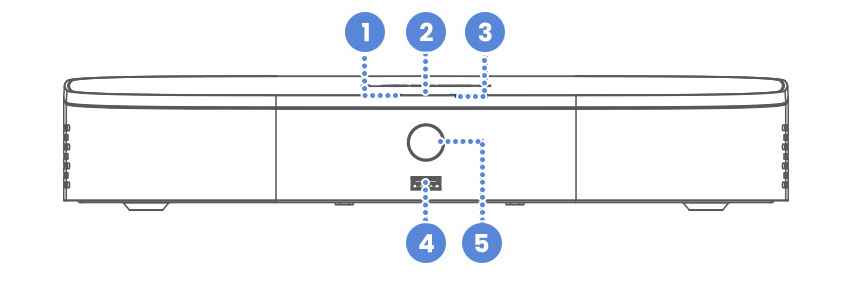
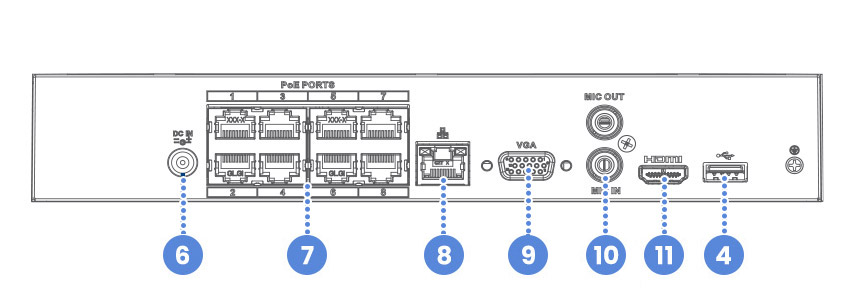
Dimensions (W×D×H): 12.9 x 9.6 x 2.1” (328 x 245 x 53 mm)
Weight: 2.75 lbs. / 1.26 kg (excl. HDD)
- Hard Drive LED
- Power LED
- Network LED
- USB Ports
- Info / Panic Button
- Power Port
- PoE Ports
- LAN Port
- VGA Port
- Audio In / Out
- HDMI Port
Package Contents:
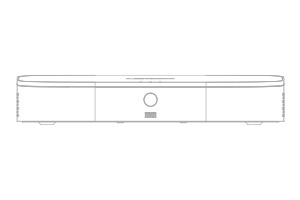
4K Fusion NVR
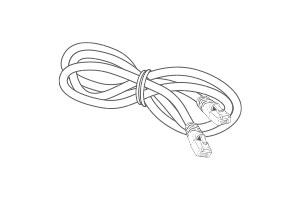
Ethernet Cable
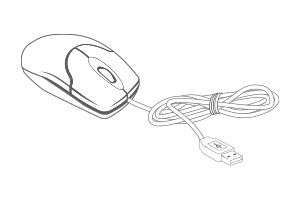
USB Mouse
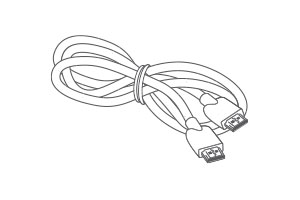
HDMI Cable
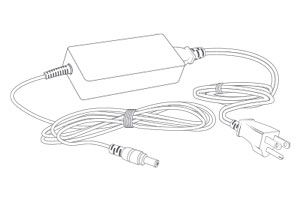
Power Adapter
- 4K (8MP) IP cameras are required to take advantage of 4K recording.
- Recording time may vary based on recording resolution and quality, lighting conditions and movement in the scene.
- Fusion™ capabilities are limited to 8 wireless devices per system. Wireless devices require an available channel on the NVR as well as a sufficient signal strength between the device(s) and your Wi-Fi router for video streaming. For full details on Wi-Fi cameras compatibility and instructions, visit www.lorex.com/pages/fusion
- Controlling certain features in your security system requires a compatible smart device. Availability and performance of certain features and services are smart device dependent and may not be available in all areas or networks. For compatibility, features, and instructions visit www.lorex.com/smarthome
- Compatible with certain Lorex IP and select wireless cameras only. For a list of compatible cameras please visit www.lorex.com/compatibility
- Accessing your security system remotely requires a high-speed Internet connection. Ensure your NVR has a wired connection to a router (not included). A minimum upload speed of 5Mbps is recommended for reasonable video performance. Up to 3 devices may connect to the system at the same time. For the latest list of supported apps and devices, please visit www.lorex.com/compatibility
- HDMI output supports 4K HD for high definition multi-channel live or recorded video viewing. Image quality and resolution is dependent on the type of camera connected to the NVR, as well as TV/monitor resolution.
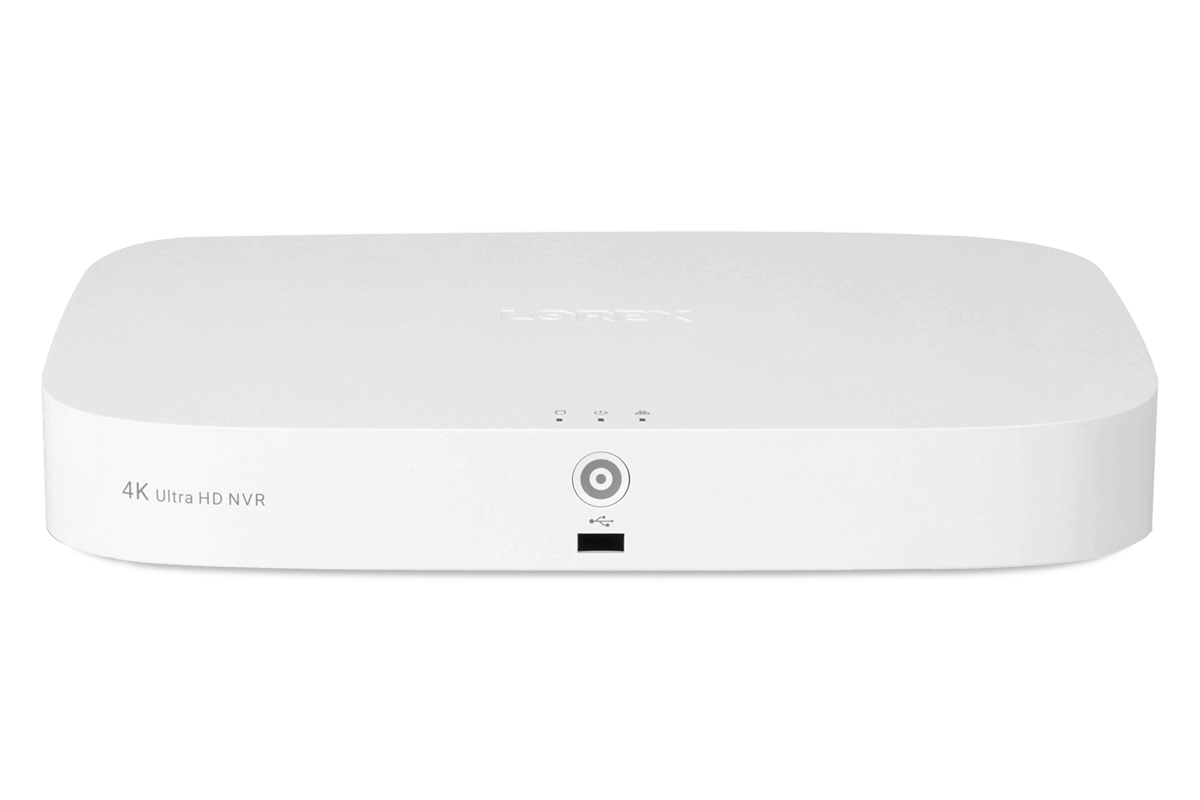
Fusion Series NVR Comparison Chart
|
|
|
|
|
|---|---|---|---|---|
| N847 Series Lorex Fusion 4K 16-Channel NVR | N843 Series Lorex Fusion 4K 8-Channel NVR | N864 Series Lorex Fusion 4K 16-Channel NVR | N863 Series Lorex Fusion 4K 8-Channel NVR | |
| Channels (Wired / Wi-Fi Fusion) | 16 Total (8 Wired and 8 Wi-Fi) | 8 Total (up to two Wi-Fi) | 16 Total (Wired and Wi-Fi) | 16 Total (up to two Wi-Fi) |
| Resolution | 4K @ 15fps | 4K @ 15fps | 4K @ 15fps | 4K @ 15fps |
| Storage / Capacity | 1 Bay / Up to 10TB | 1 Bay / Up to 8TB | 2 Bay / Up to 2 x 10TB | 2 Bay / Up to 2 x 8TB |
| Video Compression | H.265/H.264 | H.265/H.264 | H.265/H.264 | H.265/H.264 |
| PoE Output | Max 25.5W for single port, 72W total | Max 25.5W for single port, 72W total | PoE: Max 25.5W for single port, 130W total | PoE: Max 25.5W for single port, 130W total |
| Power Consumption | Approx. 8.3W | Approx. 8.3W | Approx. 13.2W | Approx. 13.2W |
| Smart Motion Detection | Person / Vehicle / Face / Animal / Package | Person / Vehicle / Face / Package | Person / Vehicle / Face / Animal / Package | Person / Vehicle / Face / Package |
| Special Features | Active Deterrence / Panic Button / Smart Search | Active Deterrence / Panic Button / Smart Search | Active Deterrence / Panic Button / Smart Search | Active Deterrence / Panic Button / Smart Search |
| Lorex Sensor Compatible | Yes | Yes | Yes | Yes |
| Mobile Viewing | Lorex App | Lorex App | Lorex App | Lorex App |
| Smart Home | Amazon Alexa™, Google Assistant™ | Amazon Alexa™, Google Assistant™ | Amazon Alexa™, Google Assistant™ | Amazon Alexa™, Google Assistant™ |
| Streaming Options | Chromecast™, Apple TV™, Amazon Echo Show™, Google Home Hub™ | Chromecast™, Apple TV™, Amazon Echo Show™, Google Home Hub™ | Chromecast™, Apple TV™, Amazon Echo Show™, Google Home Hub™, Lenovo Smart Display™ | Chromecast™, Apple TV™, Amazon Echo Show™, Google Home Hub™, Lenovo Smart Display™ |
| PC/Mac Remote Viewing | Yes - Lorex Cloud Client | Yes - Lorex Cloud Client | Yes - Lorex Cloud Client | Yes - Lorex Cloud Client |