


 1080p Full HD Resolution
 Smart Deterrence
 Person and Vehicle Detection
 2-Way Talk
 Color Night Vision™
 Active Deterrence
 Ultra-Wide Motion Detection
 Install With Existing Wiring


Great system for my home.
"I've used Lorex systems for years and this one is the best yet. Easy to set up and get running. The customer service person was nice and helpful picking the right system for my home."


SKU: SKU: LHC-K6
Speak to a sales agent regarding this product.
Mon - Fri: 8:00 am - 8:00 pm EST
Sat - Sun: 9:00 am - 6:00 pm EST


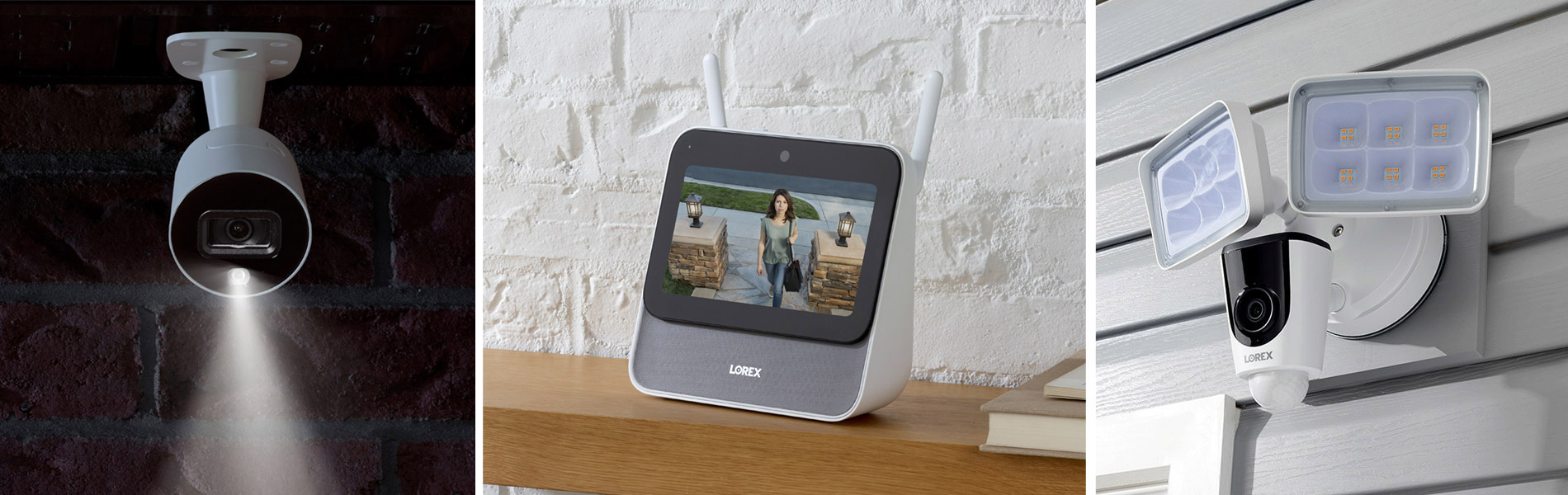
Create your own personal smart home security eco-system with the Lorex Smart Home Security Center (LSHSC) at its core. Designed to provide easy viewing, control, and customization of your cameras, the LSHSC is a revolutionary solution to protect what matters most. This starter kit includes two Smart Outdoor Wi-Fi Security Cameras and a Wi-Fi Floodlight Camera. You can also expand your coverage with further Wi-Fi Cameras and Accessory Sensors to build the perfect security system for your home.
SPECIFICATIONS
7" touch-screen control hub
2 × Outdoor Camera,
1 × Floodlight
Maximum 1× 256GB microSD / 1TB M.2 2280 SATA SSD M.
Secure and private
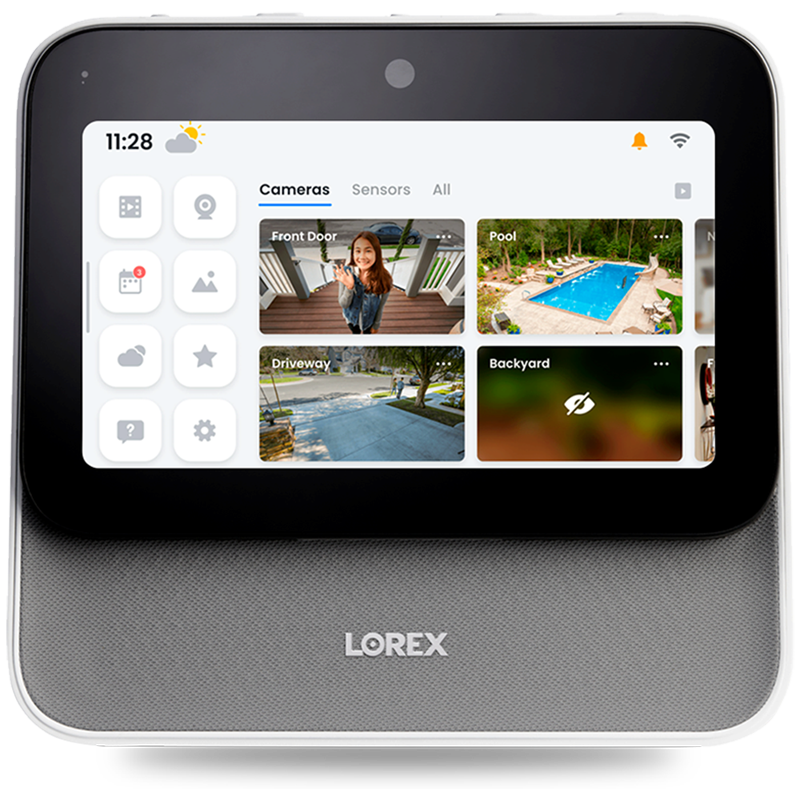
The all-in-one LSHSC simplifies your home monitoring experience with its intuitive touch smart display. You can also use your voice to perform simple commands, such as:
"Lorex, show me all outdoor cameras"
"Lorex, show me what happened yesterday at the 'front door' camera"
"Lorex, show me all people* at the 'front door' camera between 2 and 3pm"
"Lorex, turn on warning lights on all outdoor cameras"
"Lorex, turn privacy mode on for all indoor cameras"
* Requires supported camera and setting to be turned on
 Touch
Touch Secure and
 Multi-Device
 Lorex Voice™
 Local Security
Control features with the intuitive 7-inch touch display*.
There are several built-in features to ensure your privacy - log in to the LSHSC quickly with the Face Unlock feature, select privacy mode for compatible cameras to turn off streaming and recording for those private moments, and the option to disable the built-in microphone and cover the front camera lens.
Pair a variety of Lorex wireless devices and control them from the LSHSC to build the perfect security system for your home. Adding new devices is simple with a built-in step by step setup guide. You can also add a Lorex Range Extender to extend the reach of your LSHSC (sold separately).
Use the Lorex Voice™ Assistant to access your cameras and view footage with simple voice commands. This voice assistant is hosted entirely on the LSHSC and is not connected to the internet for ultimate privacy.
The LSHSC includes a surveillance-grade class 10 microSD card. Upgrade the storage to a maximum of 256GB microSD and/or a 1TB M.2 2280 SATA SSD M.
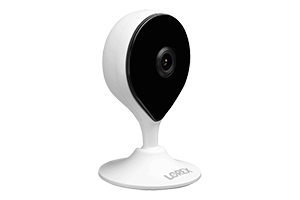
The 1080p Smart Outdoor Wi-Fi cameras provide complete coverage of your home, day and night.
Experience the difference that full 1080p HD video makes. Using an advanced 2MP (megapixel) image sensor, this camera will deliver high quality video with outstanding clarity and detail.
Take control of your safety with active deterrence features such as a warning siren and a LED warning light. Both can be manually enabled or customized to only be activated when a person or vehicle is detected.
Thanks to the camera's person and vehicle detection capability, you'll avoid unwanted or false notifications. This camera has been designed to distinguish movement detected by either people or vehicles, limiting unnecessary alerts to your smartphone or tablet.
Get the most out of your security camera with 2-way audio. The built-in microphone and speaker allows you to communicate to anyone at the other end of the camera.
This camera features our revolutionary Color Night Vision (CNV) technology, which will produce full-color video with the help of external lighting around the camera. In regular nighttime conditions that are too dark for CNV, this camera will use it's infrared LEDs to record black and white video footage up to 50ft (15m).
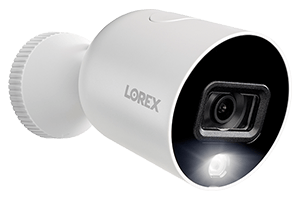
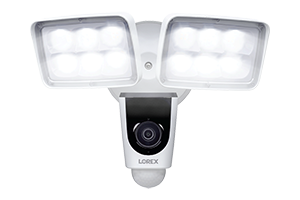
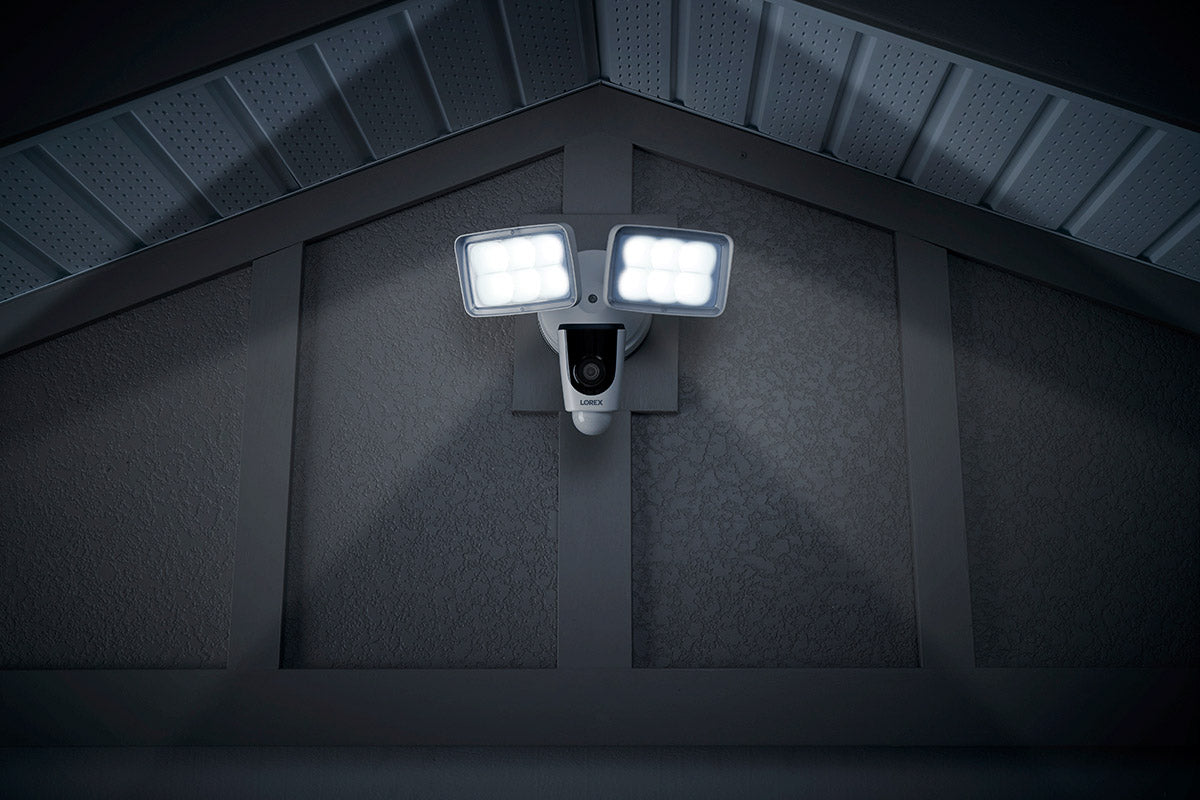
Combine security and lighting with this powerful Floodlight Camera.
Capture important details with real-time 30 fps (frames-per-second) full 1080p HD resolution recording. A wide-angle lens also provides you with more security coverage and helps with earlier detections.
The camera is equipped with dual LED floodlights, two-way talk, and a deterrence siren to stop potential events before they happen.
The Floodlight Camera works 24/7. It contains infrared LEDs that allows the camera to see up to 50ft (15m) in the dark.
The Passive Infrared (PIR) motion detector has a 270° horizontal field of view and is designed to sense the infrared energy that eminates from people, animals, or vehicles.
Conveniently use the existing wiring from your previous floodlight or outdoor house light. It can also connect to your pre-existing standard junction box.
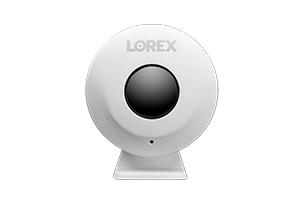
Pair a variety of Lorex wireless devices and control them from the LSHSC.
The connection process for some LSHSC compatible devices differs:
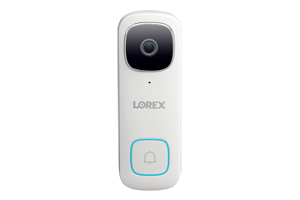
Connect directly to the LSHSC
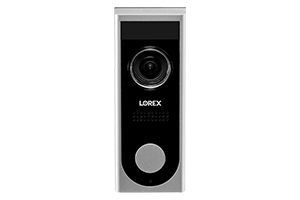
*Doorbell and LSHSC firmware updates required.
Connect to the Lorex Home App *
*Make sure to upgrade the camera to the latest firmware via the App
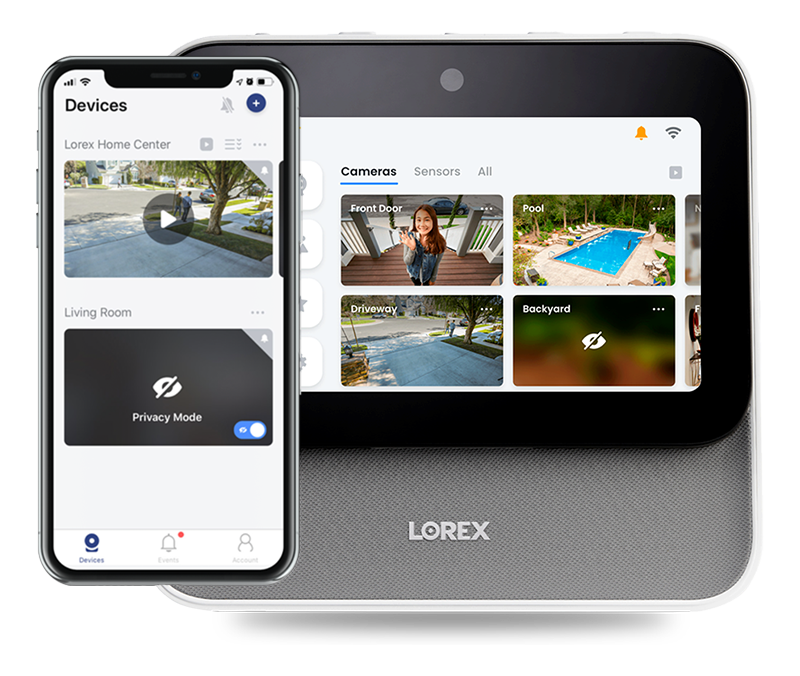
Your home will always be within reach with help from the Lorex Mobile App. This versatile app allows you to remotely access your LSHSC so you can easily view live videos, customize your system settings, playback recorded motion events and more.


Step 1. Connect your LSHSC to your network via Ethernet or Wi-Fi.
Step 2. On the LSHSC, go to Home Screen > Device Settings > Device Info > LSHSC, then tap Device ID to open the QR Code.
Step 3. Now, get your smartphone and open the Lorex app, then tap + at the topmost right corner of the screen and scan the QR Code bring displayed on your LSHSC.
Step 4. Follow the on-screen instructions on adding your LSHSC to the Lorex app.
Step 1. Go to Home Screen > Device Settings > Security Settings.
Step 2. Turn On or Off Require passcode to unlock or Face Unlock.
NOTE: Using the camera cover to hide the lens will not turn off the feature. It will simply prevent video capturing for the Face Unlock feature.
NOTE: In Offline Mode, you can still view your camera, and your sensors remain functional, but you cannot see your devices remotely from the Lorex app.
Step 1. Go to Home Screen > Device Settings > Network Settings.
Step 2. Tap Wi-Fi Network, then toggle the button to on or off.
Step 3. Tap Wired Network, then toggle the button to on or off.
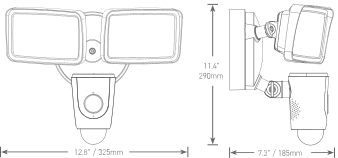
Dimensions (WxDxH): 12.5" x 9.3" x 6.8" (318mm x 236mm x 173mm)
Weight: 3.97lbs / 1.8kg
1080P
Floodlight
Mounting
Kit
MicroSD
Card
Quick Start
Guide