

Skip to product information
1 of 5
View full details

4K 8-Channel Network Video Recorder with Smart Motion Detection, Voice Control and Fusion Capabilities

4K 8-Channel Network Video Recorder with Smart Motion Detection, Voice Control and Fusion Capabilities

SKU: SKU: N842A82

This product is only available for purchase by contacting our team directly.
N841

Experience 4K security video and the latest in smart innovations with the N842A82W Network Video Record (NVR). As part of the Fusion Collection, it can be paired with a wide range of Wi-Fi devices. This NVR also features Smart Motion Detection, easy smart home compatibility, and a large security grade hard drive to store your footage on so there's no monthly fees to use your security system. With all this, along with easy remote connectivity to our Lorex Classic App, this NVR will provide you with the highest quality video and the most reliable security features to protect your home.


N842A82W

SPECIFICATIONS

8

CHANNELS

HD NVR supports up to 8 cameras

4K

RESOLUTION

Ultra high definition resolution

2TB

HARD DRIVE

Expandable up to 6TB

Lorex™ APP

Wired / Wireless Fusion™

As part of the Lorex Fusion™ collection, you can pair this NVR with additional Lorex Wi-Fi products such as, Wi-Fi cameras, doorbells, and floodlights. For more information, please visit our Fusion Collection Guide and Fusion Support Page.

Lorex remote viewing

Remote viewing from your mobile with Lorex™

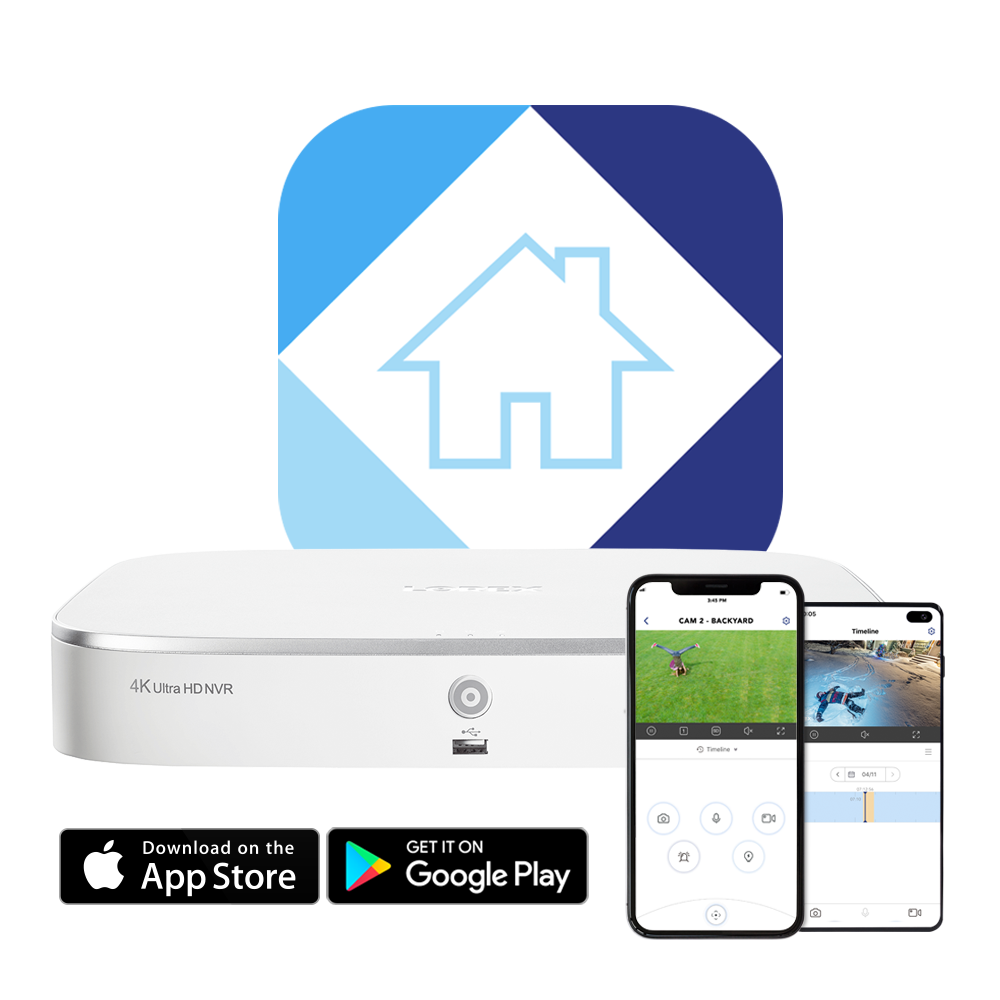
This feature-rich system is designed for use with our innovative, hassle-free Lorex™ app. Using Lorex, you can quickly and easily view your security system remotely from your smartphone or tablet and control active deterrence features. You can also program the app to send you motion-activated push notifications straight to your phone to keep you connected to your property at all times.

Works With

 
works with Apple iPhone
Apple iPhone
works with Apple iPad
Apple iPad
works with Android phones
Android Phone
works with android tablets
Android Tablet
works with AppleTV
Apple TV
 
 
iphone icon
Apple iPhone
ipad icon
Apple iPad
android phone icon
Android Phone
 
android tablet icon
Android Tablet
appleTV
Apple TV


Lorex Sensor Kit and Lorex Home App


Add A Sensor Kit!

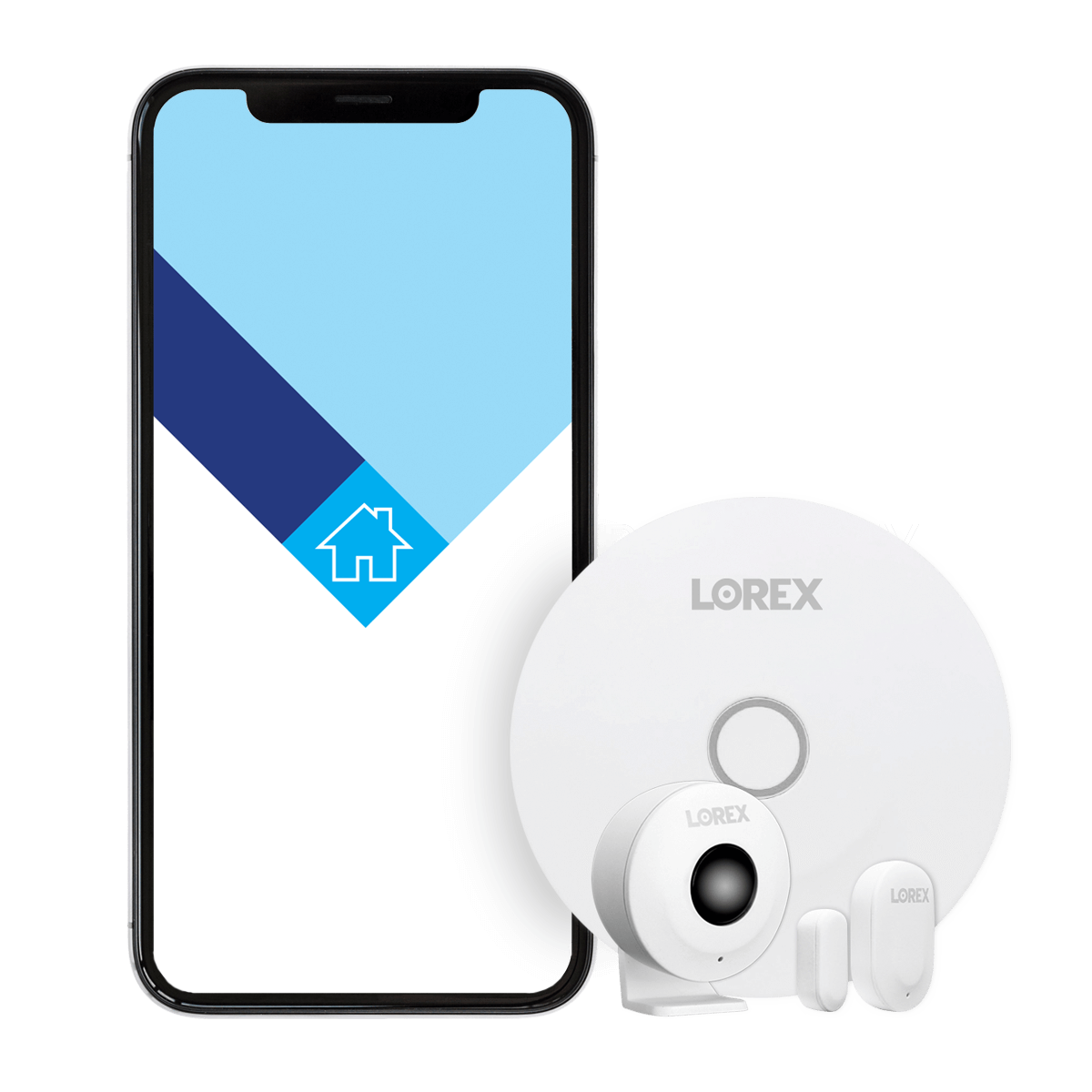
The Lorex Sensor Hub also uses the Lorex Home App, allowing you to seamlessly integrate Add-On Sensors into your home security.

Motion Sensor

Video-Free

Real-time sensor alerts

Instant Alerts

link sensors with wifi cameras

Sensor Linking*


*Link individual sensors to another Wi-Fi camera connected to the Lorex Home App. N842, N843, N844, N862, N863, D861, D862, D871 Series recorders also support sensor linking to a wired camera through the Lorex Home App. Lorex Sensor Hub Compatibility

 
smart home security camera system google home
 

Smart home compatibility

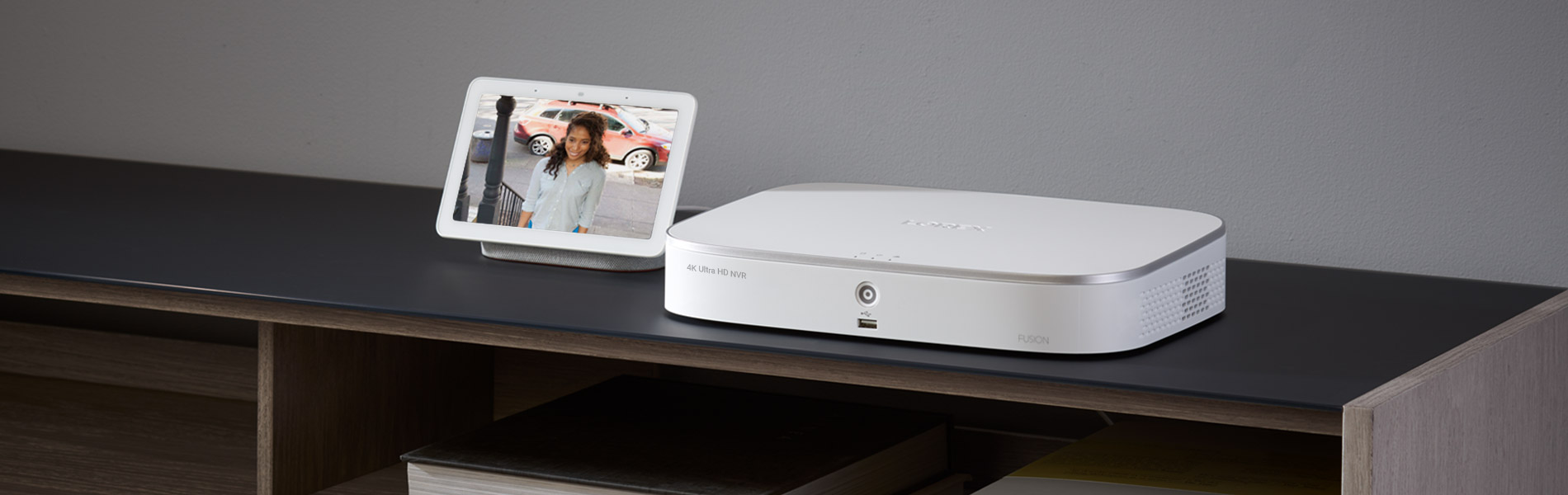
Get faster access to you security system with hands-free voice control. Use simple voice commands to activate camera features with Amazon Alexa™ and Google Assistant™. Use it with Chromecast or Firestick to monitor your security camera footage on a larger screen. For more information about current smart home integrations, visit our Smart Home Guide.

 
apple TV lorex
 

View your system through Apple TV

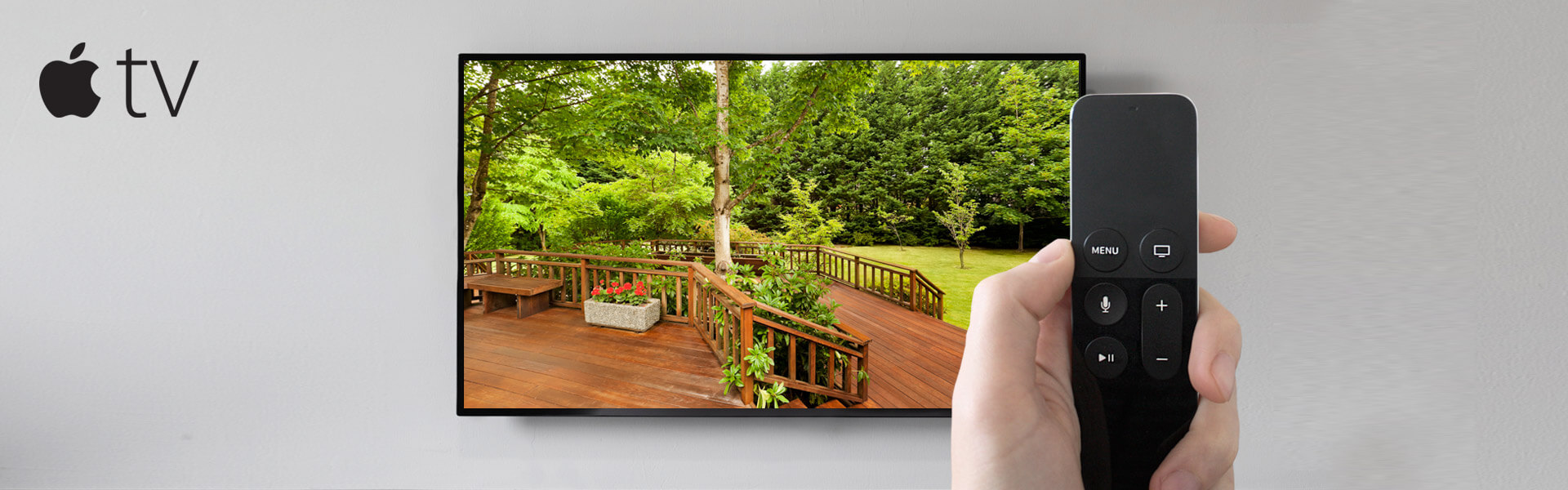
Watch your Lorex system in new ways. Don't have an option of hooking up your Lorex recorder directly to your TV? No problem. Simply make sure your Lorex recorder is on the same network as your Apple TV* (Gen 4 or newer) and watch your Lorex recorder on your TV through the Lorex Classic Apple TV App.


*Apple, the Apple logo and Apple TV are trademarks of Apple Inc., registered in the U.S. and other countries. App Store is a service mark of Apple Inc.

 
4K Network Video Recorder

Experience the 4K difference

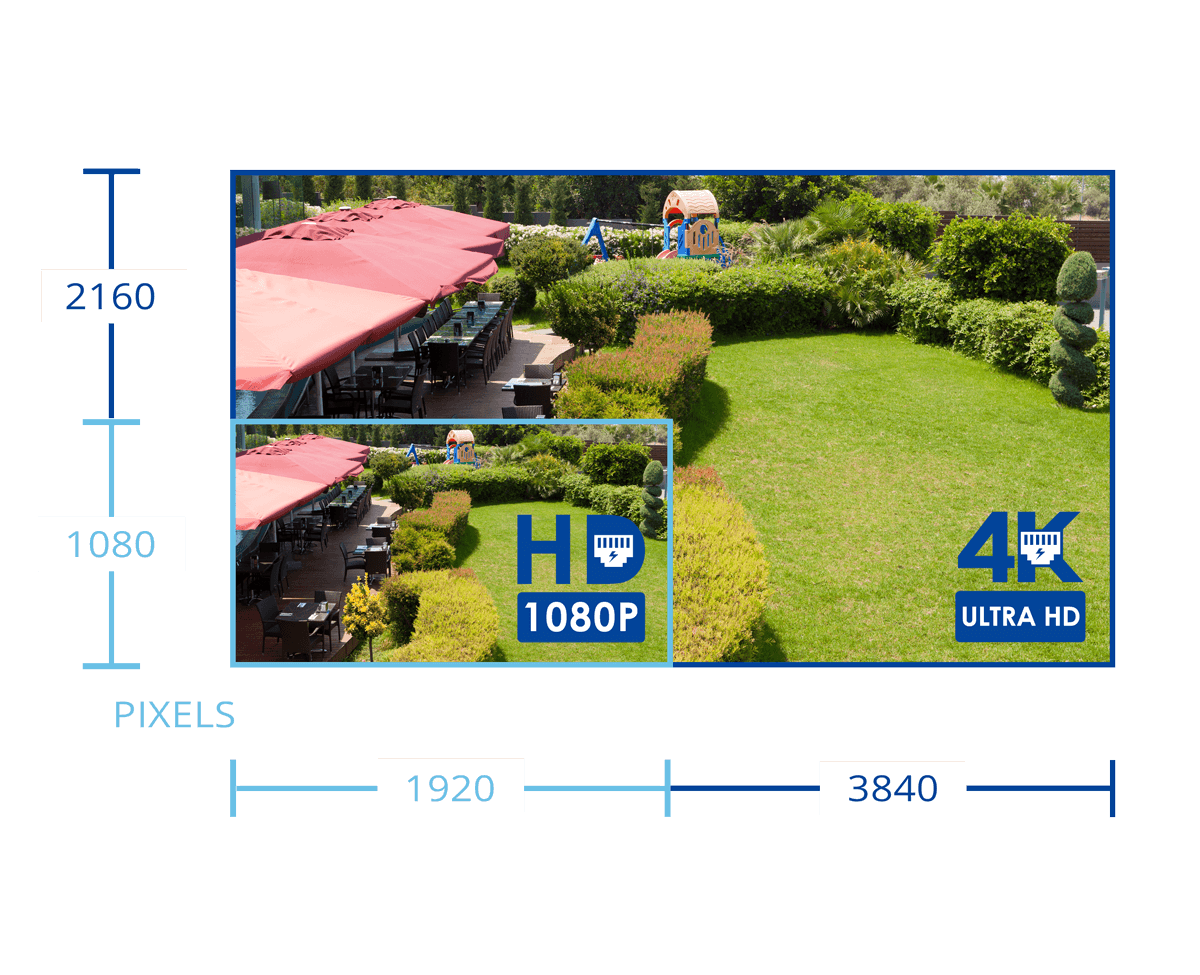
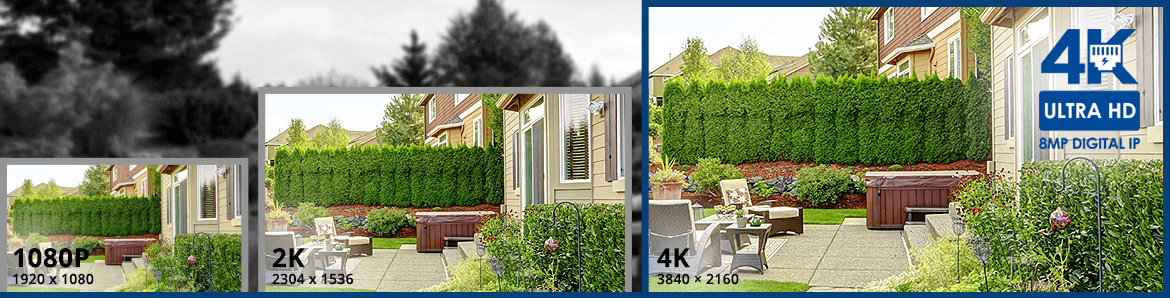
With 4K resolution, nothing is left to the imagination. The higher number of pixels (3840 × 2160 as opposed to 1920 × 1080) gives your video footage superior detail and definition, and clearly outlines the distinct features of objects that appear on camera while maintaining realistic color representation. Having more than 8 million pixels also prevents the distortion or blurring of the image when using the digital zoom.

Person Vehicle Artifical Intelligence AI detection security camera

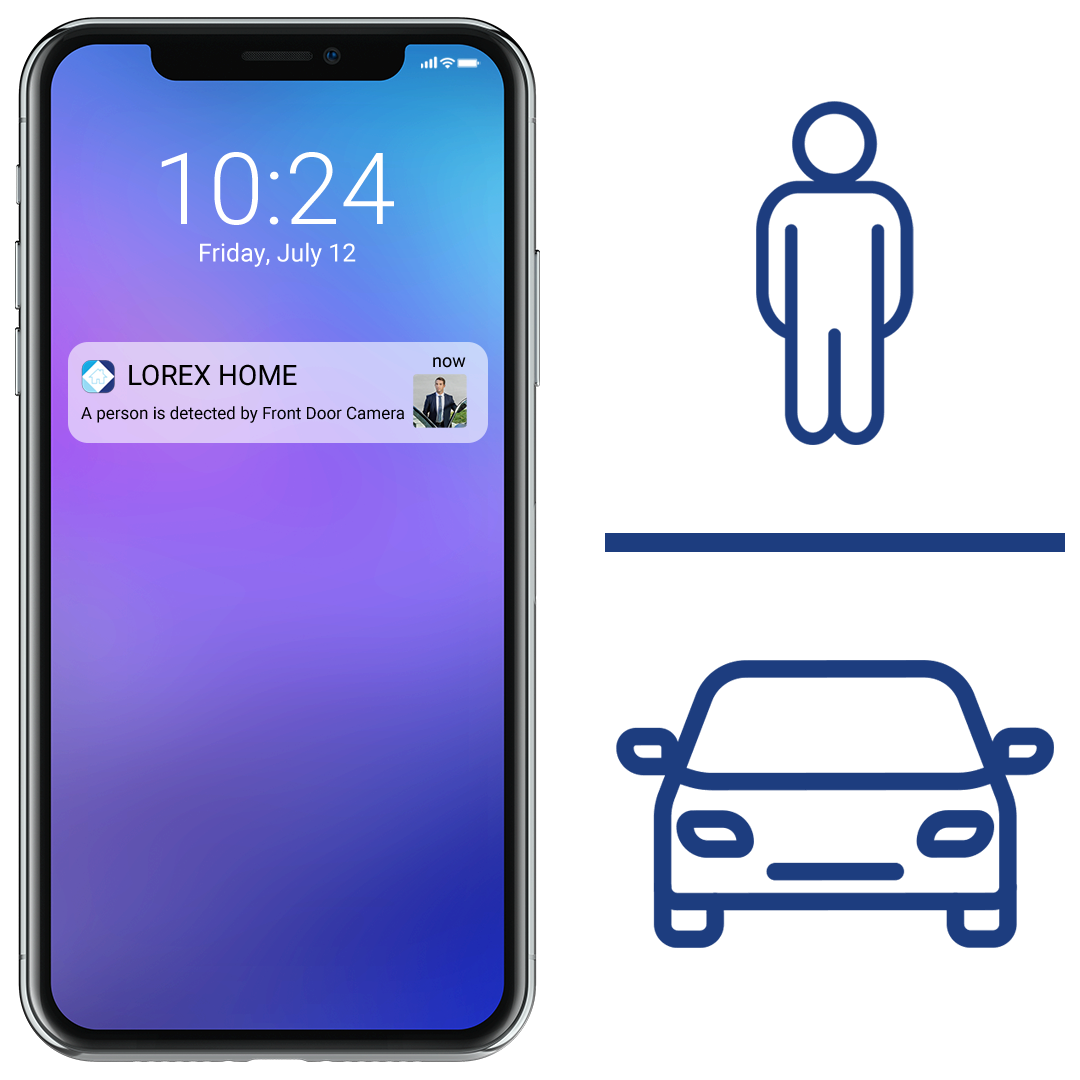
Person and vehicle smart motion detection

This NVR supports cameras that feature smart person and vehicle detection which helps identify more important objects that enter the camera's field of view*. Thanks to this innovative feature, you will only get a push notification to your Lorex app whenever a person or vehicle is detected on your property. This effectively reduces the number of unwanted false alerts caused by moving branches or animals. All recorded motion alerts can easily be reviewed by using the Smart Search function in the Lorex mobile app.


*Camera models that include Smart Person and Vehicle Detection are required to utilize this feature.

4K vs 1080p pixels

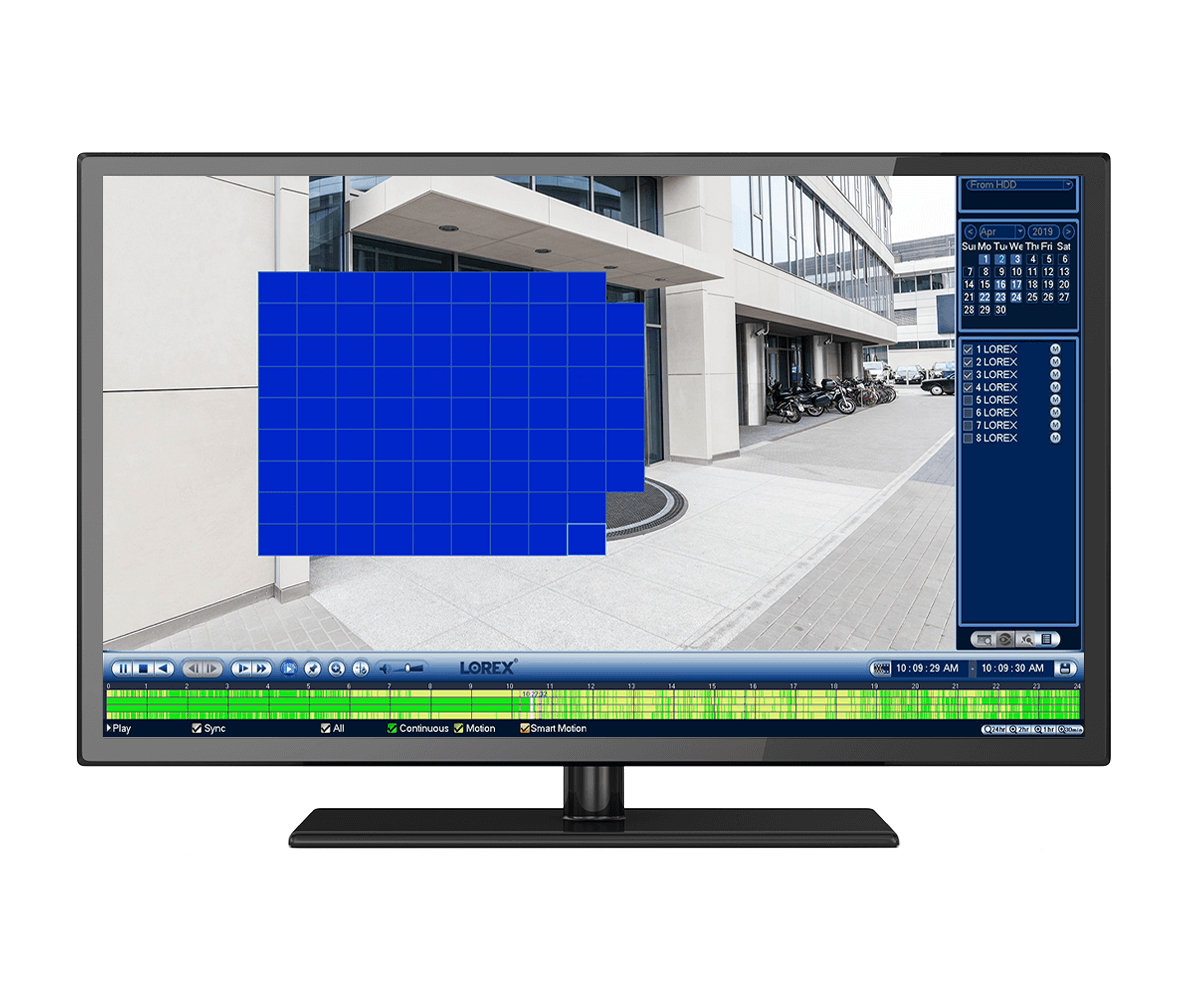
Area search

Find what you are looking for quickly with Lorex's Area Search. Select an area of interest and automatically playback any video footage showing scene changes in that area. Ideal for doorways, drive ways, etc.

Security camera system panic button

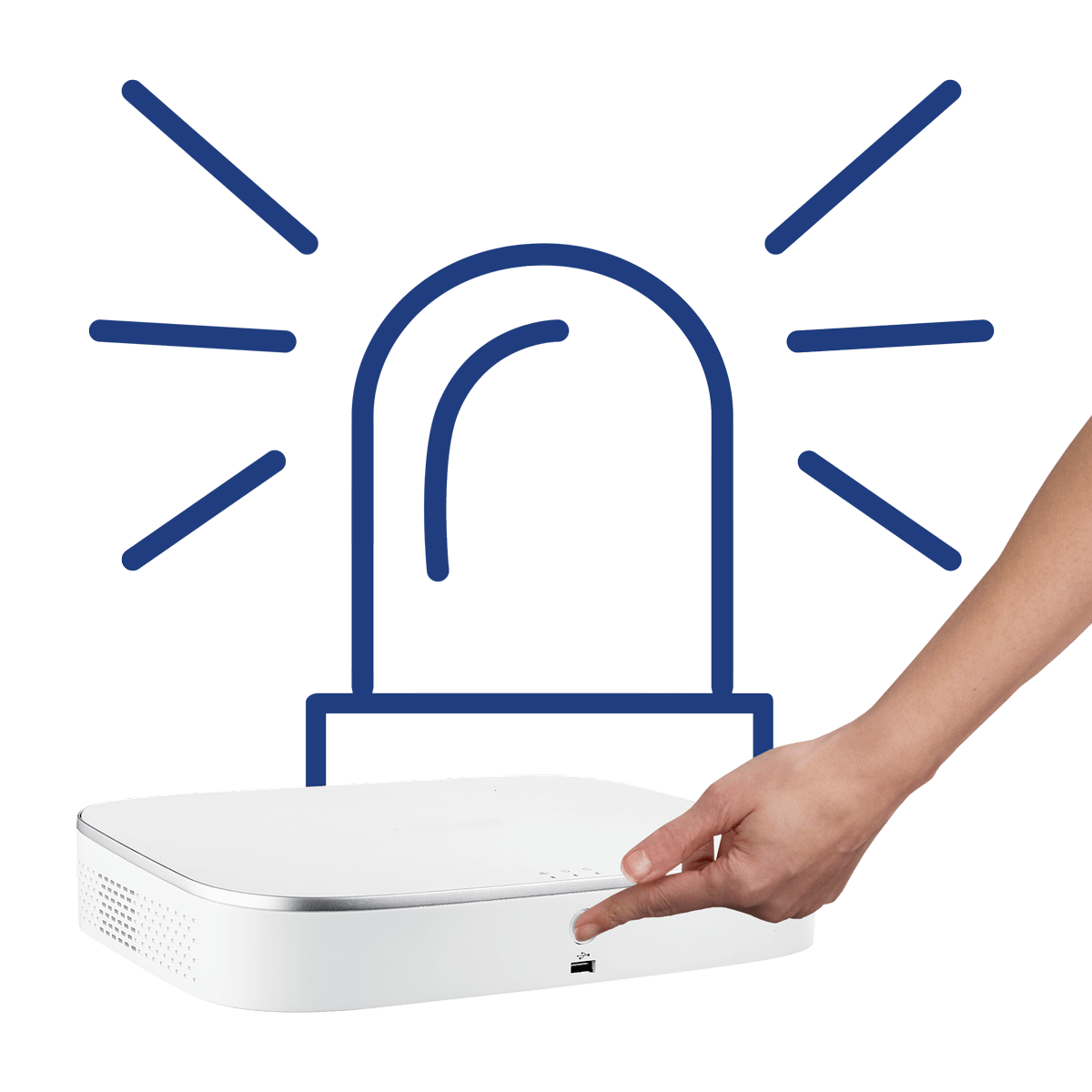
Panic button

This NVR brings your security camera system to the next level with an easy-to-use panic button located on the front of the recorder. By pressing and holding this button you can activate all lights and sirens on your compatible Active Deterrence cameras at one time to deter potential intruders.

HEVC logo icon
 

HEVC / H.265 video compression

This NVR is able to receive HEVC (High Efficiency Video Encoding) or H.265 video compression files. This type of encoding can save up to 40% more space when compared to H.264 Advanced Video Coding. Please note that IP security cameras with HEVC video compression are required to take advantage of this feature.

 
HEVC encoding
security certified NVR hard drive

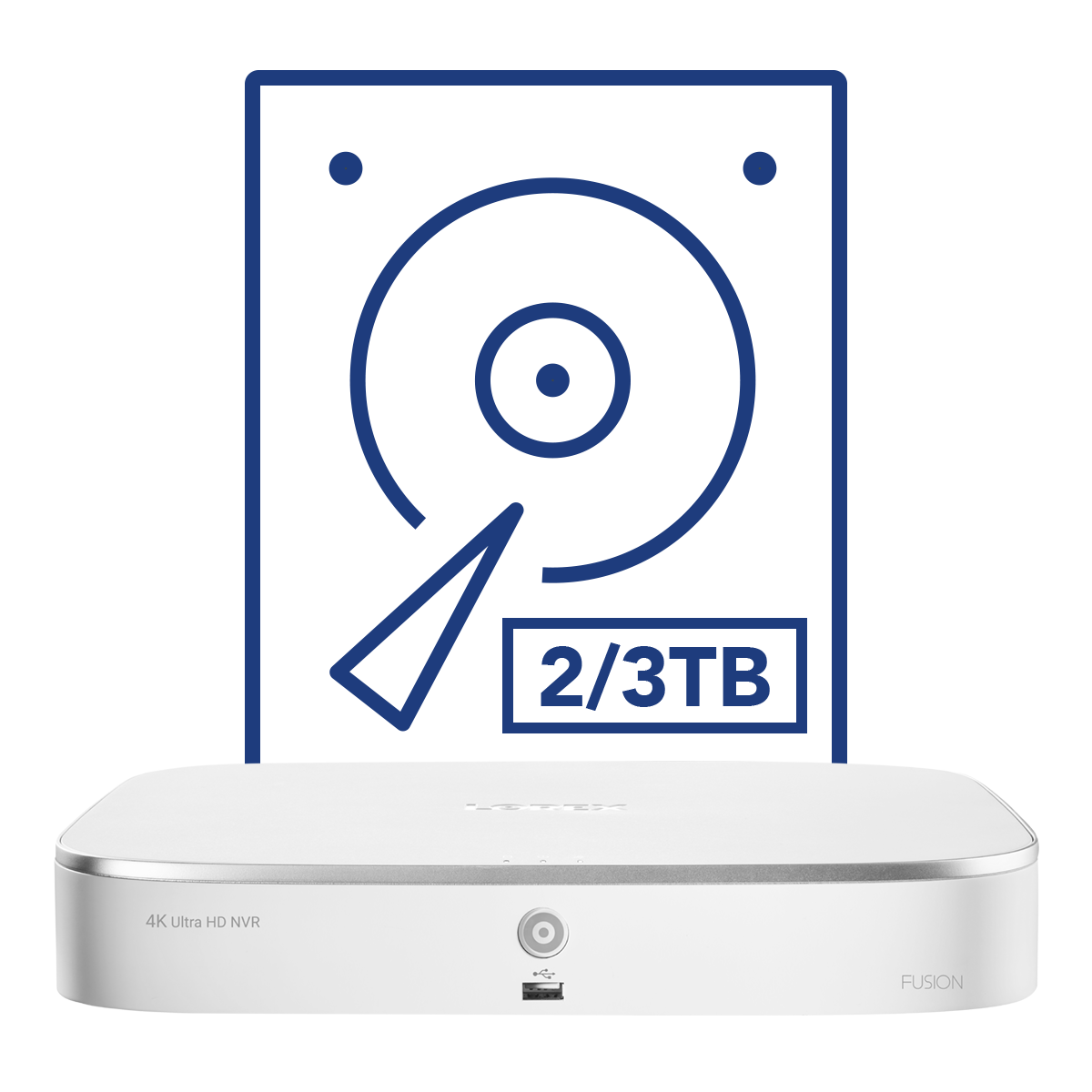
Reliable security grade hard drive with no hidden storage fees

Included in the NVR is a built-in, security-grade hard drive that has been designed to meet the demands of 24/7 surveillance, while also providing ample storage space for all recorded video footage. With the possibility of increasing storage space up to 6TB, there is more than enough room to safely store all motion events that only you can access.

security NVR no internet required

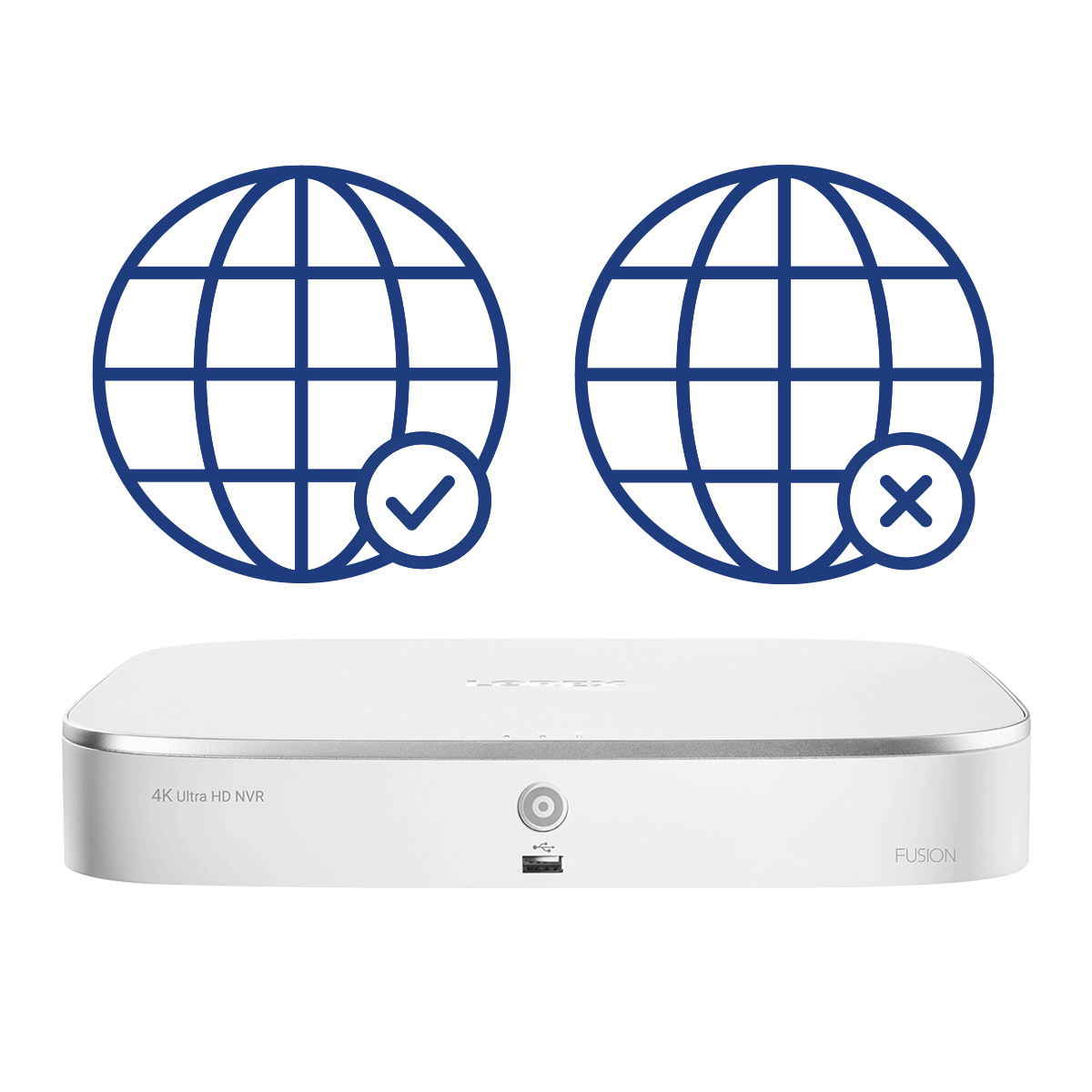
With or without the internet

This NVR can be used without being connected to the internet. This means that your data can only be accessed directly from your NVR. However, an internet connection is required to enable remote viewing, motion push notifications, and to download the latest firmware updates.

Image resolution comparison

resolution comparison chart

What's Included?

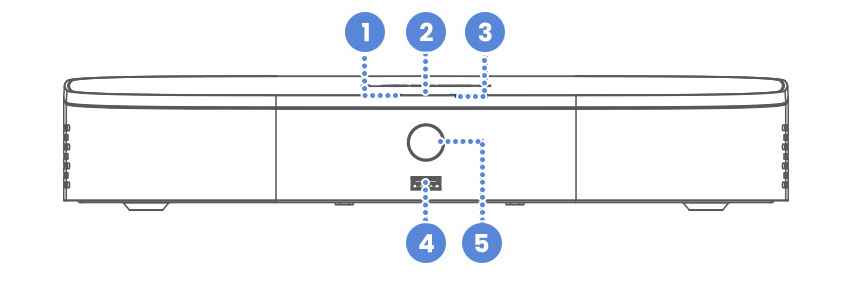
N845 Front Overview
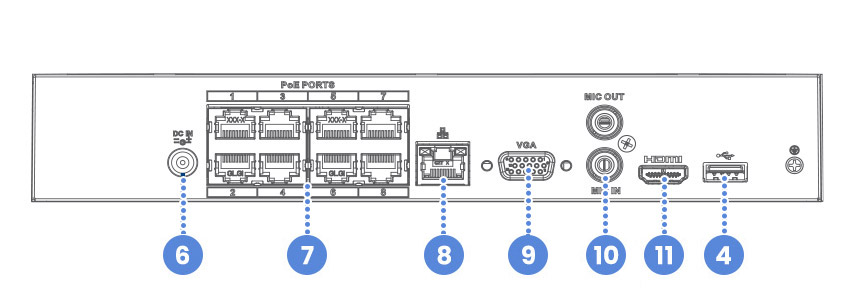
N845 Back Overview

Dimensions (W×D×H): 12.9 x 9.6 x 2.1” (328 x 245 x 53 mm)
Weight: 2.75 lbs. / 1.26 kg (excl. HDD)

  1. Hard Drive LED
  2. Power LED
  3. Network LED
  4. USB Ports
  5. Info / Panic Button
  6. Power Port
  7. PoE Ports
  8. LAN Port
  9. VGA Port
  10. Audio In / Out
  11. HDMI Port

Package Contents:

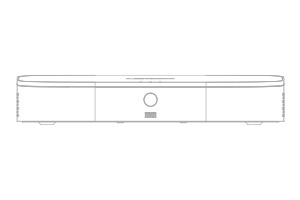
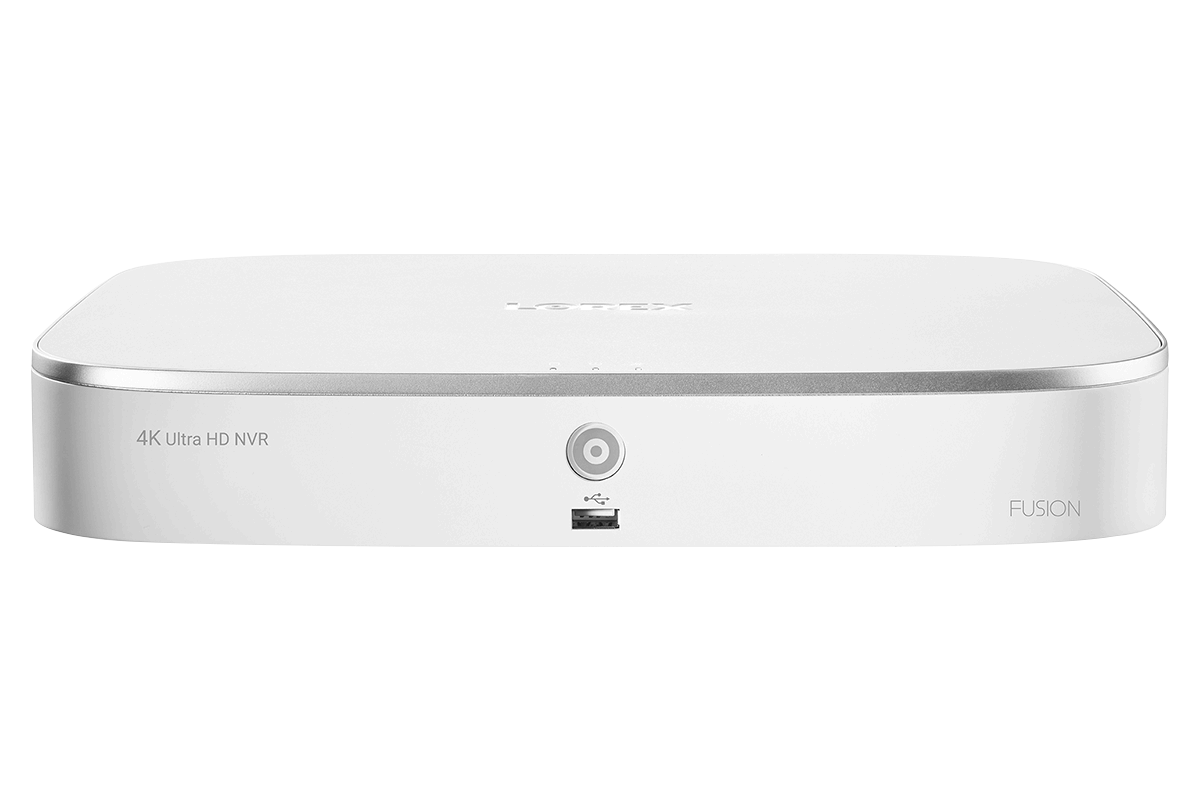
4K Fusion NVR

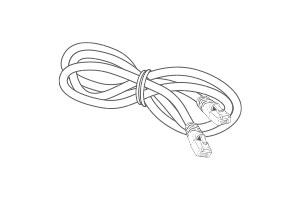
Ethernet Cable

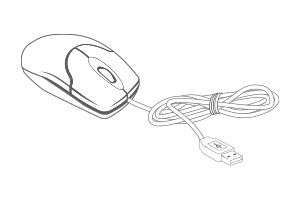
USB Mouse

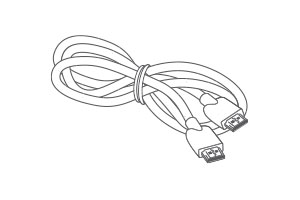
HDMI Cable

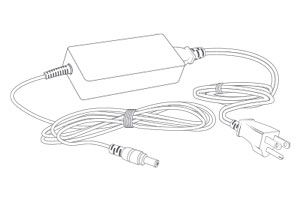
Power Adapter

  1. 4K (8MP) IP cameras are required to take advantage of 4K recording.
  2. Recording time may vary based on recording resolution and quality, lighting conditions and movement in the scene.
  3. Controlling certain features in your security system requires a compatible smart device. Availability and performance of certain features and services are smart device dependent and may not be available in all areas or networks. For compatibility, features, and instructions visit www.lorex.com/smarthome
  4. Compatible with certain Lorex IP and select wireless cameras only. For a list of compatible cameras please visit www.lorex.com/compatibility
  5. Accessing your security system remotely requires a high-speed Internet connection. Ensure your NVR has a wired connection to a router (not included). A minimum upload speed of 5Mbps is recommended for reasonable video performance. Up to 3 devices may connect to the system at the same time. For the latest list of supported apps and devices, please visit www.lorex.com/compatibility
  6. HDMI output supports 4K HD for high definition multi-channel live or recorded video viewing. Image quality and resolution is dependent on the type of camera connected to the NVR, as well as TV/monitor resolution.

Product Compatibility

Product Support

Product Reviews

Overall rating: 4.510638 / 5 from 47 reviews.

AI Generated Review Summary

This 4K 8-Channel Network Video Recorder offers excellent system performance and is easy to install and use. It features fast and responsive setup, along with smart home compatibility and reliable security features to protect your home.

Summary topics

  • System Performance: 18%
  • NVR Setup: 6%

Review topics: [light, support, installation, price, software, setup, technology, works, detail, system, nvr, events, cameras, app, device, use, picture, unit].

Review highlights

  • "System is working great"Customer
  • "This is an excellent system."Jd
  • "The NVR system has been flawless since the install."Brad

Reviews

7 Years of dependable service!

"My model - N841A8-Z has worked flawlessly for 7 years! Unfortunately, a lightning storm has fried my NVR (even plugged into a surge protector)! I need to get a replacement."
John M. (5/5)

Terrible

"I purchased a Lorex camera system back in 2021 which came with this unit and have been having issues pretty much ever since. The storage continuously gets corrupted and stops recording footage so it basically becomes useless. I have to reset it multiple times a day. I called Lorex customer support just passed my warranty window when I first starting having the issue and they were awful and pretty much told me I have to buy a new unit after spending nearly $600 on the one I had. I would never purchase another Lorex product ever again. Absolutely horrible company"

Quinn (1/5)

Decent product, details need work

"I've had this unit a few years now, and it's not that great. For supposed 4k quality is very poor. You cant read a license plate 15 feet away in night mode regardless of how settings are adjusted. I've even tried adding more IR lights and or more regular lighting without any success. I wish there was a setting to include "x" number of seconds prior to event trigger. When I review events, most of them start capture 5-10 seconds late and I miss the most important part, or an event isn't triggered at all and nothing is recorded (verified by my backup camera system) distinction between vehicle and person events is grossly inaccurate. Date and time shown on cameras is inaccurate even with NPT enabled. Tried signing up for cloud storage a loooong time ago but couldn't complete order, product doesn't qualify for cloud storage?? Lastly, the most annoying issue, an update a while back limited the number of events available for viewing in the app to 100, why??? I can get 2-300 events sometimes, if the 100th event is mid day and I need to look something up from the evening I have to use the timeline feature which can take 10-30 minutes to load up. If I need to look up a different time, I have to start and wait all over again. Remove the limit! How can I setup cloud storage? Fix detection and pre-recording."

Jeff (1/5)

Not worth it

"Worked for approx 6 months and now I have issues across the board. Customer support is nearly non existant"

Andrew (1/5)

Very pleased

"Excellent product. Easy you use and setup."

Alan N. (5/5)

works well actually have 3

"works well actually have 3 wifi devices connected to the receiver."

RICK D. (5/5)

It is great product still

"It is great product still Iam learning"

Jashbhai P. (5/5)

Excellent

"Excellent"

Marc D. (5/5)

Everything was easy to hook

"Everything was easy to hook up plugged it all in everything worked nice appreciate a nice product like that"

Steve S. (5/5)

Love it

"Love it"

Luis S. (5/5)

Q&A

Need admin password for a N842A8-Z nvr unit. It has been sitting on a shelf for several years and we don't remember what the factory password is.
For the situation you described, please contact our Technical Support Team at 1-888-425-6739. They will assist you in troubleshooting the issue.
I want to expand the storage size of ny N842A8-Z recorder from 2 TB to the max and have two questions. 1. Is the max 6TB? 2. I opened the case and see space for only one drive - do I replace the existing drive or do I connect the recorder to an external drive? Thanks.
The N842A8-Z recorder is designed for a single bay hard drive, supporting up to 6TB (SATA) capacity.
I need power supply for my model: N842A8-Z Can you send me part number for this power supply? Thank you
This system uses a 48V/2A power cord, you can contact our sales team for help finding the accessories you need. Sales Help: 1-888-425-6739
My N842A82 NVR finally gave out after years of good service. What recorder is available that will work with my still-functioning cameras?
Check the exact model of your cameras and search it at lorex.com/pages/compatibility. You'll see all compatible recorders. You can also contact our sales team; they'll be happy to help you find compatible recorders available. Sales Help: 1-888-425-6739
Hi. Please help me, i have a NVR model N844A8-z all cameras still working but NVR not working anymore i mean no power not things i already call and talked to lorex tech i need to buy a new one because out of warranty, hopefully you guys still have that old style for me to continue use the old cameras.. Or do i need to buy a new style of NVR but still working with the old cameras please help thank you very much
Please call our technical support team, they will be happy to assist you. Technical support: 1-888-425-6739
>