Review topics: ["color","quality","light","feel","setup","installation","performance","works","features","sound","power","issues","software","lens","connection","cameras","picture","viewing","lorex","resolution","motion","video","set","coverage","angle","system","pick","distance","recording","clarity"].
Reviews
We continue to have issues
"We continue to have issues with the connectivity of the cameras. We get messages "oops, something went wrong" and have to keep clicking to get a connection. Sometimes the lights come on and sometimes they don't. I've had to reload each camera mutliple times to get things to work, and then I get problems again later."
— John A. (3/5)
The camera goes on and
"The camera goes on and off for no reason. I don't know why. Can someone call me? I have 14 Lorex cameras in 3 countries."
— Claude C. (1/5)
I am very disapointed with
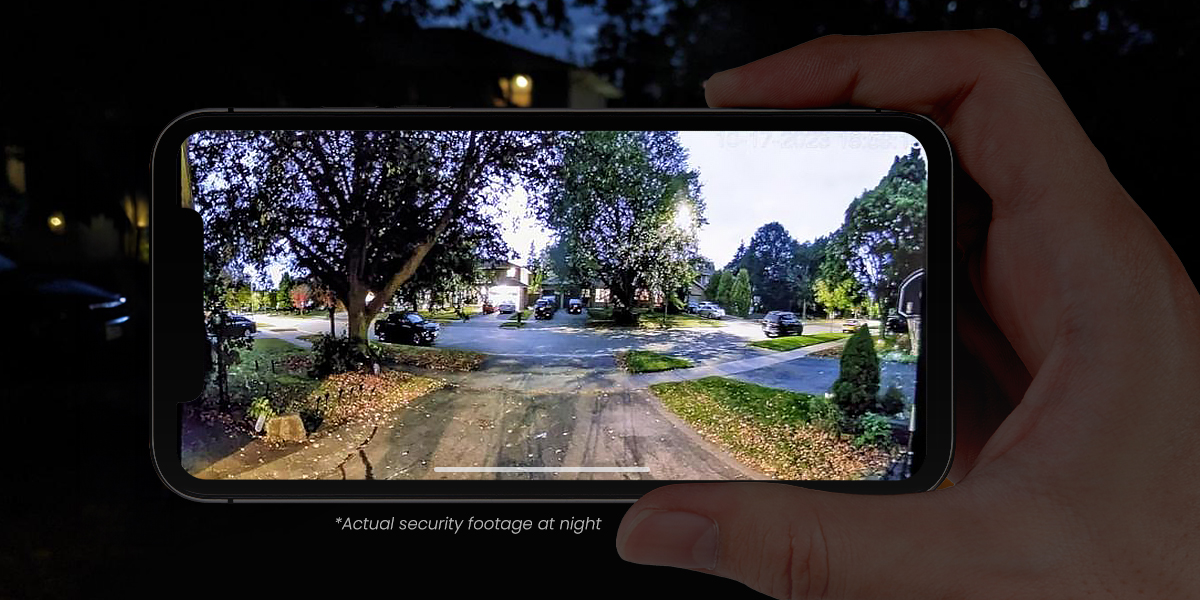
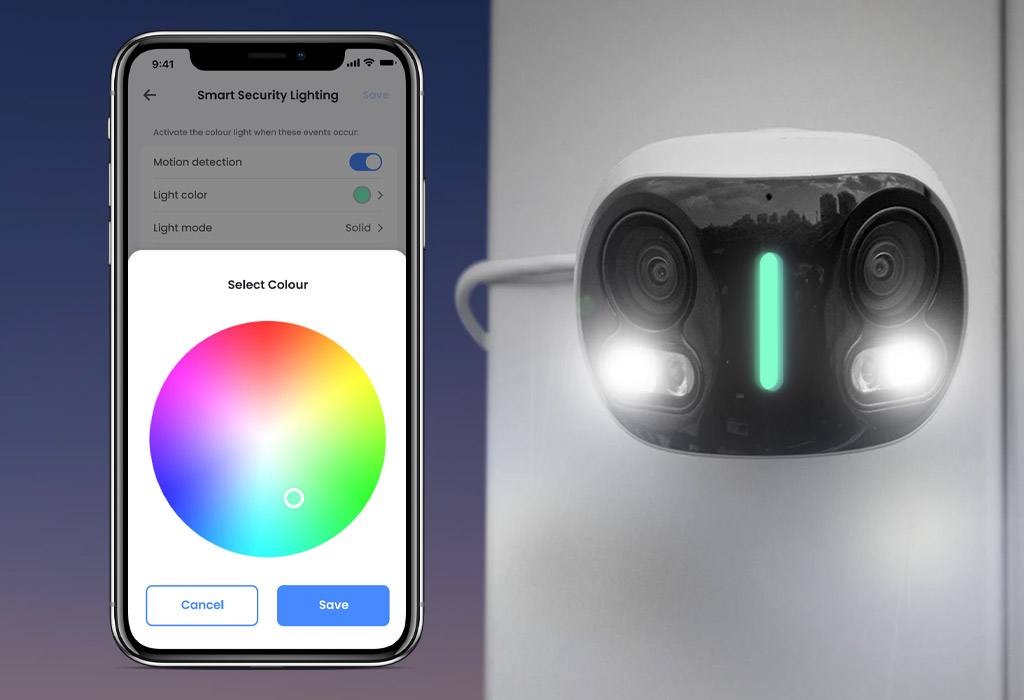
"I am very disapointed with these cameras. The splice distance settings cannot be change, "error, please check network" keeps appearing. The camera image is fisheye, and not acceptable. Nothing stealth about these at all with a bright green light advertising to everybody there is a camera present. I give Lorex a 2 star for these instead of 1, because I like their software."
— James C. (2/5)
Set up was a piece
"Set up was a piece of cake. What a great view. No wires to get back to the base station… Love it!!!!!!"
— Mike H. (5/5)
Customer service is horrible I've
"Customer service is horrible I've had one person that knew the product well enough to help me out the rest of them have no idea"
— John D. (3/5)
I can't get the right
"I can't get the right time on the display it's one hour behind I live in Vancouver bc how to change it? Otherwise it's ok"
— Les N. (4/5)
Once it is setup, this
"Once it is setup, this camera is great, just like all the other Lorex cameras I own. However, there is an important detail that is not clearly presented that can make setup a real headache. This camera cannot be added to a WiFi network using WPA3 security. I tried over and over to get this thing to connect, but it always failed and provided no reason why. Finally, I called Lorex and was told about this issue. I temporarily switched my WiFi router to use WPA2, got the camera to connect, and then switched back to WPA3. Also, this camera draws more power than other Lorex WiFi models. This is understandable, given the dual sensors, but it was not obvious because it appears to use the exact same power supply as other models. I was replacing an older camera with this one, and I had previously plugged 2 Lorex cameras into an aftermarket 2-port USB power supply because I only had a single AC outlet available. When I tried the same with this camera, it did not work. I finally realized that it requires more power than the aftermarket supply could provide, forcing me to come up with an entirely different (and more cumbersome) solution to independently power each of the cameras. Since getting it setup and installed, it has been great."
— Nathan B. (4/5)
Good
"Good"
— Ali A. (2/5)
works great
"works a 180 degree site. perfect. easy to hook up. Love it. the only thing is if it is a animal it calls it a person. Which is no big deal to me. work Great at night."
— Larry S. (5/5)
love it. Love the clarity
"love it. Love the clarity and that we are back to feeling secure."
— lori G. (5/5)