















Skip to product information
1 of 7
View full details

Lorex 2K Pan-Tilt Outdoor Wi-Fi Security Camera (2-Pack)

Lorex 2K Pan-Tilt Outdoor Wi-Fi Security Camera (2-Pack)

SKU: SKU: TF461AQD-E-2PK

No Monthly Fees Own it. No subscriptions required.
 

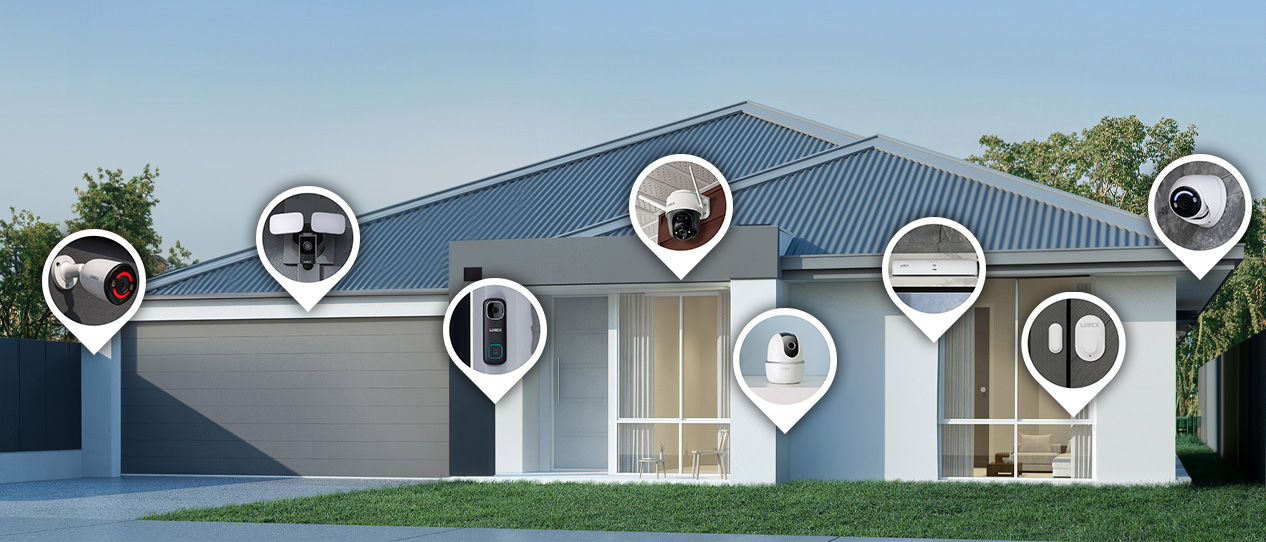
Get The Whole Picture with 360° Coverage

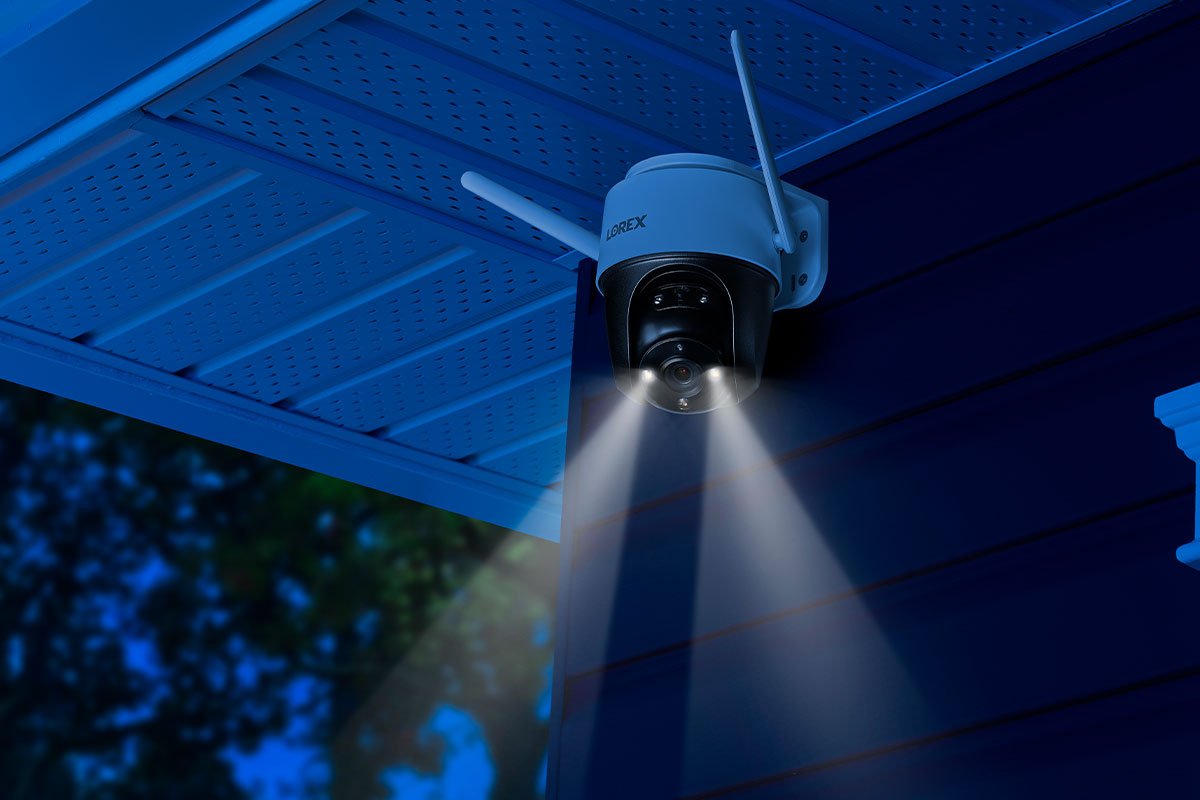
Expand your coverage with the 2K Pan-Tilt Wi-Fi Security camera. Cover every angle and eliminate blind spots with the camera’s vertical and horizontal rotation. Digitally zoom in or out to see every detail near and far. Easily install on a ceiling, wall, or pole with the versatile mounting bracket to get the perfect view. Featuring a weatherproof rating of IP66, this camera can withstand temperature variations across all seasons.


FULL
COVERAGE

COLOR
NIGHT VISION


IP66 RATED
WEATHERPROOF

WARNING
LIGHTS


PRIVATE LOCAL
STORAGE

2.4GHz
WI-FI


2K Resolution Recording

A 4MP image sensor provides 2X the resolution as 1080p. This creates exceptionally sharp and detailed video.

Color Night Vision

Have around-the-clock coverage, even in ambient lighting with Colour Night Vision™. For very low light setting, IR Night vision activates.

 
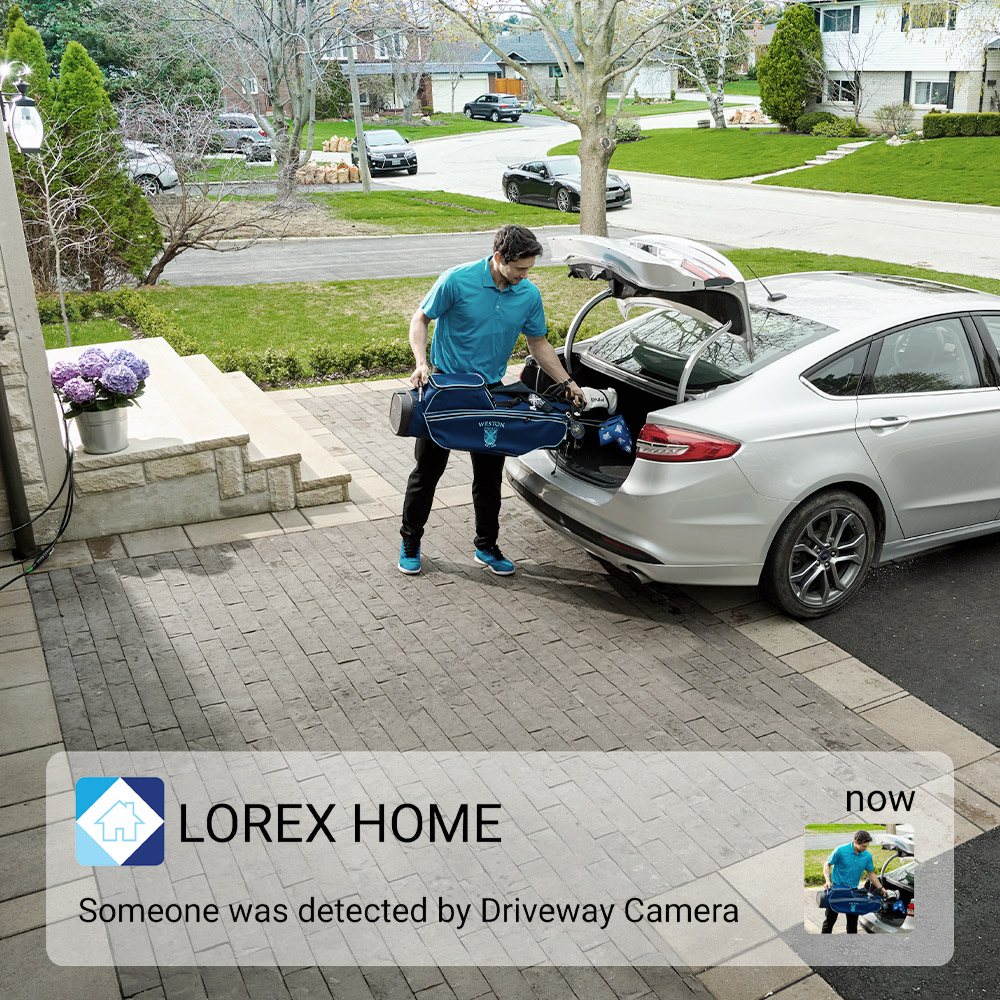
person detected in driveway
 

Minimize False Notifications

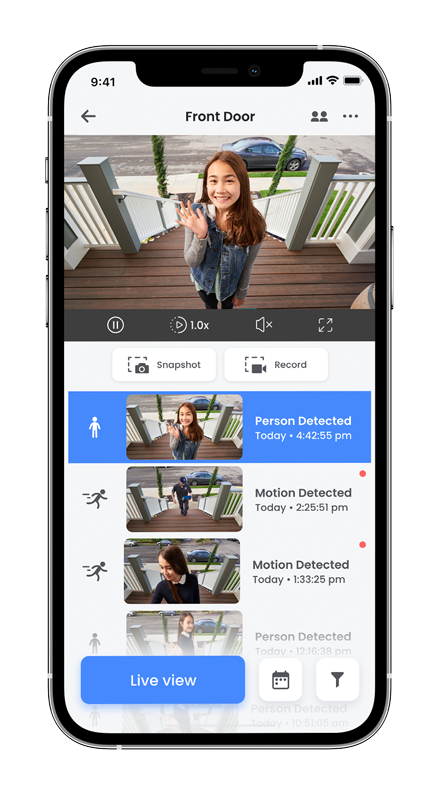
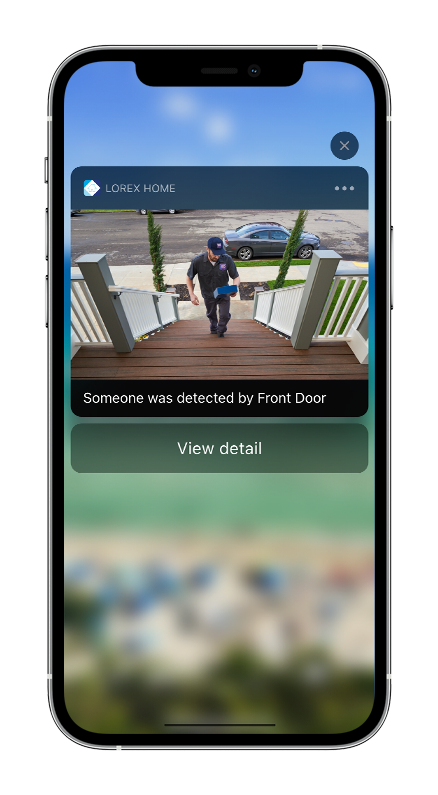
Always be notified when there is a person on your property with Person Detection. Only receive notifications that are important to you on the Lorex app, even while you’re away from home.

 
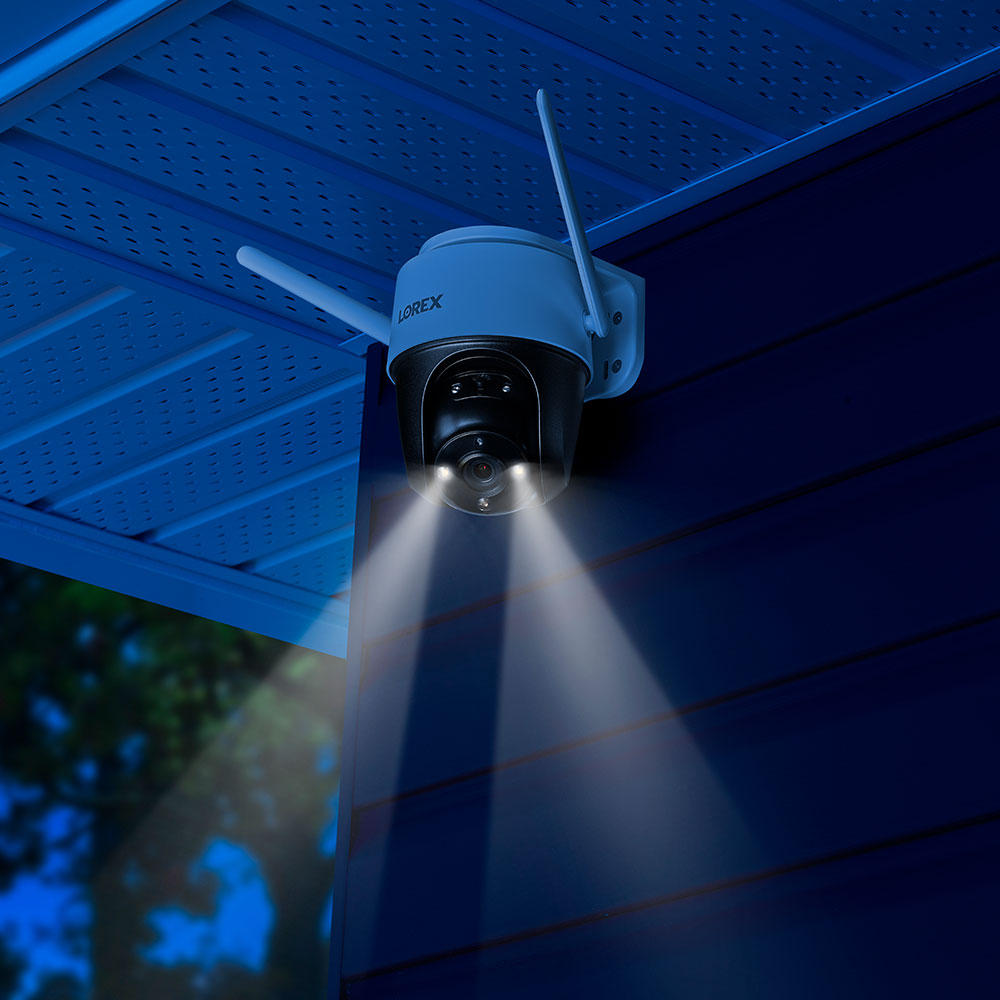
security camera warning lights
 

Warning Lights and Siren

Keep uninvited guests off your premises using the motion-activated dual LED lights and the remotely-enabled siren through the Lorex app.


2-Way Talk

Easily speak to people on the other end of the camera using the built-in microphone and speaker.

 
microSD on desk
 

Local Storage

Ensures privacy, with video footage stored on the local 32GB MicroSD card.


No Monthly Fees

Never pay recurring monthly fees and always have access to your video footage.


Wired or Wi-Fi

Connect wirelessly using the 2.4GHz bandwidth. You can also connect the camera with an Ethernet cable (not included) to a Fusion enabled recorder.

 
Works with Google Assistant Works with Alexa

Smart home compatibility

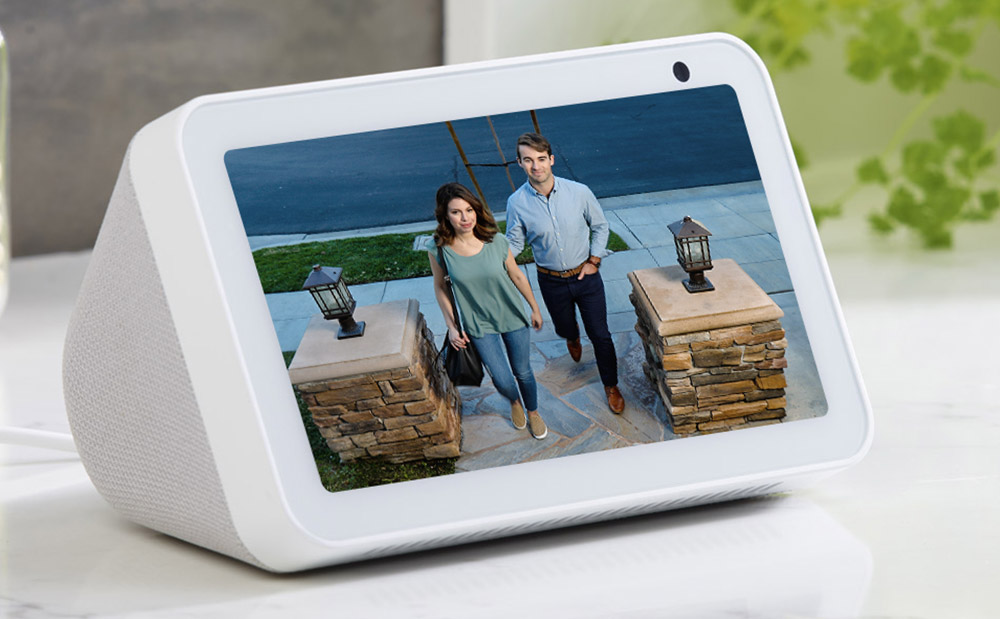
Get faster access to you security system with hands-free voice control. Use simple voice commands to activate camera features with Amazon Alexa™ and Google Assistant™. Use it with Chromecast or Firestick to monitor your security camera footage on a larger screen. For more information about current smart home integrations, visit our Smart Home Guide.

 
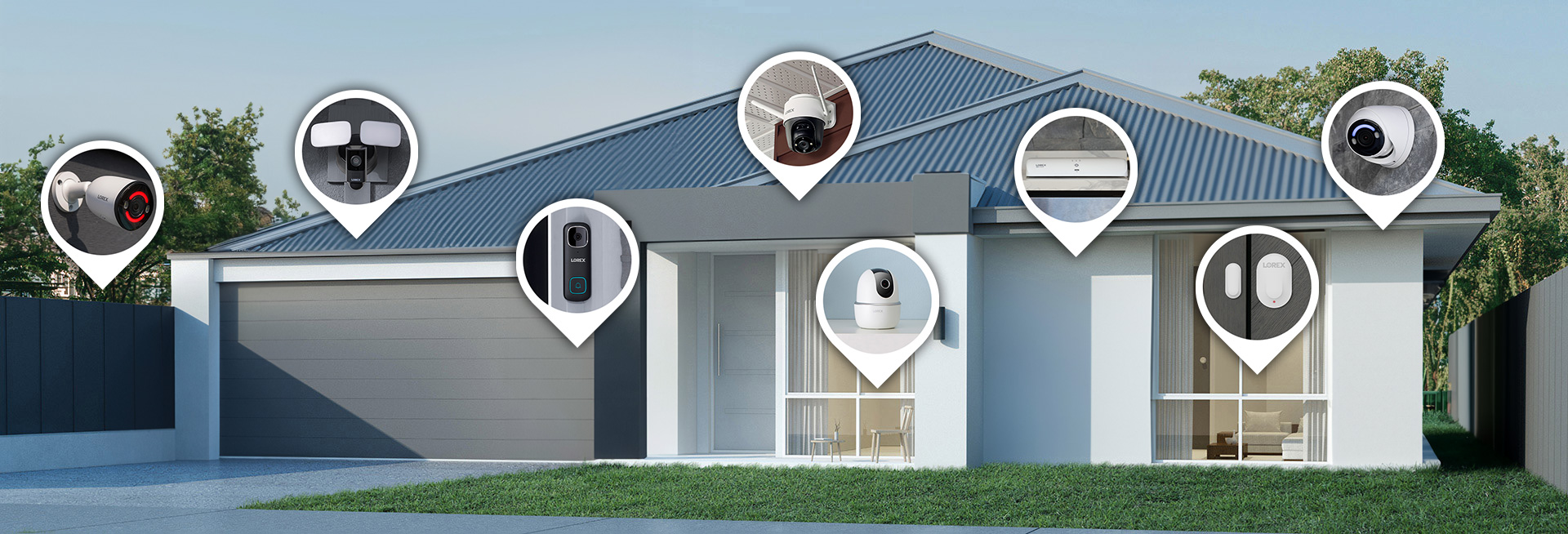
Lorex Fusion Ecosystem

Build your security the way you want with the Lorex

Fusion Collection
 

Easily grow your security by adding Lorex Fusion Wired and Wi-Fi Cameras.

All-in-One Security

Connect all of your devices to one recorder with secure local storage for enhanced privacy and protection.

24/7 Recording

Record continuously to your NVR’s local (and upgradeable) storage with no monthly fees.*

One App Access

Remotely monitor and control your Lorex devices from anywhere using the Lorex Classic app.


*To conserve battery life, Lorex Battery-Operated Doorbells and Cameras cannot record 24/7 continuously to the Fusion Recorder’s local hard drive.


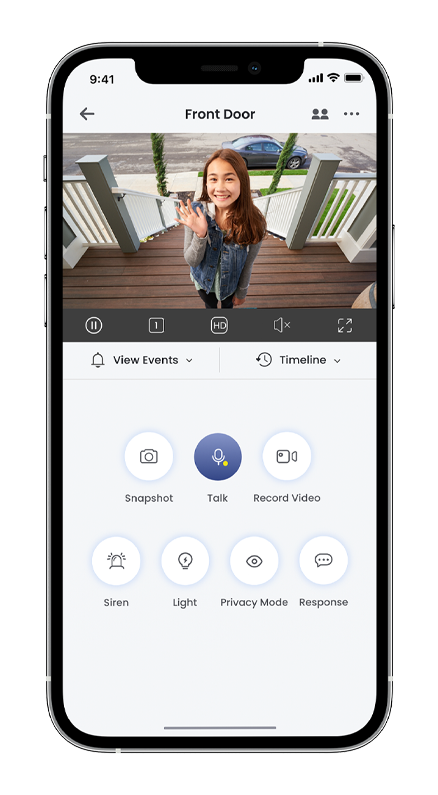
Stay connected on-the-go with the Lorex Classic app


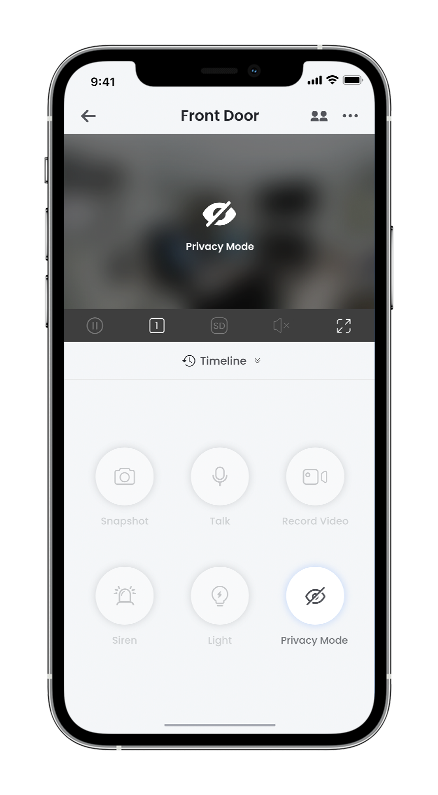
Your Lorex devices will always be within reach with help from the Lorex Classic App. This versatile app allows you to remotely access your Lorex cameras so you can easily view live videos, customize your system settings, playback recorded motion events and more.

Download on the App Store
Get it on Google Play
 

Product Specifications

Max Video Resolution 2K (2560 × 1440)
Aspect Ratio 16:9
Frame Rate 2K @15fps
Aperture F1.6
Field of View (FOV) 107° Diagonal
White LED IR LED
Infrared Wavelength 850 nm
Ethernet Port Yes
Operating Temperature -30ºC to 60ºC
Night Vision Range 33ft / 10m
Environmental Rating IP66 Outdoor
Microphone Yes
Speaker / 2-Way Talk Yes
Storage Capacity Up to 256 GB MicroSD
Network Connectivity 2.4 GHZ
Remote Viewing Yes (Lorex Home App)

What's Included?

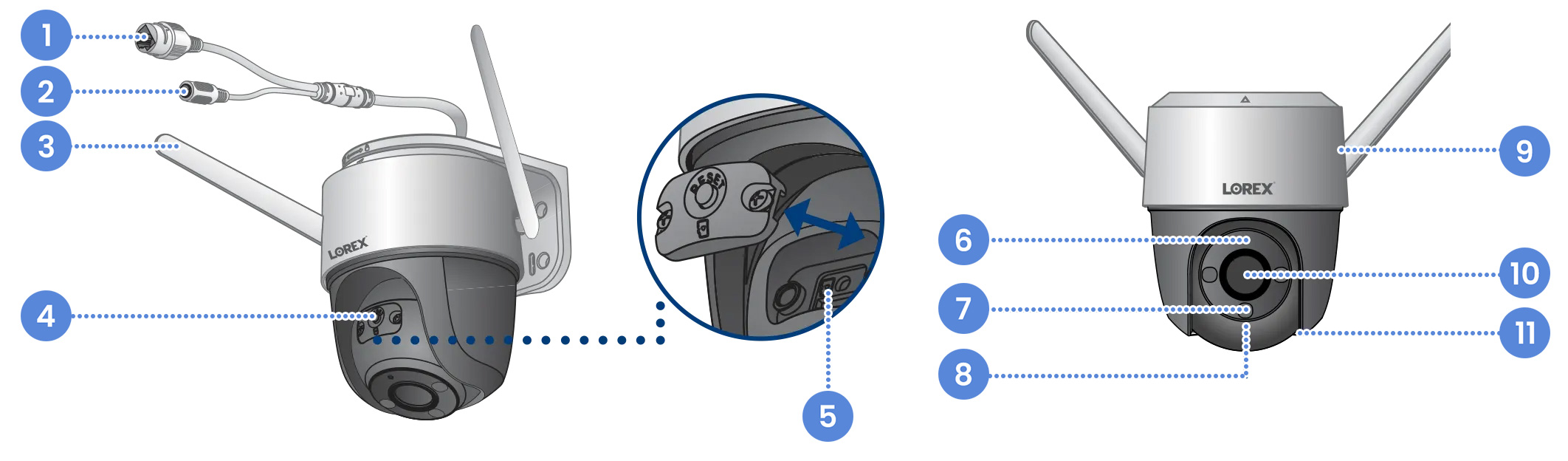
F461AQ Overview

Dimensions (W×D×H): 3.7 × 4.2 × 7.7" / 100 × 107 × 196mm
Weight: 1.25 lb / 0.57 kg

  1. Ethernet port
  2. Power Port
  3. Wi-Fi Antennas
  4. Pairing/Reset Button
  5. MicroSD Cart Slot
  6. Status Indicator
  7. Warning Light
  8. Infrared Light
  9. Rear Speaker
  10. Lens
  11. Microphone


Package Contents:

2 × 2K Wi-Fi
Cameras

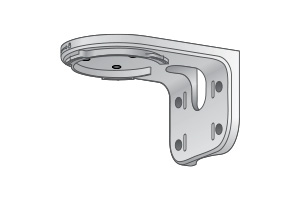
2 × Mounting
Templates

2 × Mounting
Brackets

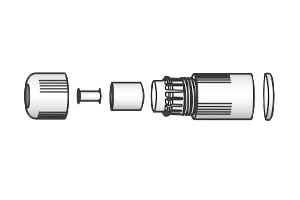
2 × Ethernet
Cap Covers

2 × Power
Adapters

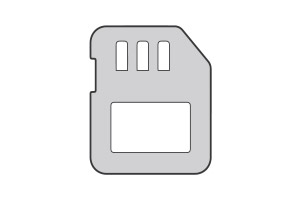
2 × MicroSD
Cards

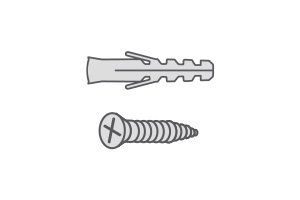
Anchors
& Screws

Product Compatibility

Product Reviews

Overall rating: 4.6044774 / 5 from 536 reviews.

AI Generated Review Summary

The Lorex 2K Pan-Tilt Outdoor Wi-Fi Security Camera offers a smooth video experience with sharp 2K resolution, even in low-light conditions. Customers appreciate its easy setup, fantastic system, and great features. The connection is reliable, and the picture quality is excellent.

Summary topics

  • Pan/Tilt Feature (3%): It was observed by customers that the camera's pan/tilt feature is a great option.
  • Connection Reliability (3%): It was highlighted by customers that the connection was easy and reliable, with multiple reviews mentioning this.
  • System Usability (3%): It was observed by customers that the system is fantastic, easy to set up, and incredibly user-friendly.
  • Video Quality (3%): It was observed by customers that the video quality of the product is very good and smooth.
  • Camera Features (7%): Customers raved about the great features of the camera, mentioning it multiple times in their reviews.

Review topics: ["improvement","quality","shipping","looks","value","light","features","works","installation","setup","connection","issues","functionality","support","performance","price","sound","control","power","cameras","staff","wires","instructions","picture","design","wifi","software","video","customer service","set"].

Review highlights

  • "Easy installation, very good quality, good resolution, handy app, overall very satisfied, for sure highly recommended."Luis G.
  • "The cameras work well, video is clear, exceptionally good video at night (even with IR turned off) and useful features."Juan s.
  • "Functionality is really good, setup with app was easy as pie, and the beta people tracker is a nice feature."Jay D.

Reviews

Surprising 2K camera

"I am very happy with my purchase of this camera. I have it mounted on my garage facing the house and driveway. My setup is through wi-fi since the garage was too far from the house to use ethernet cable. I downloaded the app to my phone and setup the camera before mounting it on the garage. Everything worked so easy, I was amazed. After I mounted it on the garage and plugged in the power, I started walking around in front of it. It picks up car movement on my driveway about 175 feet away and follows the vehicle as it approaches. Once everything stops moving, it returns to the position which I had set for the observation point. I get a push message about 30-45 sec after any movement. This is a very good camera for the price and the pan, tilt and zoom controls on the app work great. There is a little lag, but not enough to be bothersome. The zoom is strong enough to see faces and license plates which is exceptional for a 2K camera. I would highly recommend this."

Robert R. (5/5)

Hello, I hooked up the

"Hello, I hooked up the camera like the other 2 I have. They are bullet cameras. This new 2k Pan Tilt wi-fi camera was bought to be able to pan/tilt 360. I cannot get the pan/tilt control feature to work on the app. I have rebooted the NVR and reset the camera. When I try to click on the pan/tilt control it says "only available for PTZ cameras" this camera is supposed to be a pan/tilt so I need to know how to resolve this issue. Please respond thanks"

scott k. (5/5)

Easy to setup. Good solid

"Easy to setup. Good solid camera."

Laurence G. (5/5)

Extremely frustrating getting them so

"Extremely frustrating getting them so they would connect with the dvr but a good camera. Initially the camera did not ask to get a password set up for the camera itself. Had to completely reset everything multiple times to get it to that prompt. Not sure why. Finally was able to set a separate password for the camera itself. Initially it connected to the dvr but the cameras dropped the dvr day 2 and I had to reset everything again to get them connected. A total of 2 1/2 hours with support to get them working properly with the dvr. I’m hoping they don’t disconnect from the dvr again. They always worked on the mobile app just not the dvr."

Annette K. (4/5)

If they stayed up, they

"If they stayed up, they would probably work a lot better. However, out of the 8 cameras that are around my house, 4 of them are usually off at any given time. Even though they are all within the same range of the n v r and the internet modem. Two of them are side by side, just pointed in different directions, and they still go out all the time. Do not recommend"

Tracy M. (3/5)

It doesn’t work with Starlink

"It doesn’t work with Starlink"

Gaetan S. (5/5)

Worth the price and the

"Worth the price and the camera quality stood out. Will recommend."

Rokeeb O. (5/5)

it works for my needs .

"you ask to know about how this works? so did I, looking around to find something that works for me, that does not cost a lot of money. to record and keep close when i need to see what is going on. This system i what i was looking for. and it works as i was told that it would do also. No problem with this so far works well make sure you place this camera in a good place, and everything will be good for you also."

Daniel R. (5/5)

Good luck getting it up and running

"Still not working. QR Code in installation instructions took me to an app that did not match with the instructions. The app it took me to did not work in configuring the camera. The app mentioned in the instructions can no longer be found. All Lorex website tech support has led to dead-ends so far. AI prompts just make matters more confusing because of poorly documented changes by Lorex."

Kevin C. (1/5)

"Great products, great customer service. Love my new Lorex system!!"

Lee (5/5)

Q&A

Can the cameras be powered through the Ethernet connectors, or do they always have to be powered by the power cord?
The cameras have to be connected to the power adapter all the time, even if you connect them to an ethernet cable to your router.
How long are the power cords?
The length of the included USB power cable is 9.5ft.
>