Skip to product information
1 of 8
View full details

V Series

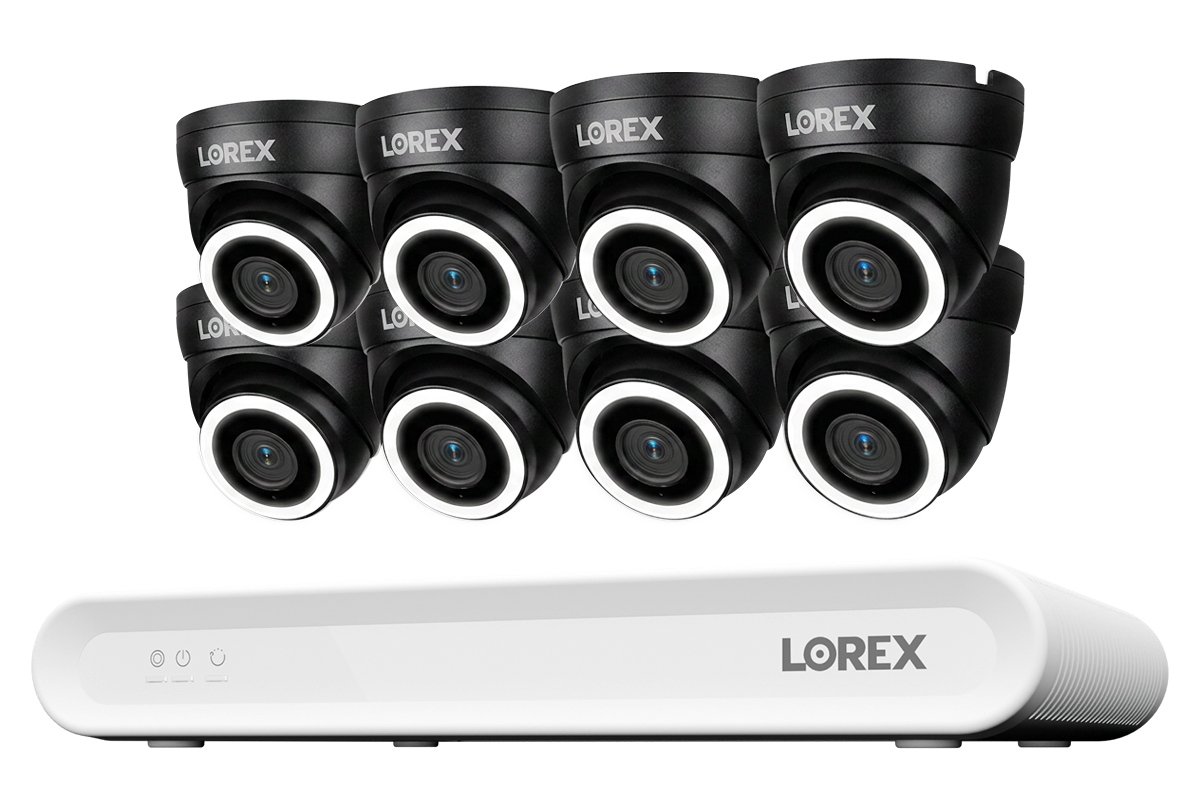
Lorex Connect V Series 4K 8-Channel Wired NVR System with V3 4K PoE Turret Cameras - 1TB (Cable not included)

Lorex Connect V Series 4K 8-Channel Wired NVR System with V3 4K PoE Turret Cameras - 1TB

SKU: SKU: CN301V3-TW2-8CH1T

Color
Number of cameras

Key Features

  • Protect Around the Clock – Continuous 4K recording
  • Monitor Key Areas – Connect up to 8 cameras
  • See Every Detail – 4K video at 15 FPS
  • See More at Night – Color Night Vision plus IR in total darkness
  • Deter Unwanted Activity – White security light and siren
  • Smarter Security – Person and vehicle detection
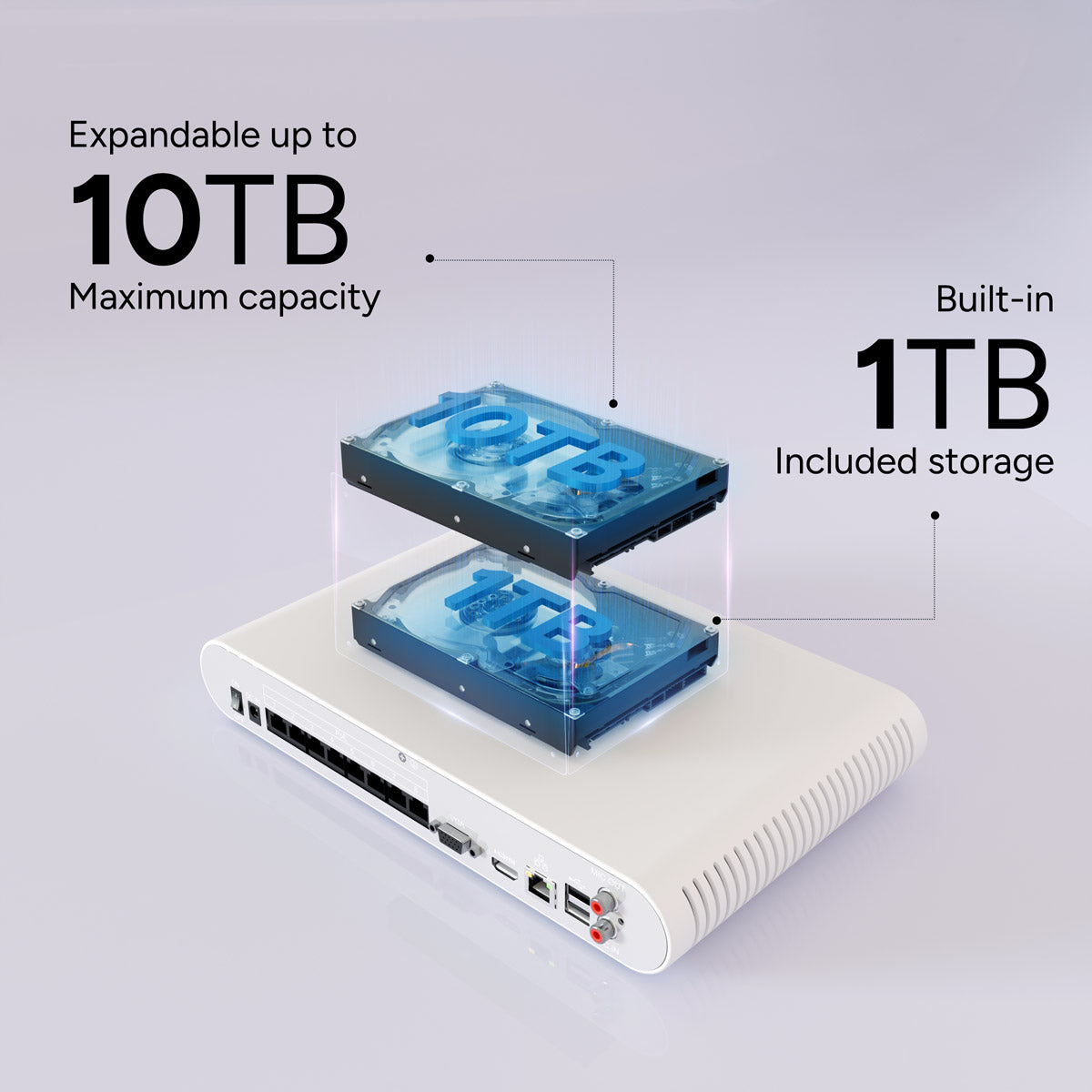
  • Keep More Video – 1TB included, expandable up to 10TB
  • Stay Connected – Remote viewing and alerts with Lorex Connect
Black Friday Special badge
Regular price $447.99
Sale price $447.99
Regular price $639.99 Save $192 (30%)
OR
Due to high order volume, standard shipping for this product may take up to 2 weeks.
No Monthly Fees Own it. No subscriptions required.
Lorex Connect App Icon

Stay connected to life’s moments with the new Lorex Connect App

Highlights

More details  

Collapsible content

Product Compatibility

Product Specifications

Download PDF (RN301A-81W-AB1)
Download PDF (CN301A-1TW-AB1)

Package Contents

RN301A-81W-AB1

4K 8-Channel NVR

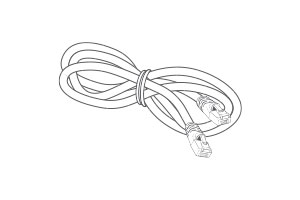
Network Cable

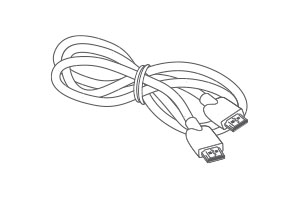
HDMI Cable

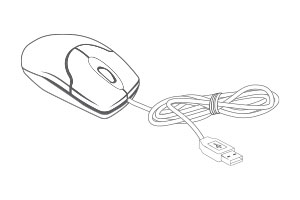
USB Mouse

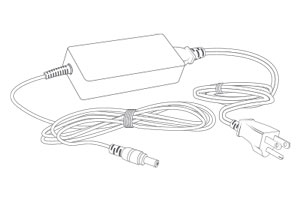
Power Adapter


CN301A-1TW-AB1

4K IP PoE Turret Camera

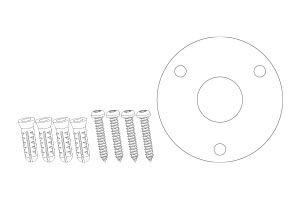
Mounting Hardware

Product Support

Product Reviews

Overall rating: 3.6666667 / 5 from 6 reviews.

AI Generated Review Summary

Summary topics

Review topics: ["quality"].

Review highlights

Reviews

Product is really good. Unfortunately

"Product is really good. Unfortunately the support is not efficient and doesn’t listen enough!"

— Lorenzo G. (3/5)

Quality not as good as

"Quality not as good as I hoped but does decent"

— Joshua B. (4/5)

We are very unhappy with

"We are very unhappy with the camera system. We were unable to connect it to the Lorex Fusion recording system as no instructions for the set-up were provided with the equipment. The instructions provided were generic and stated that a QR code on the camera was need for set up, but there was no QR code provided and the generic instructions were useless. There was no help on the website and to call for assistance was only available during work hours. At this time the camera is set up with the recording system but we are unable to view it while the system is in grid mode. We would not buy again."

— Allan E. (1/5)

Easy installation and great quality.

"Easy installation and great quality."

— Kim M. (5/5)

Great product . Easy to

"Great product . Easy to set up also"

— Installer S. (4/5)

Good system, NVR no noise

"Good system, NVR no noise"

— Installer T. (5/5)

Q&A

Why are the security systems no longer coming with cables for the cameras? I just bought a new house and wanted to install Lorex in the new house as well. But the systems all say "cables not included"
Some systems do not include cables because many customers already have cables installed from previous systems, or they would like to get cables of specific length. You can verify if cables are included in Package Contents section at the bottom of the product page.
what is the device model number? I need to buy an extender to match this.
The model is CN301V3. You can contact our sales support for assistance with the purchase.
Lorex Connect V Series 4K 8-Channel Wired NVR System with V3 4K PoE Turret Cameras. Can the deterrent light on the cameras be turned off at all times for interior installations?
Yes, it can. You can see in the recorder manual how to turn the light off: https://www.lorex.com/blogs/products/rn301a-series-4k-wired-network-video-recorder#support_articles
I currently have a Lorex system, and only one person can view the cameras at a time. This has been a problem for my wife and I as we desire to actively view the cameras at the same time. Especially, when I'm away from the house. Has Lorex upgraded their system to allow more than one person to view the cameras?
You can access app from multiple devices at the same time by creating a new account and adding it as a Shared User. This works both with Classic and Connect app.
>