Skip to product information
1 of 5
View full details

Key Features

  • Bluetooth Deadlock with 2- Layer Encryption
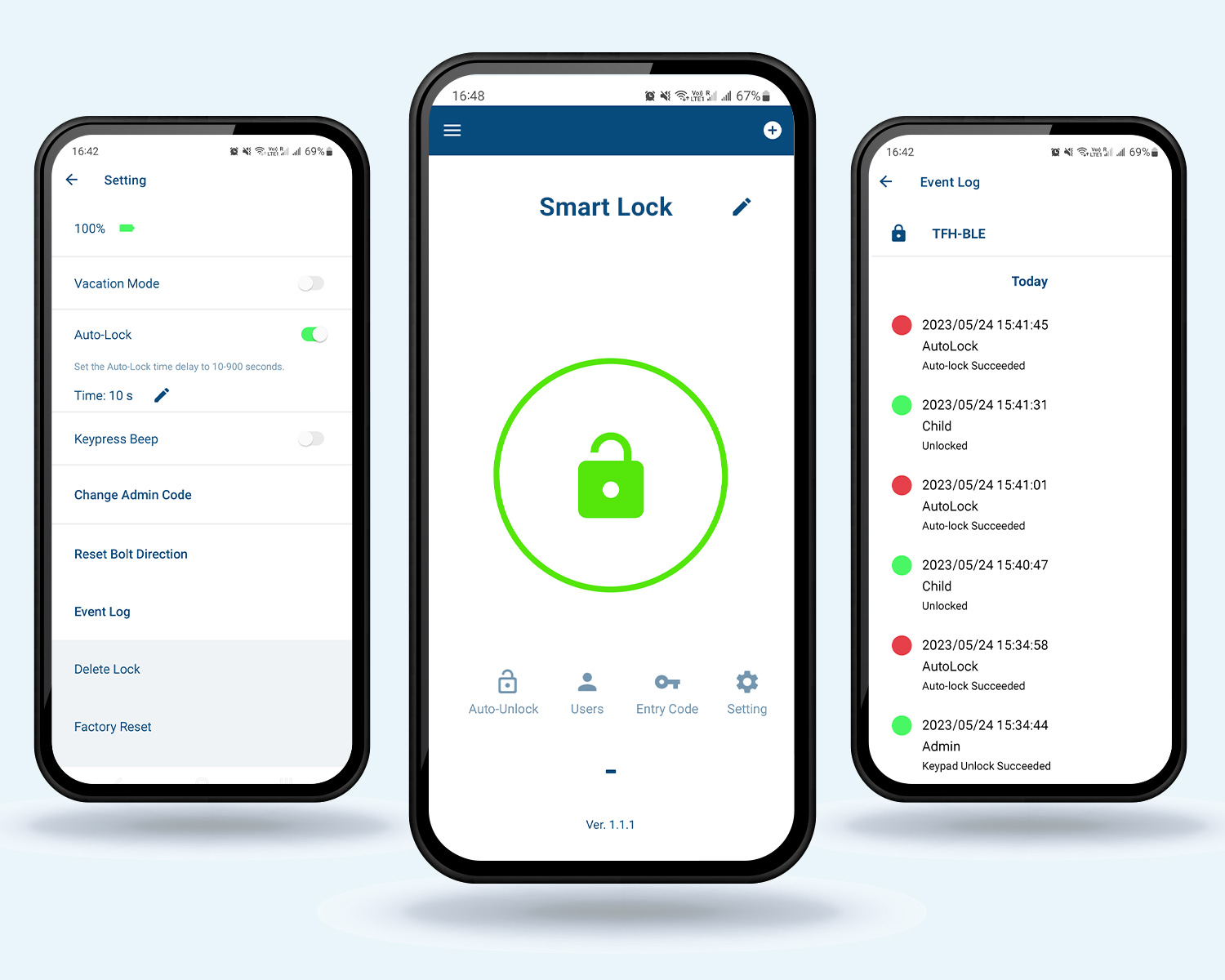
  • Smart Mobile App Control
  • Add upto 10 users per device
  • Assign up to 200 entry codes
  • Auto Unlock the door

Smartlock

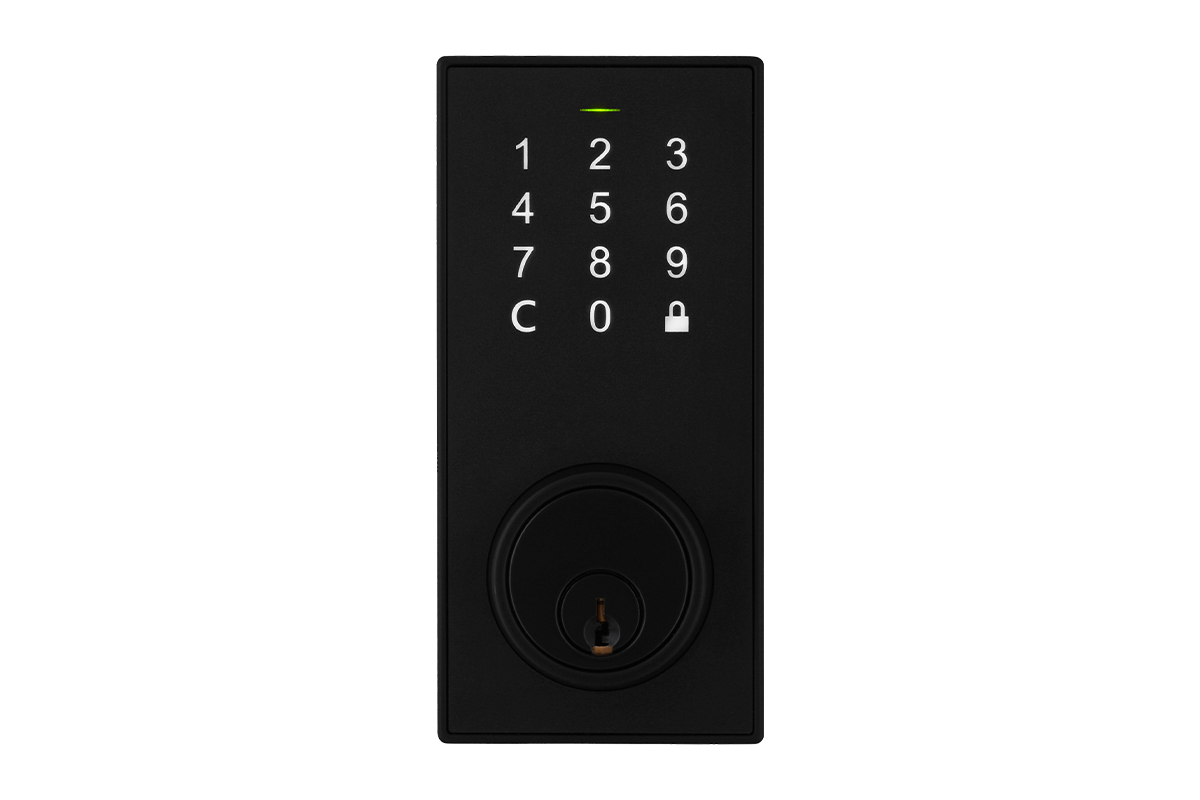
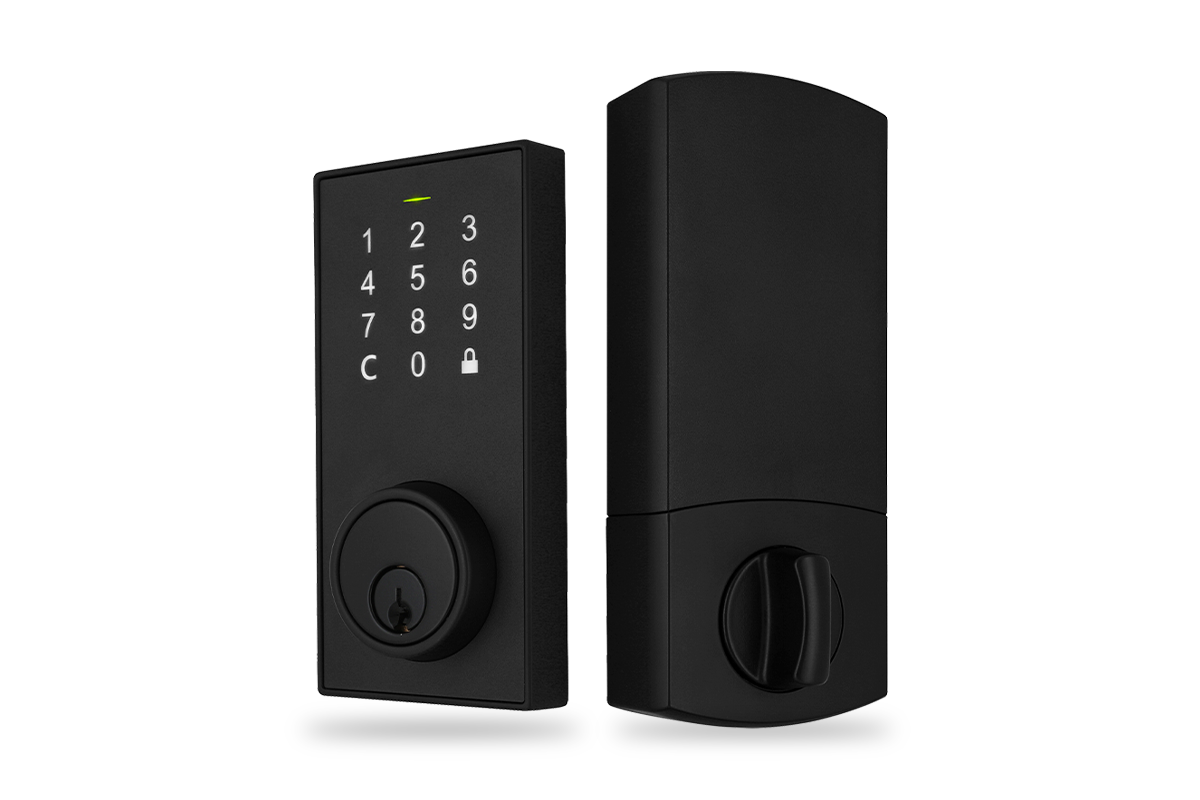
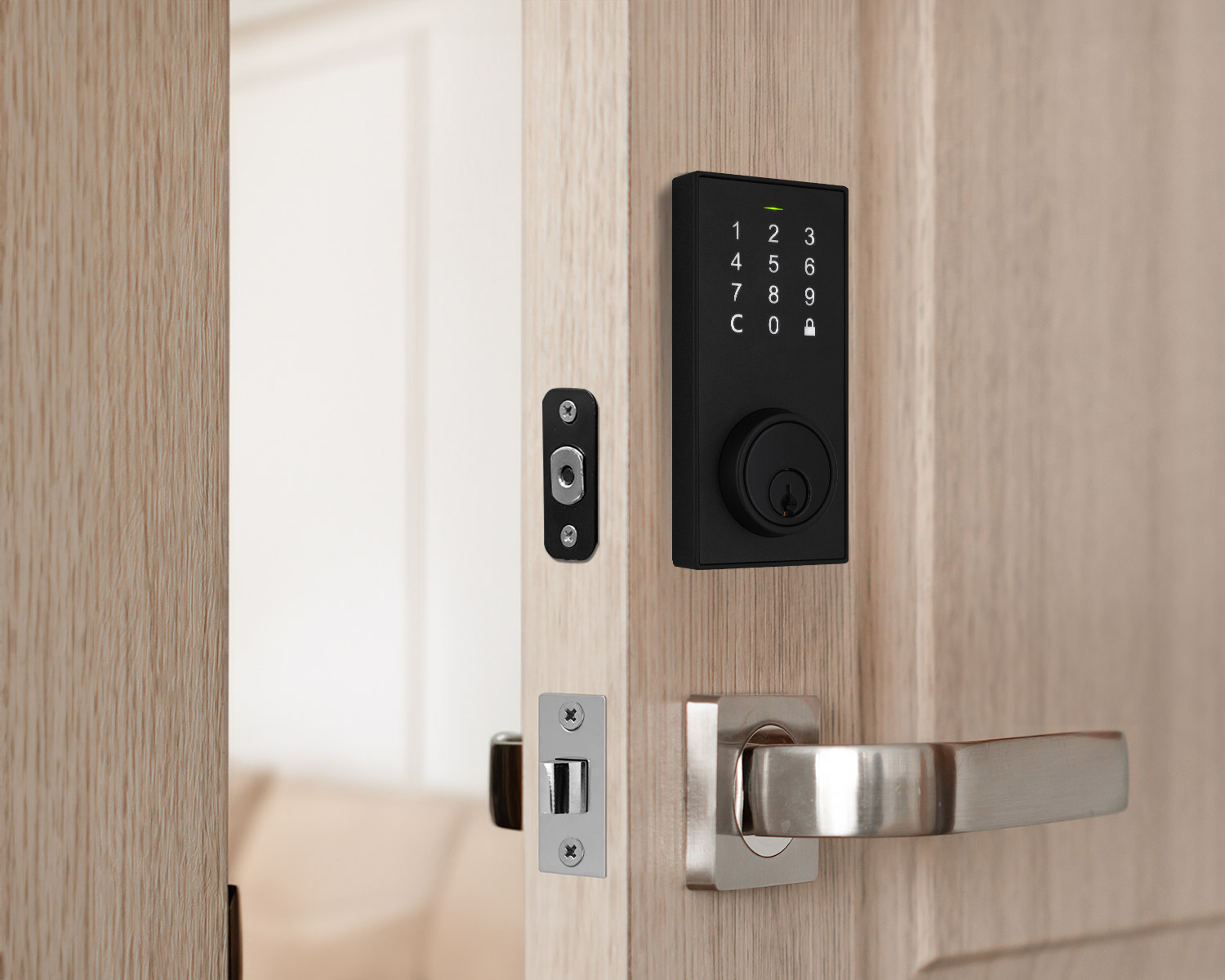
Bluetooth Deadbolt Smart Lock with Touchpad and App Control - Matte Black

Bluetooth Deadbolt Smart Lock with Touchpad and App Control - Matte Black

SKU: SKU: LK100-SL

Key Features

  • Bluetooth Deadlock with 2- Layer Encryption
  • Smart Mobile App Control
  • Add upto 10 users per device
  • Assign up to 200 entry codes
  • Auto Unlock the door

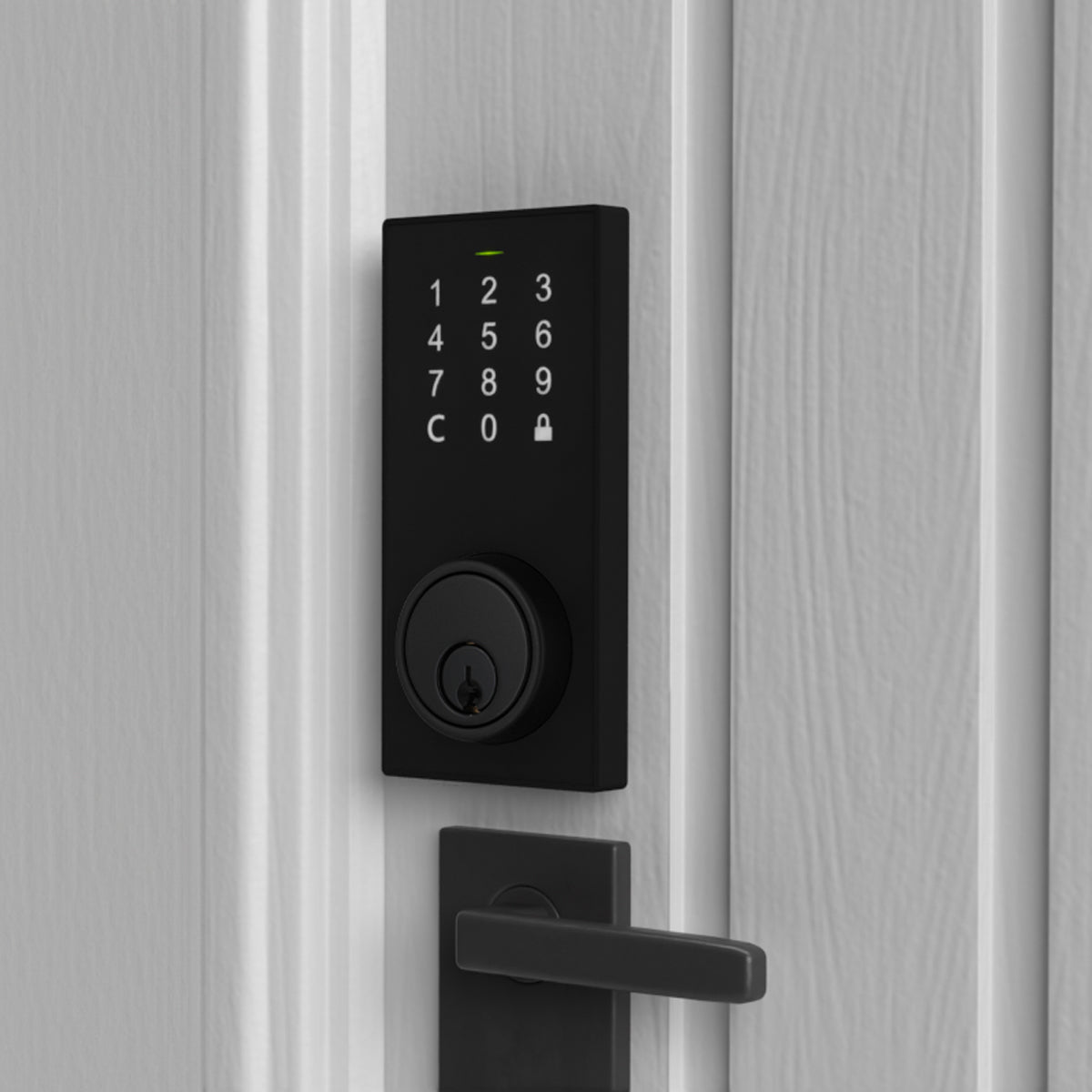
The Smart Lock is a secure and convenient way to keep your home safe. Unlock your door with access codes, your mobile device or using a key. Installation is easy, and you can be sure that your access will be monitored through the mobile app. Enjoy a secure home with the Smart Lock.


You are the key to your front door

This Smart Lock offers security and convenience with 4 ways to unlock your front door.


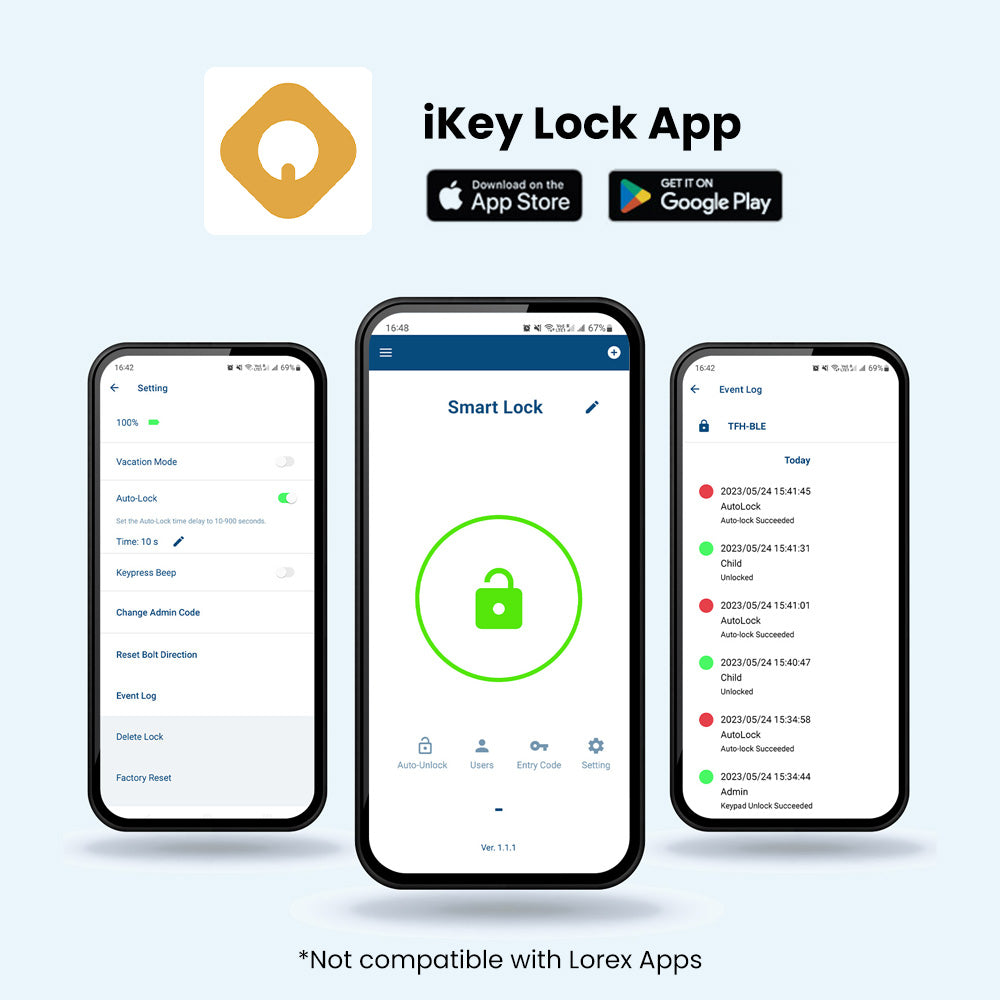
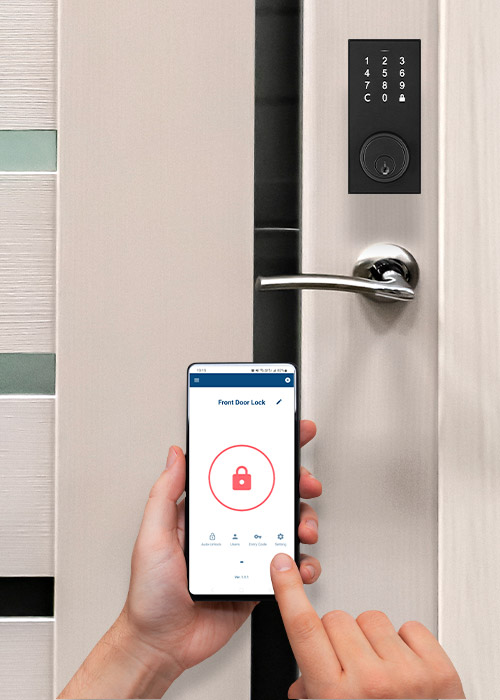
App Access

With a Bluetooth connection, you can easily lock and unlock your front door using the iKey Lock app with a press of a button.


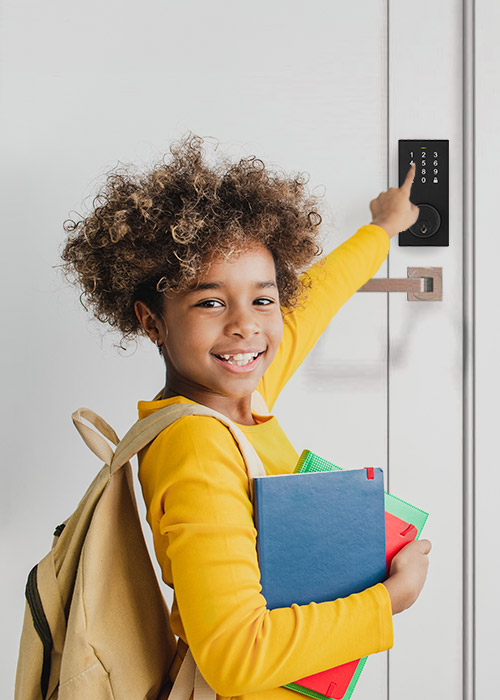
Key Pad

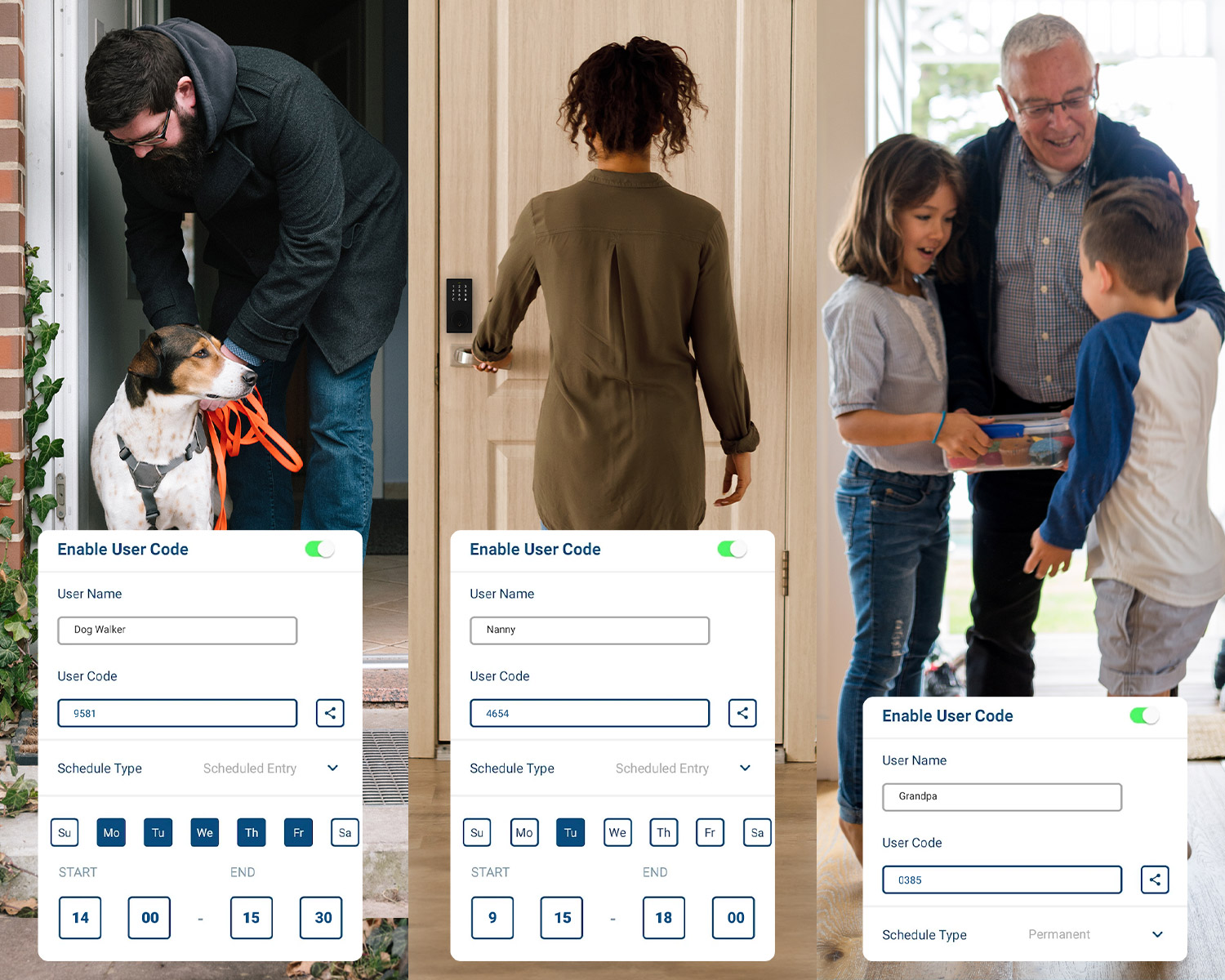
Create personalized 4-8 digit access codes and assign different codes for users.


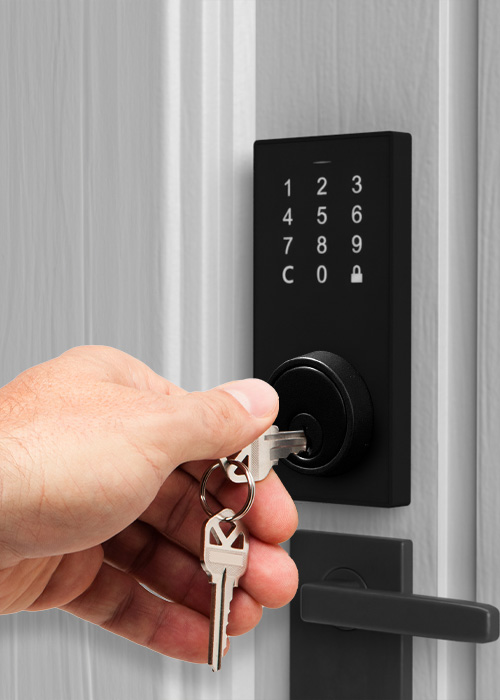
Key Access

Forgot to charge the batteries? You can always rely on the included key to unlock and lock your door should the batteries run out.


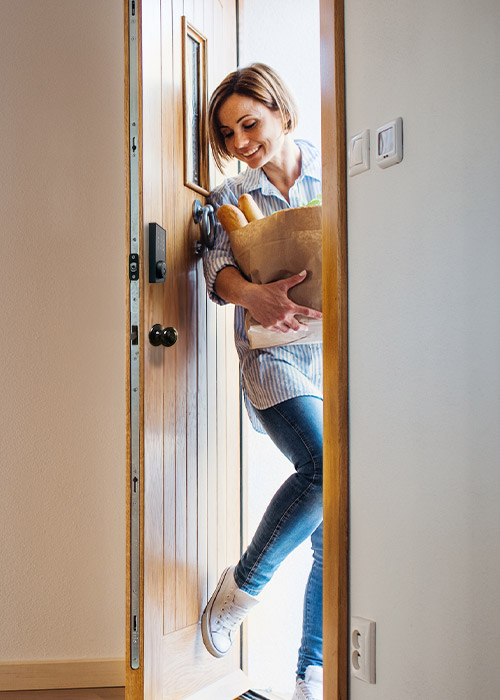
Auto Unlock

Hands full? No issues with the auto-unlock feature. Using bluetooth and iKey Lock app, when you approach the door, it will automatically unlock allowing you to enter with ease.


Protection at its finest

Your front door is the entry way to your home and worth protecting. This smart lock uses 2-Layer Encryption so you can rest easy knowing you are in control. With an all-metal exterior and a Grade 2 BHMA rating, this lock is built to withstand harsh temperatures, impact and daily wear and tear.


AES over Bluetooth connection

One-time random encryption key

ANSI Grade 2 Certified

cUL Certified*


*UL 20 minutes fire-rated for wooden door


Profile Management

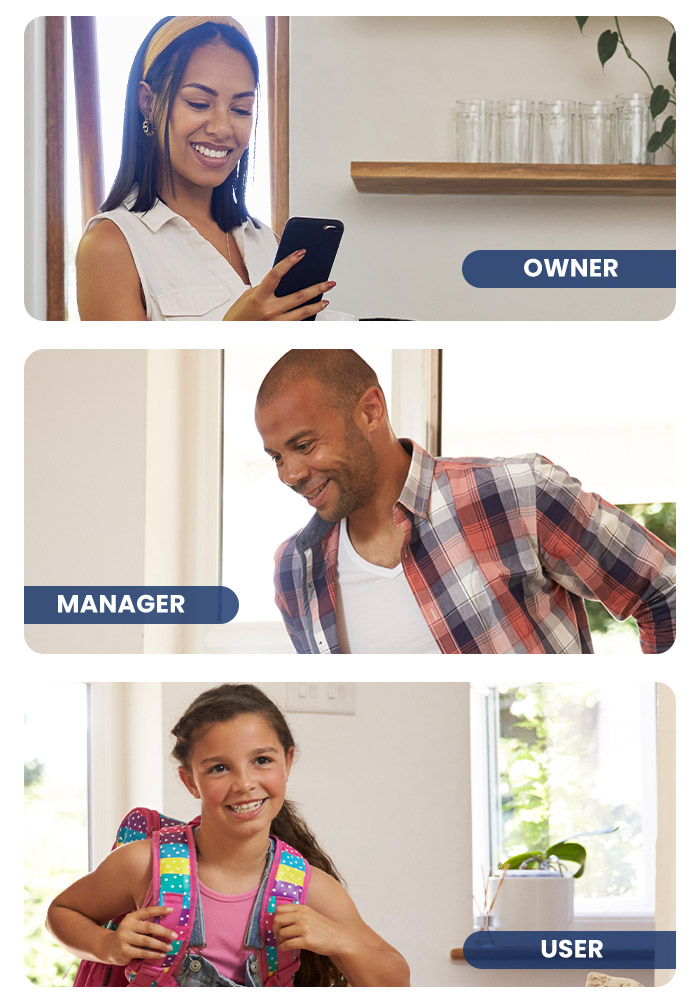
There are three different levels of control and you can have up to 10 users per device.

  • Owner - who can manage controls and create codes.
  • Manager - who can create codes once assigned.
  • User - who can only access when code is assigned.
  Owner Manager User
Unique user (can't be removed)    
Add/remove/modify User name and User role of Manager  
Add/remove/modify User name and User role of User  
Add/remove/modify Entry Code  
Setting  
Lock/Unlock by App
Enable/Disable Auto Unlock
Delete Lock from App
Modify Lock name
Number of accounts 1 0 - 9
 

Installation made simple

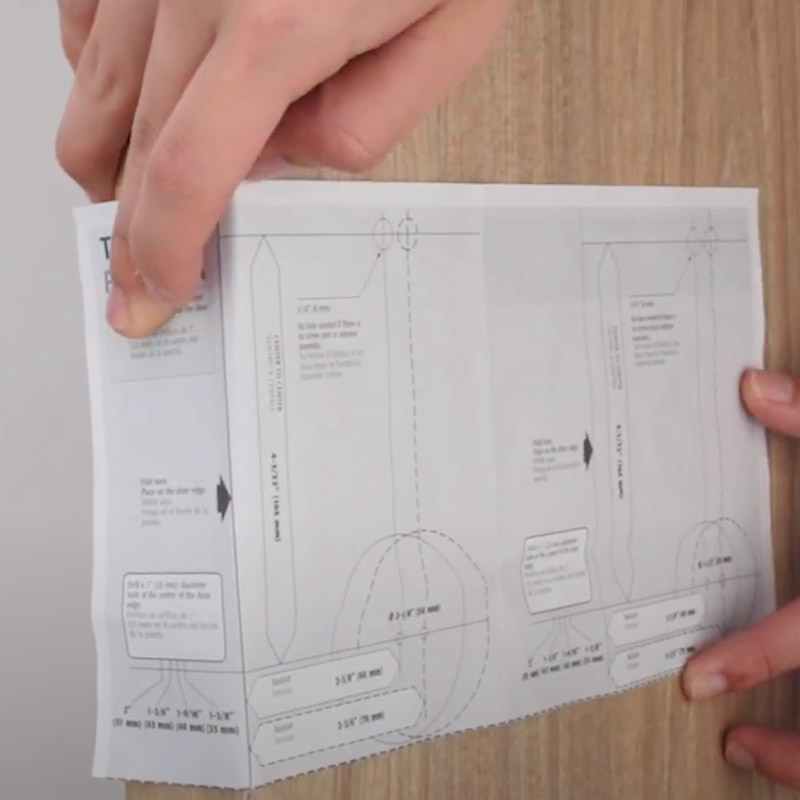
With the 3 step installation process, you can have your lock set up with ease. Follow the manual and ensure you have all tools available:


1

Drill Door hole (optional)

Once you remove your pre-existing lock, assess the door hole if it fits the smart lock. You may need to drill to make the hole bigger - this step is optional based on individual doors.


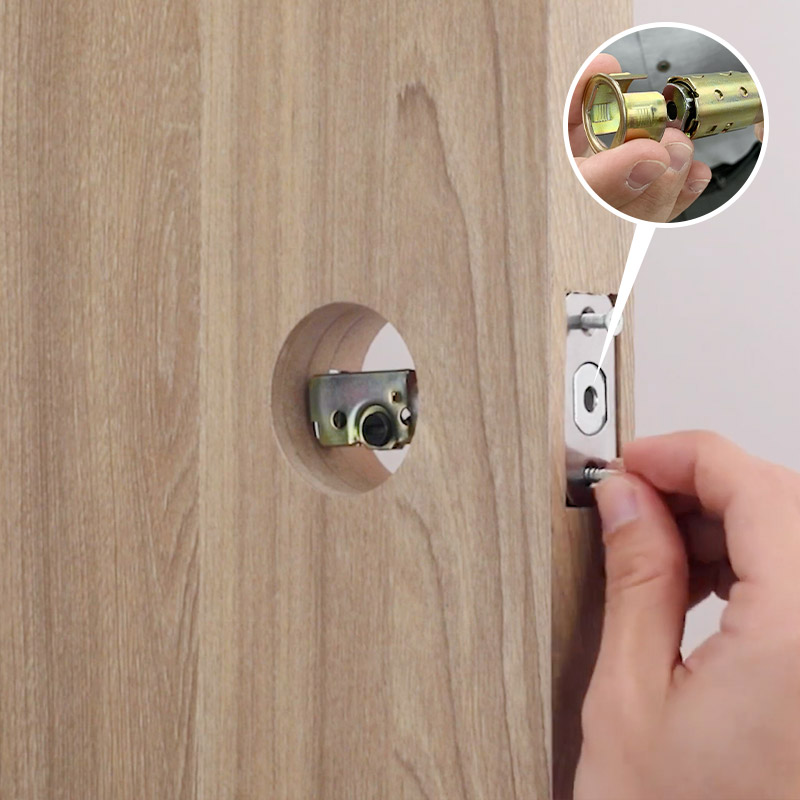
2

Insert latch

Take the latch and insert in the lock latch hole and tighten screws. If needed, you can use the included drive-in collar.


3

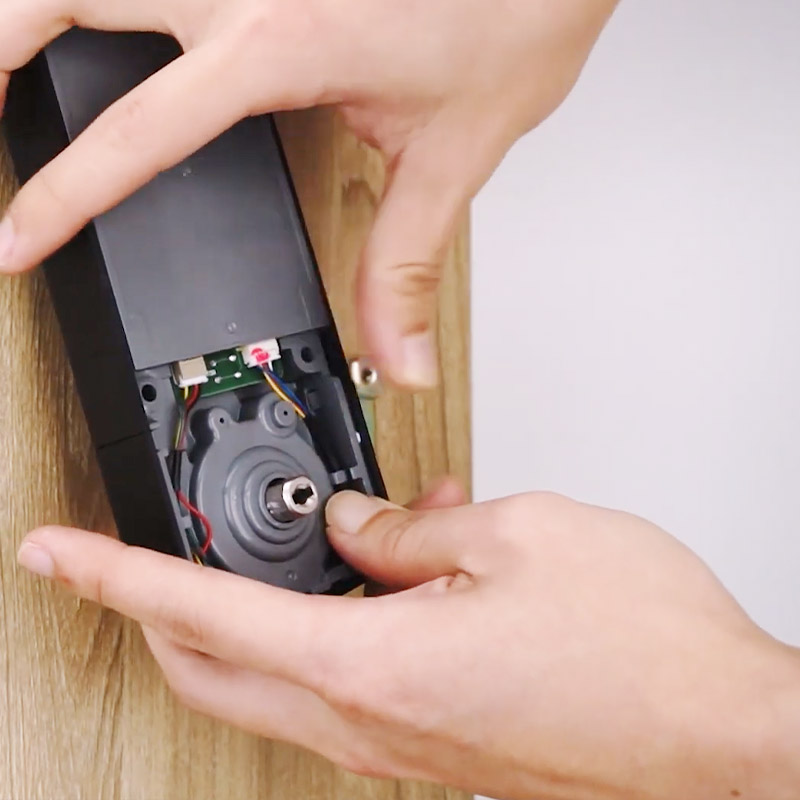
Secure key pad and lock panel

Thread cable under latch and connect to mounting plate. Secure into place.


Product Specifications

Model LK100
Lock Type Bluetooth deadbolt
Door Bore Hole 2-1/8" (54 mm) or 1-1/2" (38 mm)
Door Thickness 1-3/8" (35 mm) to 2" (51 mm)
Adjustable Backset 2-3/8" (60 mm) and 2-3/4" (70 mm)
Unlock Method Mechanical key, Entry code, Mobile App
User Entry Code Program up to 200 sets
Mobile App iKey Lock App: iOS and Android compatible
Mobile App Control Monitor, grant, and revoke access
Touch Screen Back-light Color White
Fire rated UL 20 minute compliant
ANSI/BHMA ANSI Grade 2 Compliant
Connectivity Bluetooth
Power Four AA 1.5V alkaline batteries
Operation Temperature -35°C to 66°C
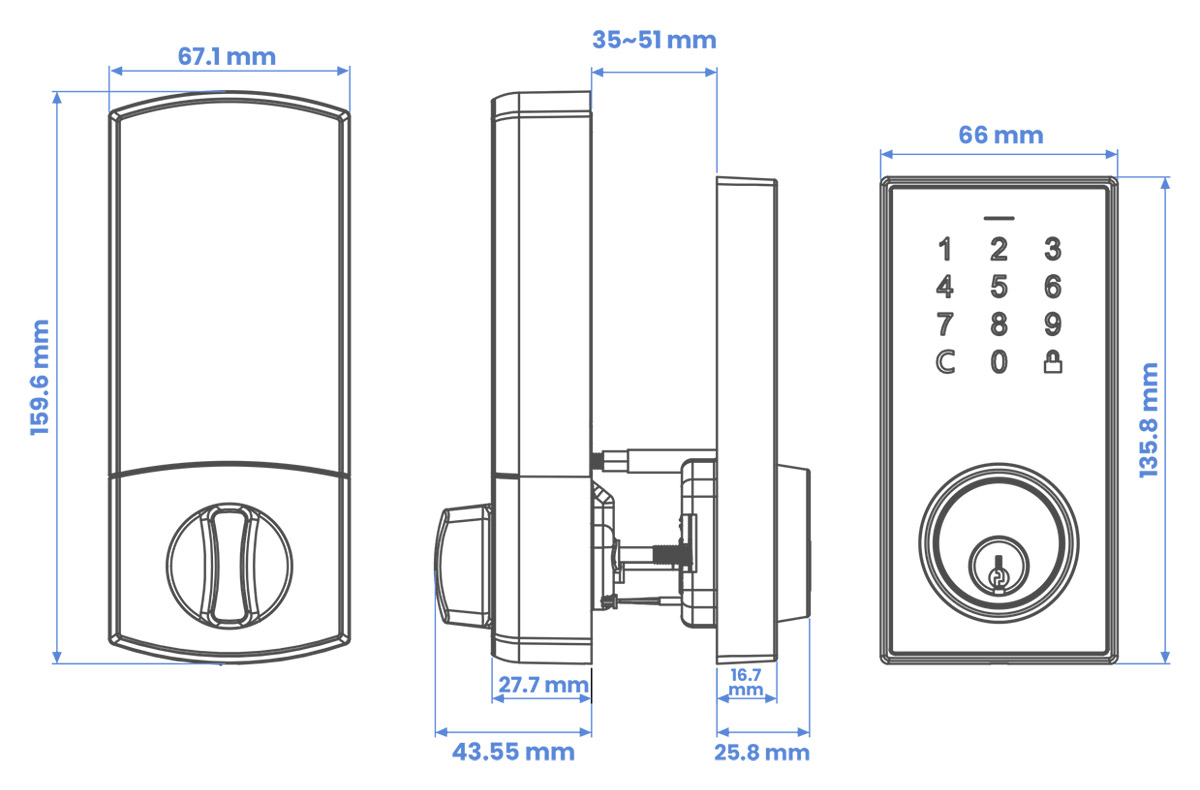
Dimension Exterior lock body : 66 mm x 136 mm x 25 mm
Interior lock body : 68 mm x 159 mm x 44 mm
Weight 1.29kg

What's Included?

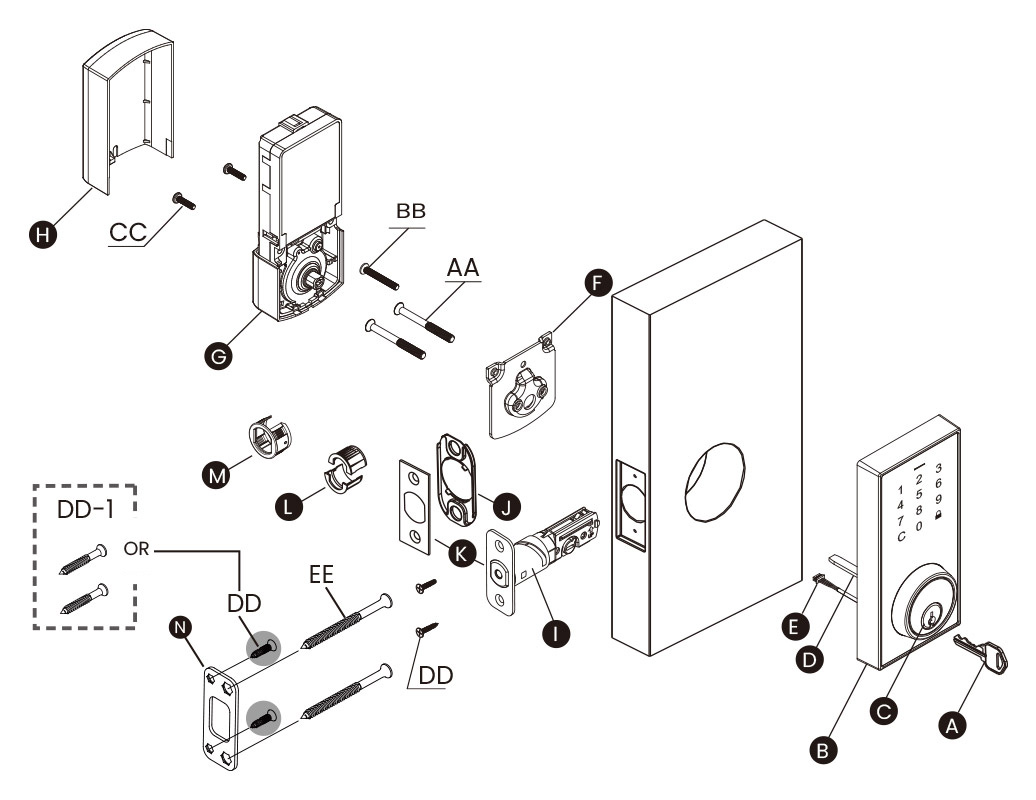
LK100 Dimensions LK100 Contents
Part Description Quantity
A Key 2
B Exterior Assembly 1
C Cylinder 1
D Torque Blade 1
E Power Cable 1
F Mounting Plate 1
G Interior Assembly 1
H Battery Cover 1
I Latch 1
J Bottom Plate (Optional) 1
K Square or Radius Faceplate (Optional) 1
L Drive-in Collar (Optional) 1
M Drive-in Collar (Optional) 1
N Strike Plate 1
Part Description Quantity
AA 2-1/16" (52 mm) Mounting Bolt 2
BB 1-1/4" (31.7 mm) Screw [The correct hole sizes. Ø 2-1/8" (54 mm)] 1
CC 3/4" (19 mm) Screw 4
DD 3/4" (19 mm) Wood Screw 1
DD-1 1-1/4" (31.7 mm) Wood Screw 2
EE 3" (76 mm) Wood Screw 2

Product Reviews

Overall rating: 3.6422765 / 5 from 123 reviews.

AI Generated Review Summary

The Bluetooth Deadbolt Smart Lock offers a secure and convenient way to keep your home safe. It features easy installation and good value for money. However, Bluetooth connectivity can be inconsistent, and the app has mixed reviews.

Summary topics

  • Bluetooth Connectivity: 5%
  • App Functionality: 14%
  • Installation Ease: 9%

Review topics: ["quality","value","installation","issues","support","features","customer service","looks","functionality","instructions","works","price","lock","app","bluetooth","integration","choice","system","peasy","lorex","code","video"].

Review highlights

  • "Quick installation, works well, good value for money."Zygmunt J.
  • "Easy install & setup"1447392 W.
  • "Super-quick install for hardware - same as every keypad deadbolt."1447392 W.

Reviews

Connectivity issues

"The smart lock has a great look and easy to install, but comes with a lot of connectivity issues. Bluetooth keeps disconnecting and connecting that frustrates the home owner . . I like the fact that you can open your door by tapping your phone to the lock . I don’t like that You’re unable to open the door remotely which is a big deal for me. It has great features but needs a lot of work . Other than that it works great. 👍🏽"

Saul M. (3/5)

Not recommended

"Product is not what advertised. It doesn't detect when you're arriving close to home and wont automatically unlock. For my experience it hasn't been a year that I bought it and the deadbolt seems to be stuck. It wont fully lock, unless you lock it from inside"

Arturo T. (1/5)

The lock works well. The

"The lock works well. The auto unlock feature is nice to have when arriving home."

Joe D. (4/5)

works good but cannot connect

"works good but cannot connect to my phone it says my phone is to new i have a google pixel 10 pro"

John H. (3/5)

I am shocked that this

"I am shocked that this doesn't work with the Lorex Classic app. . . now I have to use an additional app just to control this lock"

SYED M. (4/5)

Bluetooth Deadbolt product Review

"After I received this product, I found that it was different than what I thought. You were only able to remote into this product if you are within Bluetooth reach otherwise you are unable to lock and unlock if you are away from your home."

Installer C. (1/5)

Dont buy had nothing but trouble

"Had issues with the first lock after about 4 months after about 40 minutes on the phone with customer service they sent a new one under warranty. Had to try to convince them to send a new one first to return the old one because their would be a hole in my door. After that battle we installed the new one which worked for 8 months. After this it would sound a long beep and not allowed us to use the keypad or the app. Tried to change batteries amd factory reset. Doesn't work. At the end of the day dont buy its very unreliable."

Kristian P. (1/5)

Dumb Lock - Terrible Product

"Horrible experience. The manual directs you to download the "iKey Lock" app. I downloaded it and when through the entire setup/configuration when it tells me that a newer 2. 0 version was available and directed me to "update" it only instead of an update, it made me download an entirely different app called "iKey Connect" where it made me go through the entire setup/configuration process again. Then, when I went to add the lock, it says the lock has already in use because of the original app. I then had to factory reset the lock to add it in this new app. Then, the bigger nightmare began. The app is so buggy and some functionality just won't work at all. Namely, the auto unlock feature does not work as advertised which was the primary reason I decided to purchase this lock. Lorex makes some great camera systems but they should never have put their name on this dumb lock."

Michael B. (1/5)

Quality issue?

"I’ve gone through two of these smart locks in less than one year - thank goodness for warranty. They both have dead keypads and suffer from the beep and alarm syndrome. Not impressed! Quality issue?"

K (2/5)

Great Product! Very easy to

"Great Product! Very easy to set up and use."

Tom K. (5/5)
Q&A

Can the key cylinder can be switch to a Weiser cylinder?
No. The warranty will be voided by any modifications to Lorex products, including changes to the lock cylinder.
Hi What's the difference between the two different Bluetooth locks you have to offer? Both on sale but ones 119 and other on sale for 89
We currently only have this offer.
Can I lock multiple locks at the same time via the app or do I have to do that 1 at a time. If I’m going to bed and want my home secured do I just press 1 button to lock them all?
You cannot unlock all devices at once with a single button in the app, but you can enable Auto‑Unlock, which will unlock them automatically when you are nearby.
Their lock work with Lorex app or is a different app
No, it works with the iKey app.
Does this connect to WiFi as well? Or does it only connect to Bluetooth?
No, it cannot be controlled remotely by connecting it to the Wi-Fi network.
>