Skip to product information
1 of 2
View full details

Smart Sensors

Add-on Window / Door Sensor

Add-on Window / Door Sensor

SKU: SKU: AK41TK

door window security sensor banner

Window / Door Sensor

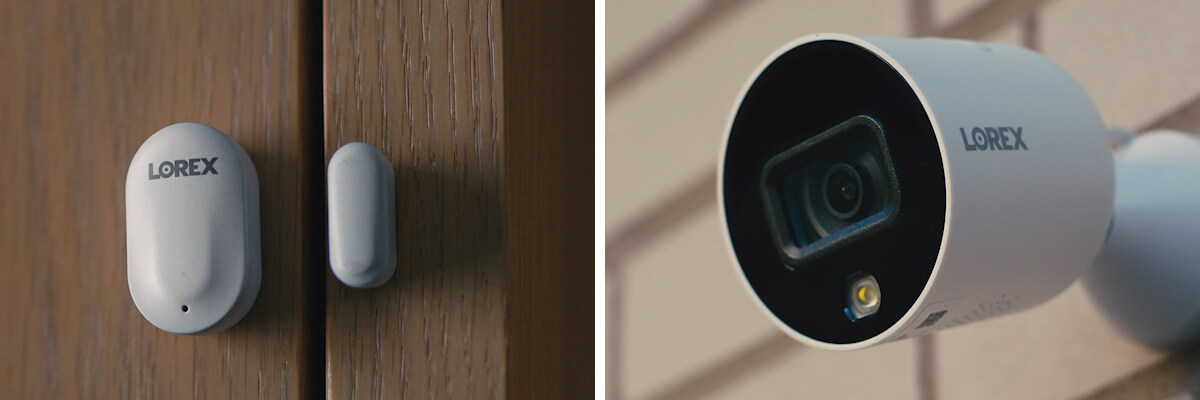
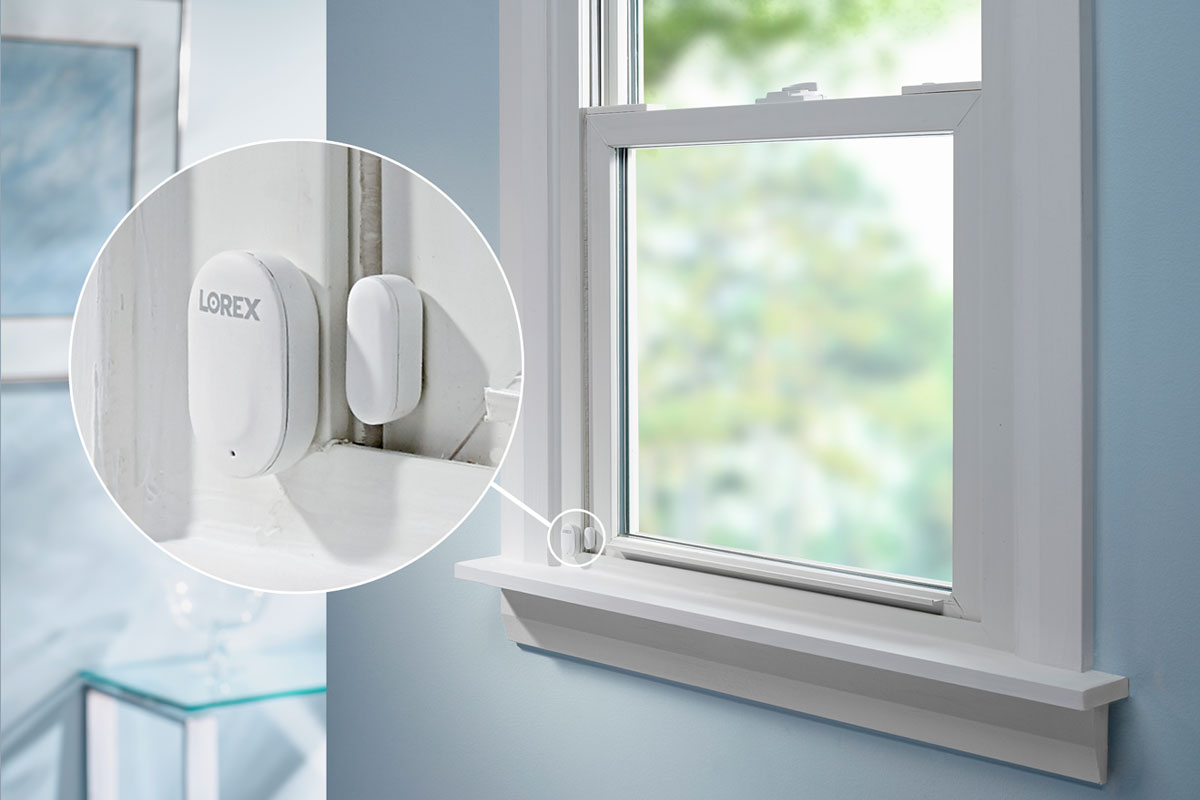
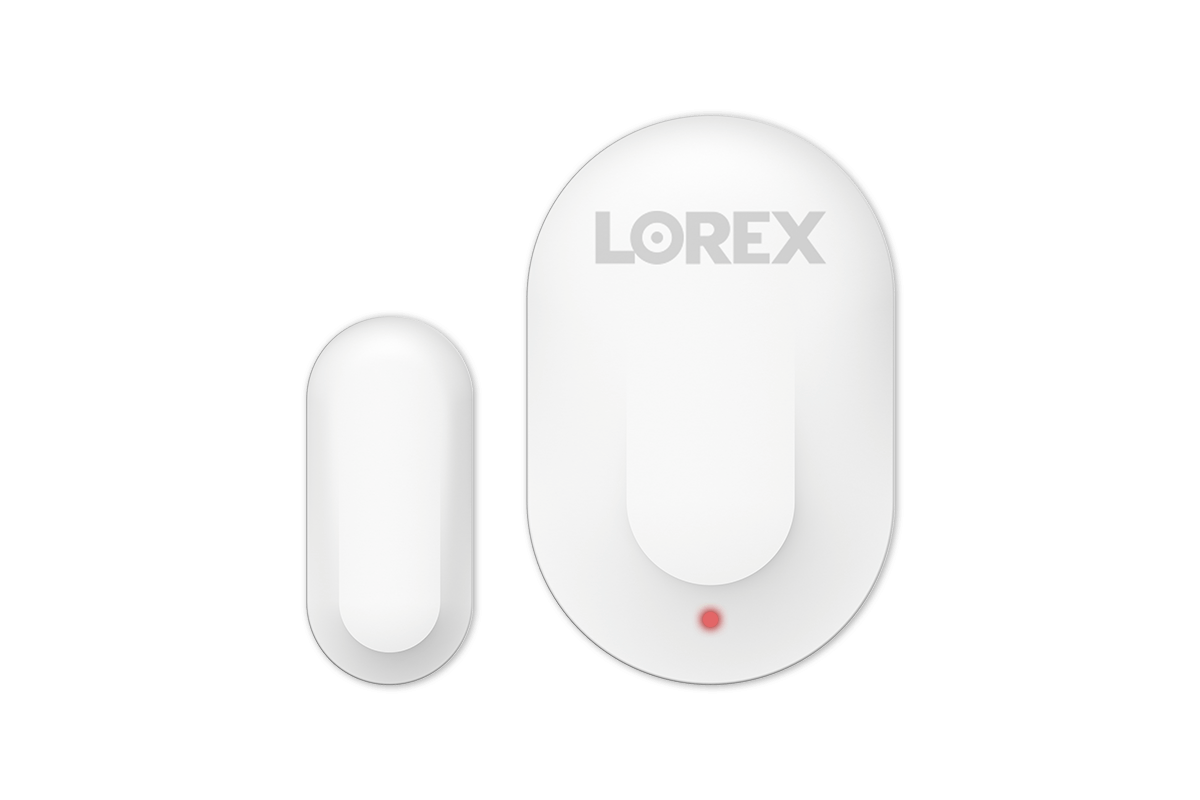
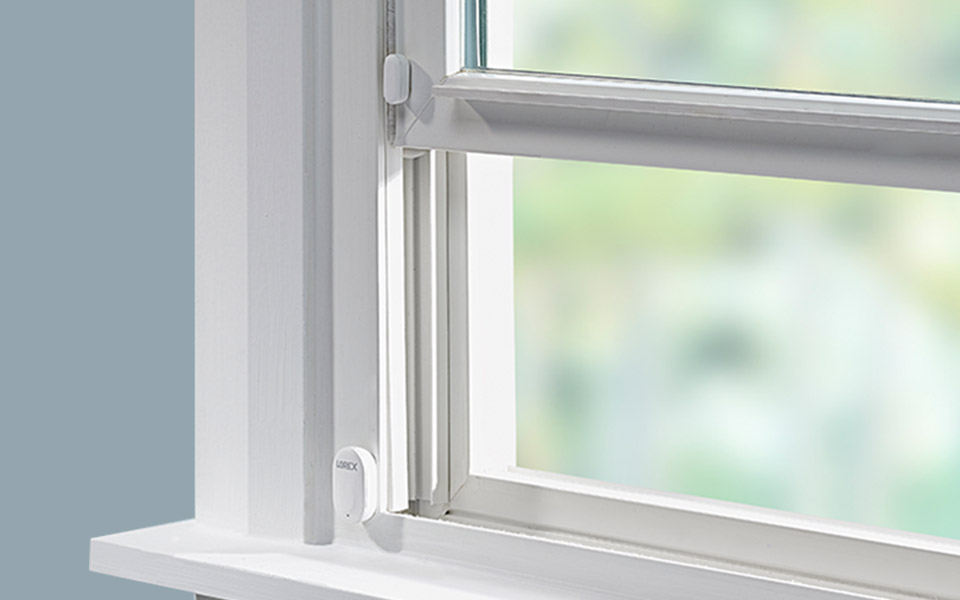
Take your security beyond video monitoring with a Window / Door Sensor Set from Lorex. Small, but incredibly crucial, this sensor will notify you the moment a window or door has been opened. Simply stick the sensors on any door or window frame in your home. Then, the moment that their close connection is broken you will be notified through the Lorex Classic App. Connect a total of 10 sensors to the Lorex Sensor Hub or up to 32 to the Lorex Smart Home Security Center to ensure you always know of any windows or door openings.

 
video free security
Video-Free Security

Sensors provide indoor security without using indoor video cameras.

easy installation and setup
Easy Setup

Connected using the Lorex Sensor Hub or the Lorex Smart Home Security Center.

motion sensor push notifications
Real-Time Alerts

Receive mobile notifications the moment a sensor is activated.

link wi-fi cameras with motion sensors
Link Cameras

Automatically start the recording on a compatible Lorex security camera.


Do I need a Starter Kit to Use Add-On Sensors?

 
standalone use and security system with NVR use

Yes

If using standalone or with an NVR or DVR system.


Add-on Sensors connect to The Lorex Sensor Hub, which connects to the Lorex Classic App.


use with Lorex Smart home security center

No

If using with the Lorex Smart Home Security Center.


Add-on Sensors are connected directly to the Lorex Smart Home Security Center without a Lorex Sensor Hub.


Link Sensors to Lorex Security Cameras

Automatically start the recording on a compatible Lorex security camera the moment an add-on sensor is activated. This means that the linked camera will already be recording before it is able to detect the motion itself, which can give you valuable pre-event video to provide more context.

Sensor Linking to Wi-Fi cameras

Sensor Linking with Wireless Cameras

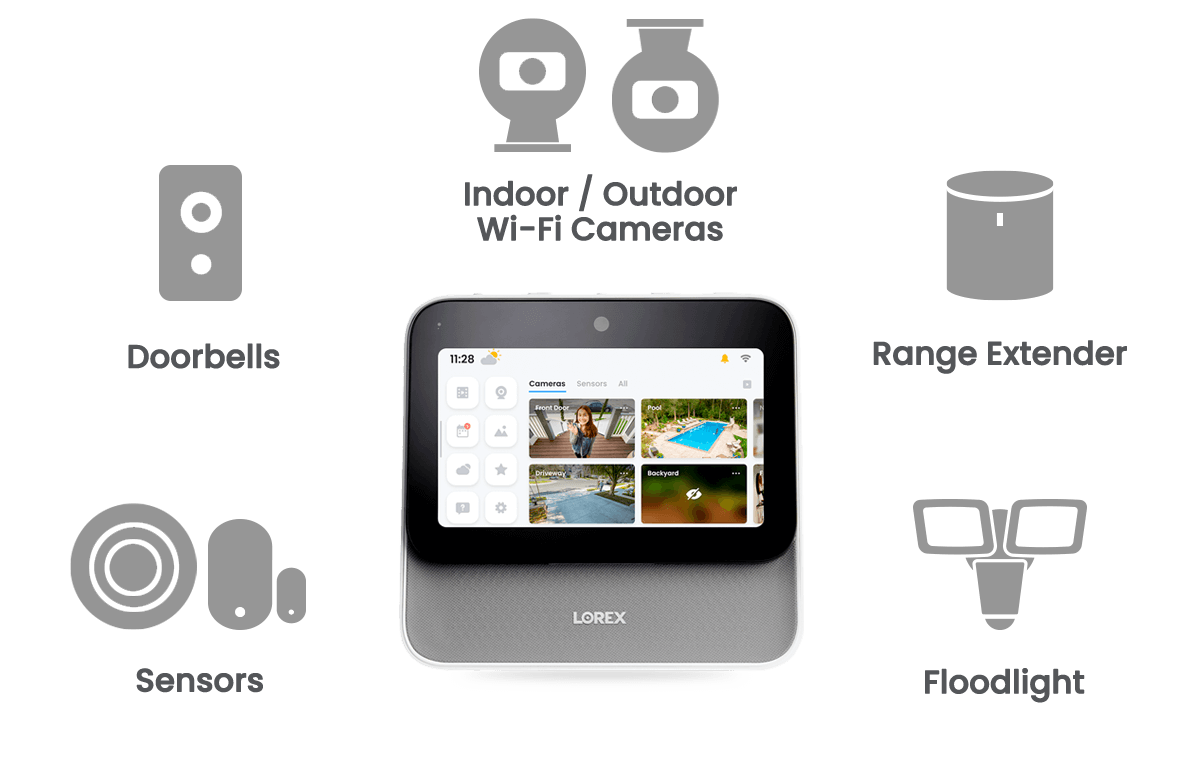
The Lorex Sensor Hub is able to link connected Add-On Sensors to other Lorex wireless products connected to the Lorex Classic App, such as Indoor and outdoor Wi-Fi Cameras*, Wi-Fi Video Doorbells, and Wi-Fi Video Floodlights.


*Not compatible with LNWCM and LNWiHD series Wi-Fi cameras

Sensor Linking to Wi-Fi cameras

Sensor Linking with Wired Cameras

The Lorex Sensor Hub is able to link Add-On Sensors to wired cameras through select recorders. Please see the compatibility chart to see which NVRs and DVRs can use this feature.


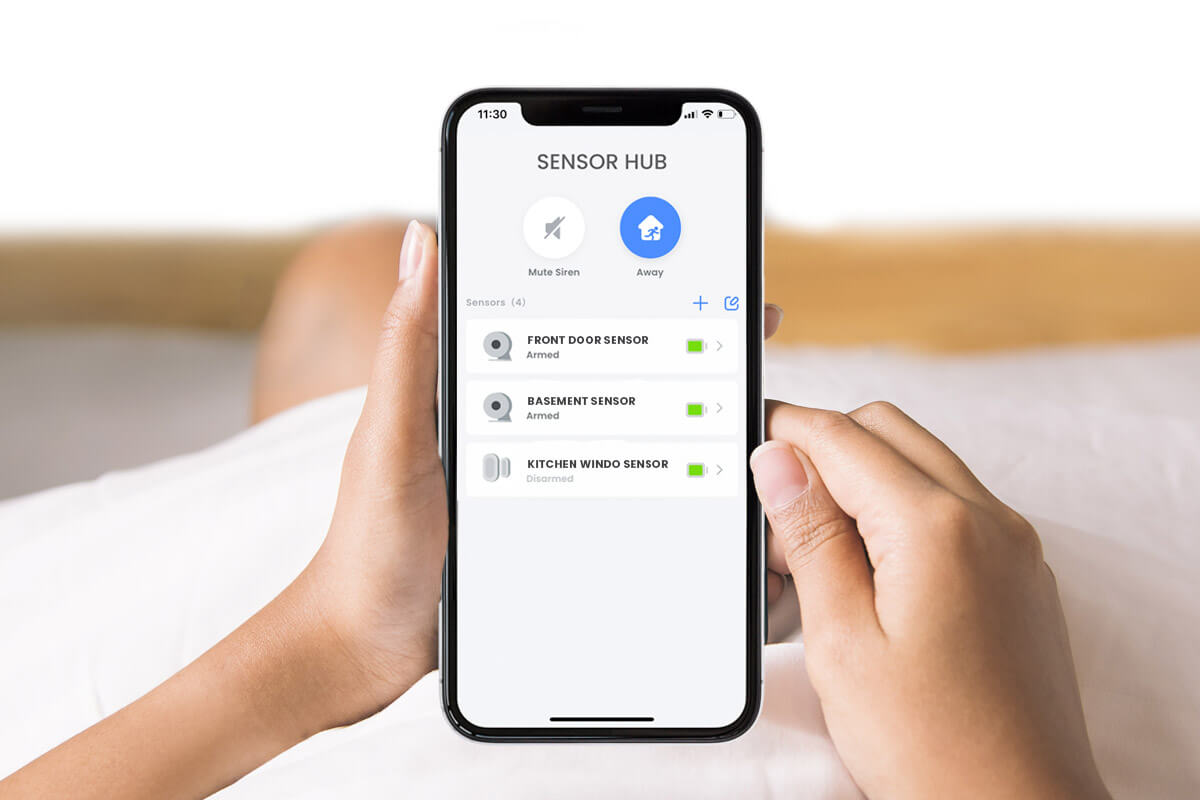
Arm Disarm sensors with the Lorex Classic App

Arm/Disarm with ease

Manage your sensors with the Lorex Classic App™ app. Using this app, you can arm or disarm all, or specific, sensors from wherever you are.

small but essential door window sensor

Small But Essential

The Window/Door Add-On Sensor is very small (22mm × 36mm), allowing you to place many around your house unobtrusively (up to 10 on a Lorex Sensor Hub or up to 32 on the Lorex Smart Home Security Center).


Compatible With Lorex Smart Home Security Center

This device can be added to the LSHSC along with other indoor and outdoor Wi-Fi cameras, video doorbells, floodlight cameras, and alarm sensors.


What's Included?

AK41TK

Window / Door Sensor:

AK41TK Door / Window Sensor
  • Receive mobile notifications from the Lorex App™ app or hear a chime whenever your doors or windows open
  • Triggers alerts when the sensors detect windows or doors opening
  • Install the sensors on any door or window frame in your home for easy, seamless installation
Color White
Power Battery: CR1632, included
Connectivity BLE5.0
Lights Status Indicator Light
Installation Type Tabletop or wall mount
Setup Requirements / Compatibility Lorex Sensor Hub, Lorex App Center
Mounting Adhesive, included
Operating Conditions Indoor Use
Operating Temperature 14°F ~ 113°F / -10°C ~ 45°C
Operating Humidity 0 ~ 95% RH
Warranty 1 year limited warranty

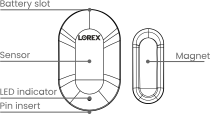
Each AK41TK Includes:

1 × Window / Door Sensor
1 × Pin
1 × Pre-inserted battery
Mounting Adhesive

1. Chime notification originates from a Lorex Hub, which is activated when linked sensors are triggered.
2. Sensors need to be within range of the hub to work.
Product Support

Product Support

Product Reviews

Overall rating: 4.6363635 / 5 from 44 reviews.

AI Generated Review Summary

Summary topics

Review topics: ["battery","tone","works","sensitivity","cameras","system"].

Review highlights

Reviews

Faulty device

"Battery did not last 5 days. I purchased on Amazon and Lorex refused to replace because it was supposedly not from an authorized seller, but at first they were willing to replace it. After they informed that, I asked if they could just sell me a new one, but then they stated they were out of stock. Not sure how they were going to replace it at first but now can’t even sell me one… already wasted my money on the Hub so I just wanted to try a different sensor to see if the battery life would be better."

Jaso (1/5)

Does the job sensors

"Good and does the job. Price point ok."

May Y. (4/5)

N/a

"N/a"

Ray P. (4/5)

Great addition

"Great addition"

Steven n. (5/5)

Works great

"Does what it is suppose to and was simple to install."

Kody K. (5/5)

Easy to install

"Great products."

PAUL s. (5/5)

More separate notification tones

"Need to have separate ring tones for each device."

Stephen f. (4/5)

Very good

"Very good"

B2C- R. (4/5)

Great

"Great"

Jacob G. (5/5)

Decent, reliable.

"Does what it is designed to do. It starts to get flaky when the batteries get weak, sending false notifications when you are not home. It raised an eyebrow the first couple of times it notified that the door had been closed an hour or longer after we had left. Once we figured out what was happening we changed the battery and it worked just fine. Note: the initial batteries it shipped with did not last a year. The app can be a little flaky with the sensor hub. It often will not disable the first try. But all in all a good little system."

M W. (4/5)

Q&A

Why can’t I add this to my cart?
It is a discontinued item.
I have several for 2 years How do you charge or replace batteries
Call our technical support team, who will be happy to assist you. Technical support: 1-888-425-6739
good afternoon, I’m buying a Lorex alarm set for the 2nd time and the door sensors are not turning on, please tell me, maybe I’m doing something wrong
You can call our technical assistance service, they will be happy to help you. Technical Support: 1.888.425.6739
I have 2 AK41TK door sensors installed and connected to my hub. In the last month one of the door sensors sends a "closed" event once or twice a day. There is no corresponding "open" event. Is frustrating because at night I was trying to use this as an alarm. Battery shows normal in the app, I have removed the magnet and sensor and reinstalled closer to each other to ensure there is contact and no jiggling. Are there recommended troubleshooting steps? Might it be defective? I would have checked the hub but the other AK41TK sensor not having issues is on the same hub and is further away from the hub than the one that is having issues. I really like the system otherwise.
You can try to reset the sensor and delete it from the app and from the hub, then make the initial setup again, if the issue persist, please contact support at 1-888-425-6739
I can't get my door sensors to notify me as the camera's do, any reason why the sensors won't send a notification to my phone via the Lorex Home App when the doors are being opened?
You can check on the Sensor Hub's home and away setting. Make sure you configure each sensor based on your preferred setting. You may call our Technical Support Hotline for further assistance on 1-888-425-6739 and select option for Technical Support.
>