Skip to product information
1 of 4
View full details

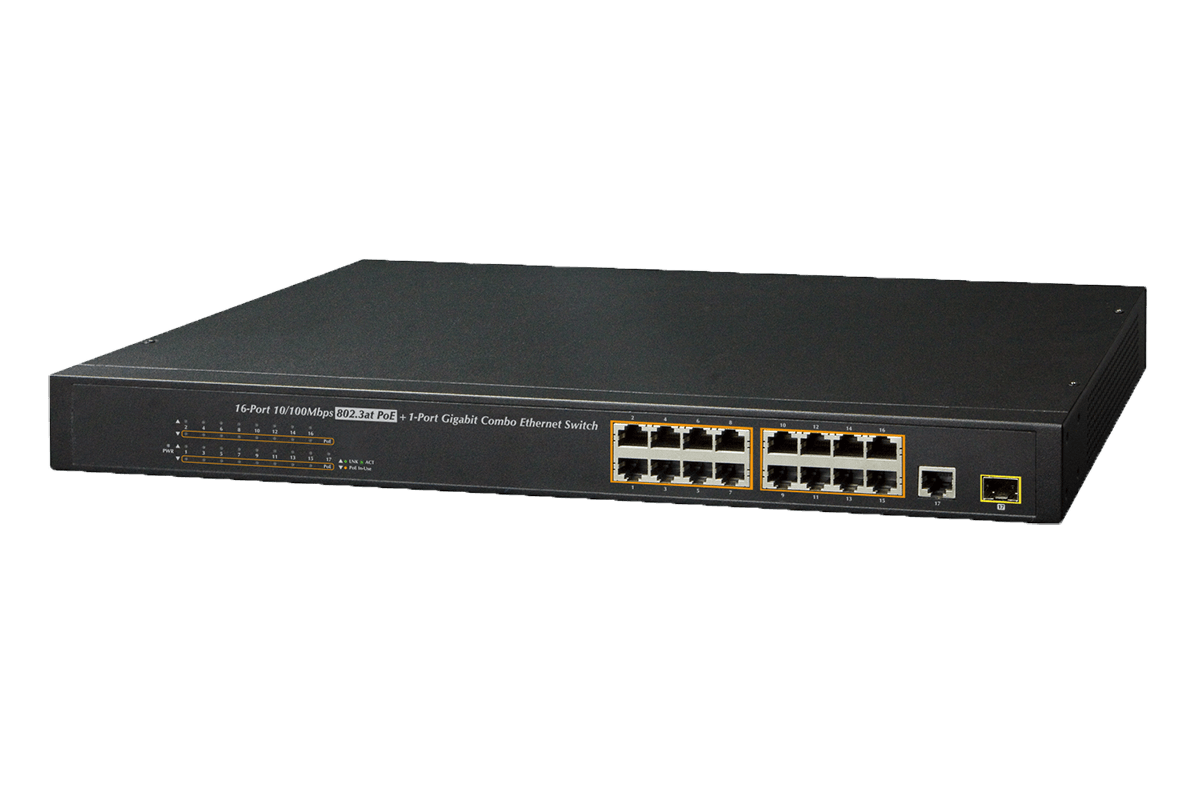
Lorex 16-Port PoE+ Switch

Lorex 16-Port PoE+ Switch

SKU: SKU: ACCLPS263BPrice Drop

PoE+ power-over-ethernet switch from Lorex

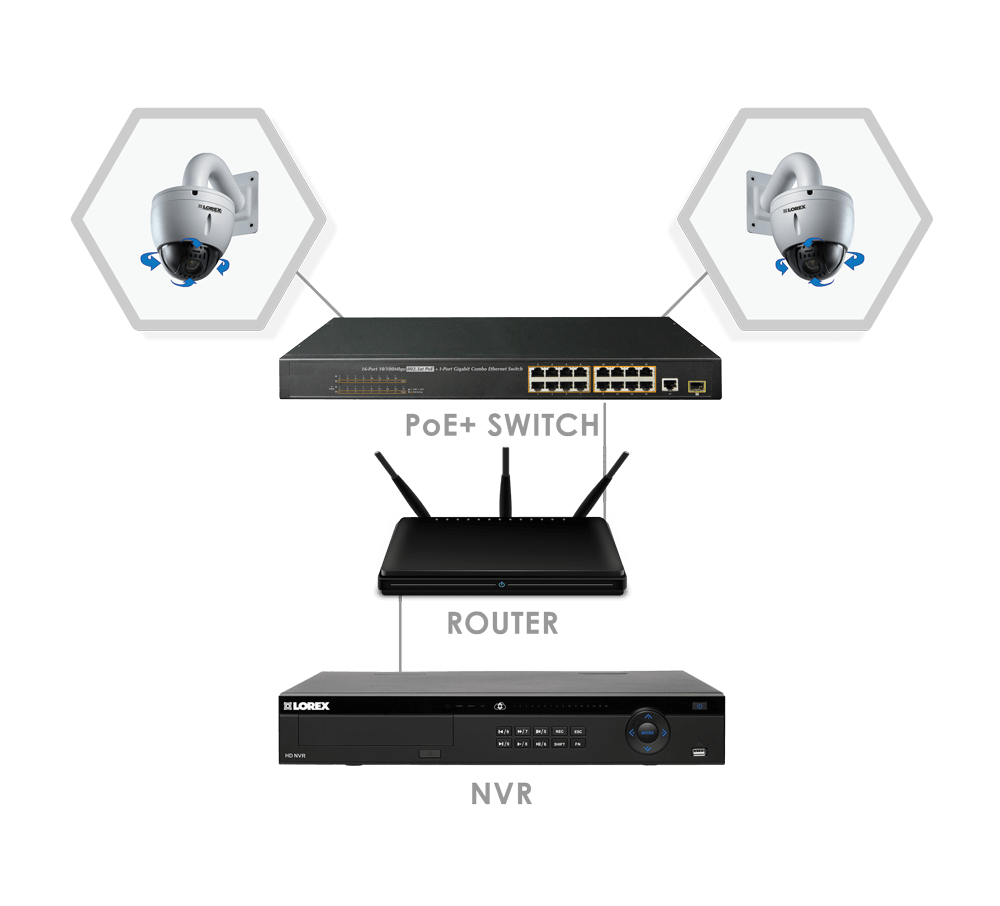
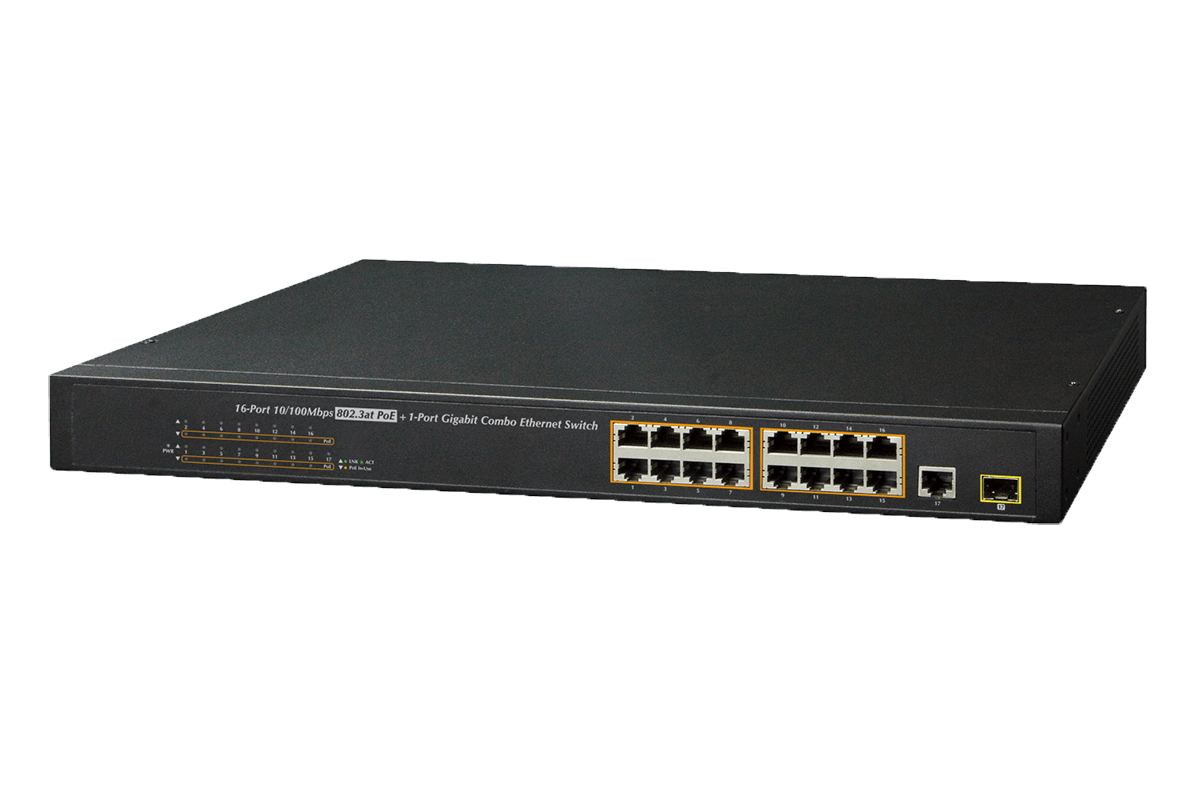
Add this powerful 16-channel PoE+ switch to expand your network security system. Whether you wish to add more distance to your IP security cameras or simply wish to minimize the cabling, this PoE switch is an ideal solution. It provides power and video transmission the exact same way a Network Video Recorder (NVR) does. Simply connect the PoE switch to your router, plug it in, and connect your IP cameras.

PoE switch diagram

What is a PoE Switch?

First and foremost, a PoE switch can incorporate additional cameras to your NVR if you have additional channels open. For instance, a 32-channel NVR only has 16 built in PoE ports on the back. So by adding a PoE switch, you will be able to incorporate the remaining 16 channels into your security camera system. A secondary use of a PoE switch is that it can help you extend the distance of your IP cameras from your NVR. Typically, the maximum distance you can install an IP camera from an NVR is 300ft / 92m. This distance can be expanded significantly by running an ethernet cable from your router to a PoE switch up to 300ft away. Then you can install your IP cameras up to 300ft away from the PoE switch. This can also save you money on installation costs if you have a large property (or detached buildings) because you don't have to run every camera cable all the way back to the NVR. Multiple PoE switches can add even more distance if needed.

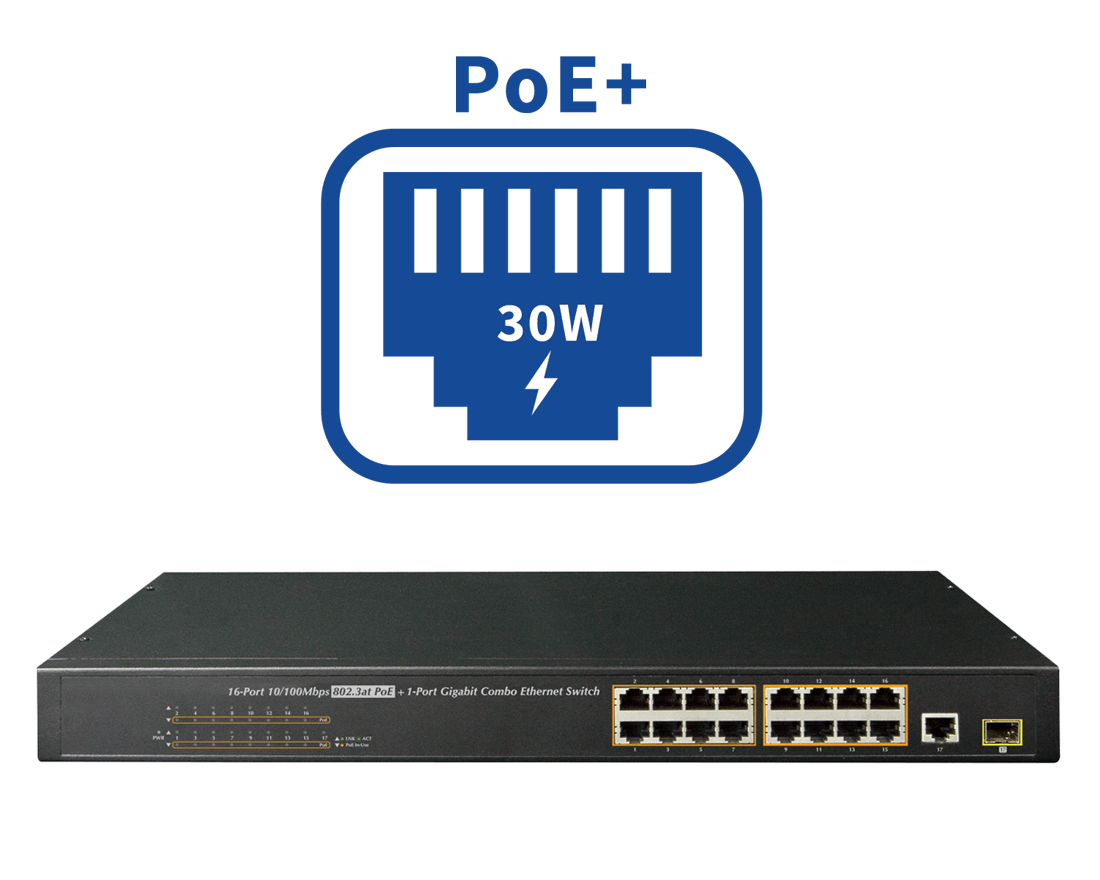
PoE+ switch icon

Powerful 220W PoE+ switch

Typical IP security cameras (class 3) require around 13 watts of power to operate. Select IP cameras such as Pan-Tilt-Zoom cameras (class 4) however, require additional power to operate (around 25 watts). This means that a standard PoE switch, which only provides a maximum of 15-watts of power from the PoE port, won't have enough power to control the PTZ functions. This switch, however, is a PoE+ switch, which can output up to 30 watts of power from the PoE ports. In fact, it can output a total of 220W. This means you can connect up to 16 class 3 security cameras (12.95W Max.) or up to 8 class 4 (25.5W Max.) security cameras or a combination totaling up to 220W.


What's Included?

ACC front

Package Contents:

1 × PoE Switch

1 × Power Cord

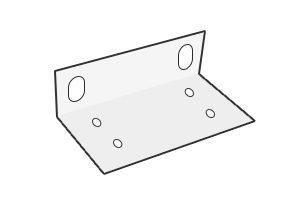
2 × Rack Mount Bracket

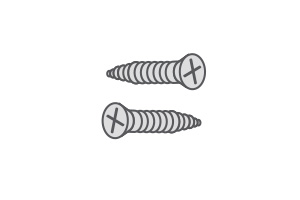
8 × Mounting Screws

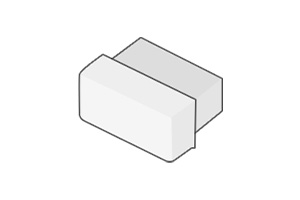
1 × SFP Dust Cap

4 × Rubber Feet

Quick Start Guide

 
  • Centralized power distribution - Easy all-in-one PoE switch
  • 1 Gigabit rated RJ45/SFP port for fast device/network connection
  • High speed transmission of IP surveillance data
  • 220W total PoE power budget (up to 30.8W per port)
  • Convenient Real-time PoE usage LED indicators

Product Compatibility

Product Support

Product Reviews

Overall rating: 4.742857 / 5 from 35 reviews.

AI Generated Review Summary

Summary topics

Review topics: ["quality","issues","works","system"].

Review highlights

Reviews

Love it 😊

"Love it 😊"
Occh O. (5/5)

Well built

"Well built"

CompNet A. (5/5)

Works

"These do what they are supposed to. We have never hooked 16 POE cameras to it but it works through 9."

Captain H. (5/5)

Nice quality

"Nice quality"

Installer K. (5/5)

Great product

"Great product"

Tyrone B. (5/5)

Excellent!

"Excellent!"

ACSI A. (5/5)

Great! Easy to set up

"Great! Easy to set up and navigate."

Red L. (5/5)

Very simple setup.

"Very simple setup."

Darrel B. (5/5)

Great

"Great"

DENYS R. (5/5)

Great product

"Works great and received very quickly."

Shellie C. (5/5)

Q&A

I have the Lorex 16 channel nvr (like 2019ish older model) system. I have used all 16 channels. Can this be used to expand my 16 channel to a 32 channel using my current system?
If you have a 16-channel NVR, you can connect up to 16 cameras, even if you use a 16-channel PoE switch.
Can I wire this switch to the nvr using a cat 6 cable. I want to connect the cameras to the switch and a cat6 cable to the nvr located in another area with the monitor. Thx
Yes, you can use an Ethernet cable to connect the PoE switch, note that the correct installation is PoE-Router-NVR switch, NOT PoE-NVR switch.
Is it compatible with N6846A6 model?
The N864A8 is not compatible with the 16-port PoE switch, but is compatible with the AEX8-2 8-port PoE switch. Please refer to the following link. https://www.lorex.com/products/aex8-2-8port-epoe-switch
I have an 8 channel POE switch from Lorex and trying to hook up one PTZ camera and 4 “regular’ cameras, two of which are 300’+ in length. The instructions just don’t make any sense to me. I’m trying to connect everything through the POE switch and my N882A64B 16 Channel 4K NVR system. Can you please tell me how this is supposed to be wired? I’m not a professional
Remember that in order to connect a Poe switch you must have internet connection, this in order to connect the cameras to the switch and the switch to the main router, in the same way you wOULD have to connect the NVR to the same router, this in order to stablished connection between the NVR and the switch. We suggest you contact tech support at 888-425-6739
So this doesn't plug into the NVR? It plugs into a router and the NVR is able to find it?
Yes, the NVR and the 16-port PoE switch must be connected to the same router, NOT the PoE switch directly to the NVR. https://www.lorextechnology.com/downloads/accessories/ACCLPS263B/ACCLPS263B_QSG_EN_R2_web.pdf
>